195
Various settings
7
7.4.Settings related to the function keys
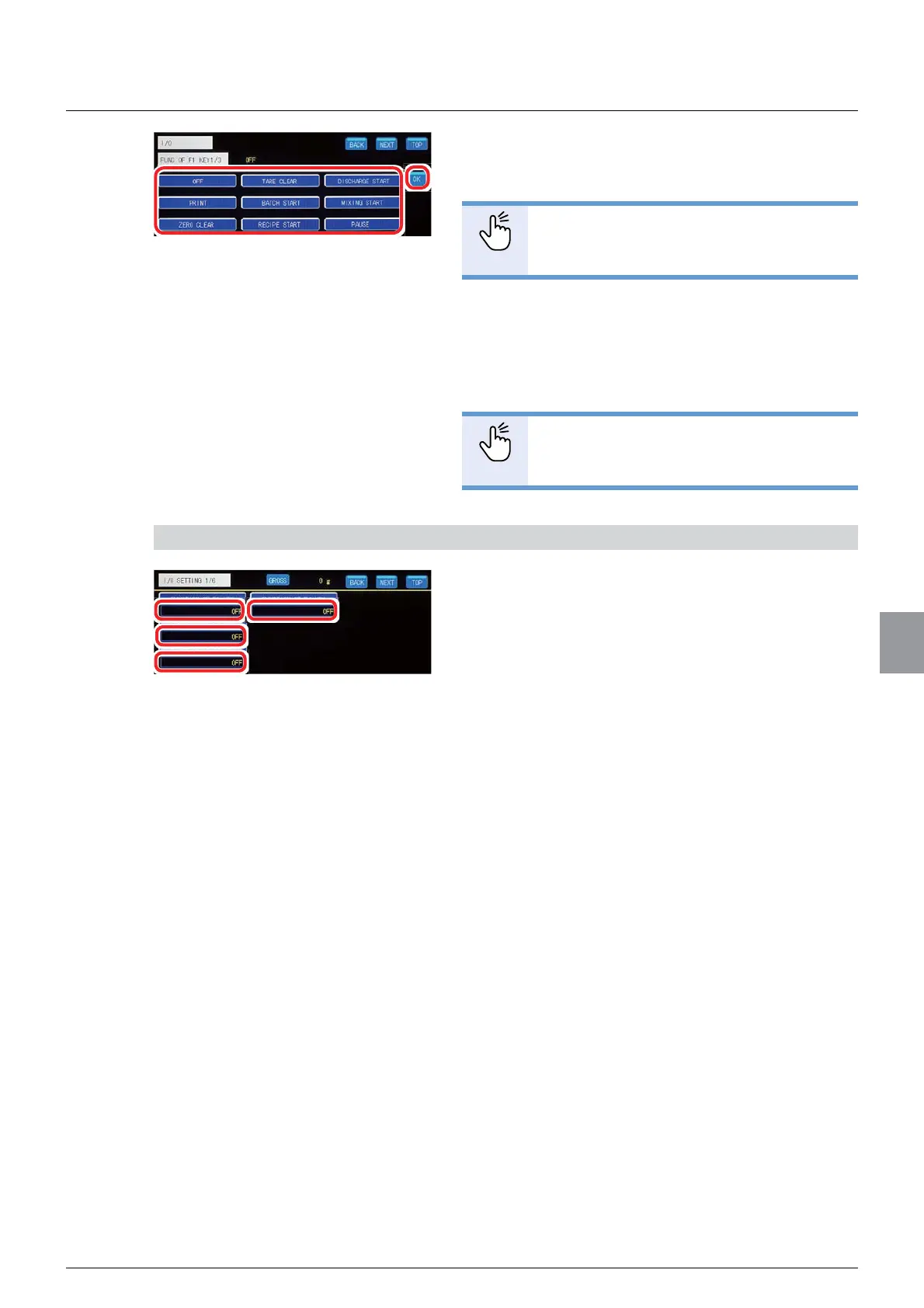
2. Select a function to be assigned to the
function key.
32,17
- For more information about assignable
IXQFWLRQVUHIHUWR³6HWWLQJIXQFWLRQ
OLVW´
3. Tap [OK].
7KHIXQFWLRQZLOOEHDVVLJQHGDQG>,26(77,1*
1/6] will be displayed.
32,17
- To assign a function to another function
key, repeat the steps above.
3) Check the setting that you set
1. Check the function key settings.
The setting is completed if the item set by the step
DERYHDSSHDUVXQGHULWVFRUUHVSRQGLQJIXQFWLRQ
key.



 To Next Page