9.4.Analog output
232
External equipment
9
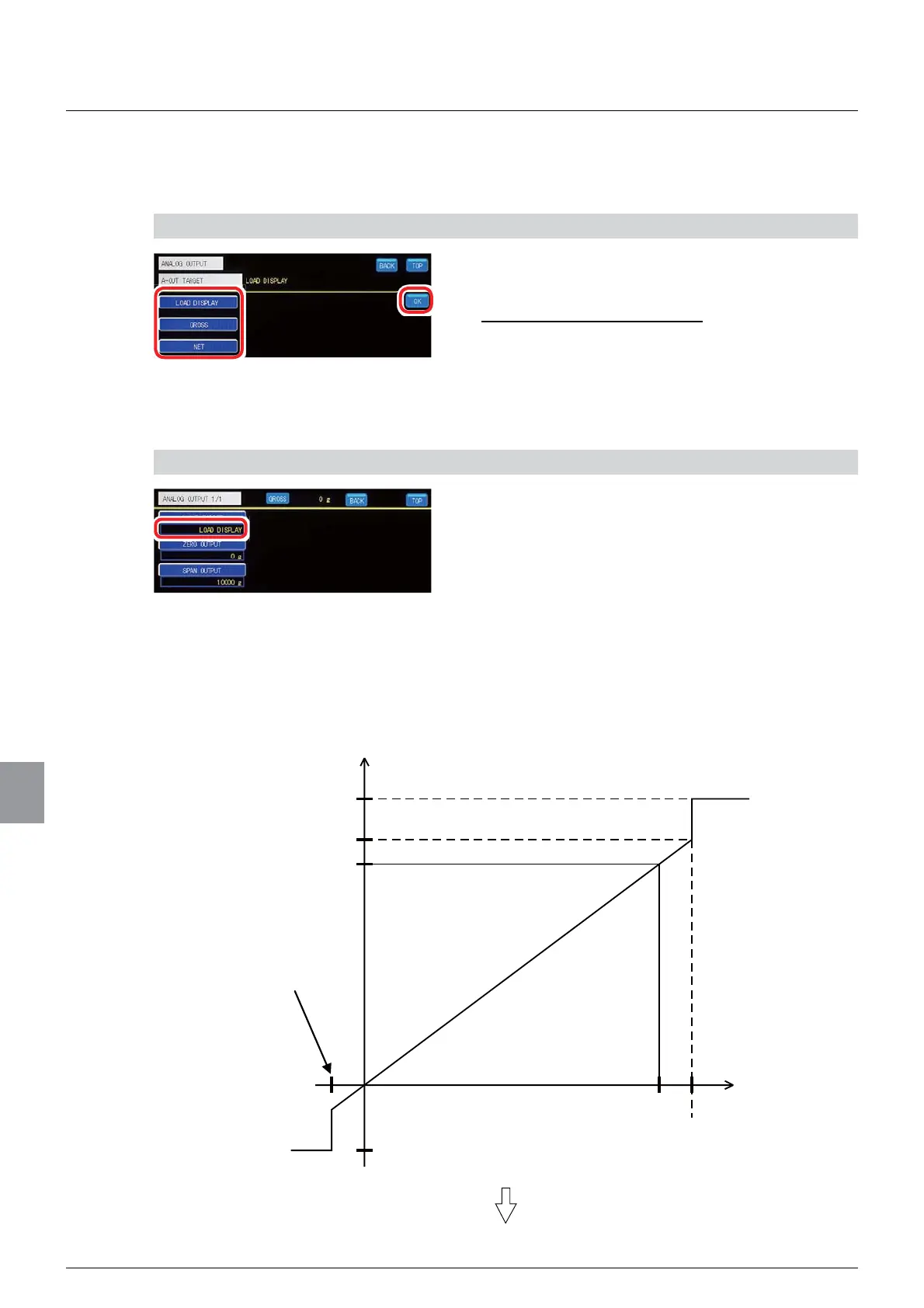
(1) Output target setting
An analog output target is set.
1) Set an output target
1. Select an output target.
6HOHFWLRQV/2$'',63/$<*52661(7
,QLWLDOYDOXH/2$'',63/$<
2. Tap [OK].
The output target will be set, and the analog output
setting screen 1/1 will be displayed.
2) Check the setting that you set
1. Check the output target setting.
The setting is completed if the item set by the step
1) above appears under [BCD- OUT TARGET].
(2) Scaling setting
The minimum value (zero output) and the maximum value (span output) of analog output
scaling can be set. For example, suppose the zero output is set to 1 000, and the span output
WR,QWKLVFDVHWKHDQDORJRXWSXWVFDOLQJZRXOGEHDVVKRZQEHORZ
Analog output
Approx. 21.6 mA
$SSUR[9
20 mA
9
Maximum value
4 mA
9
Minimum value
0 display
Approx.2.4 mA
$SSUR[9
Maximum display
Display
RIWKHPD[LPXPGLVSOD\
RIWKHPD[LPXPGLVSOD\



 To Next Page