9.4.Analog output
234
External equipment
9
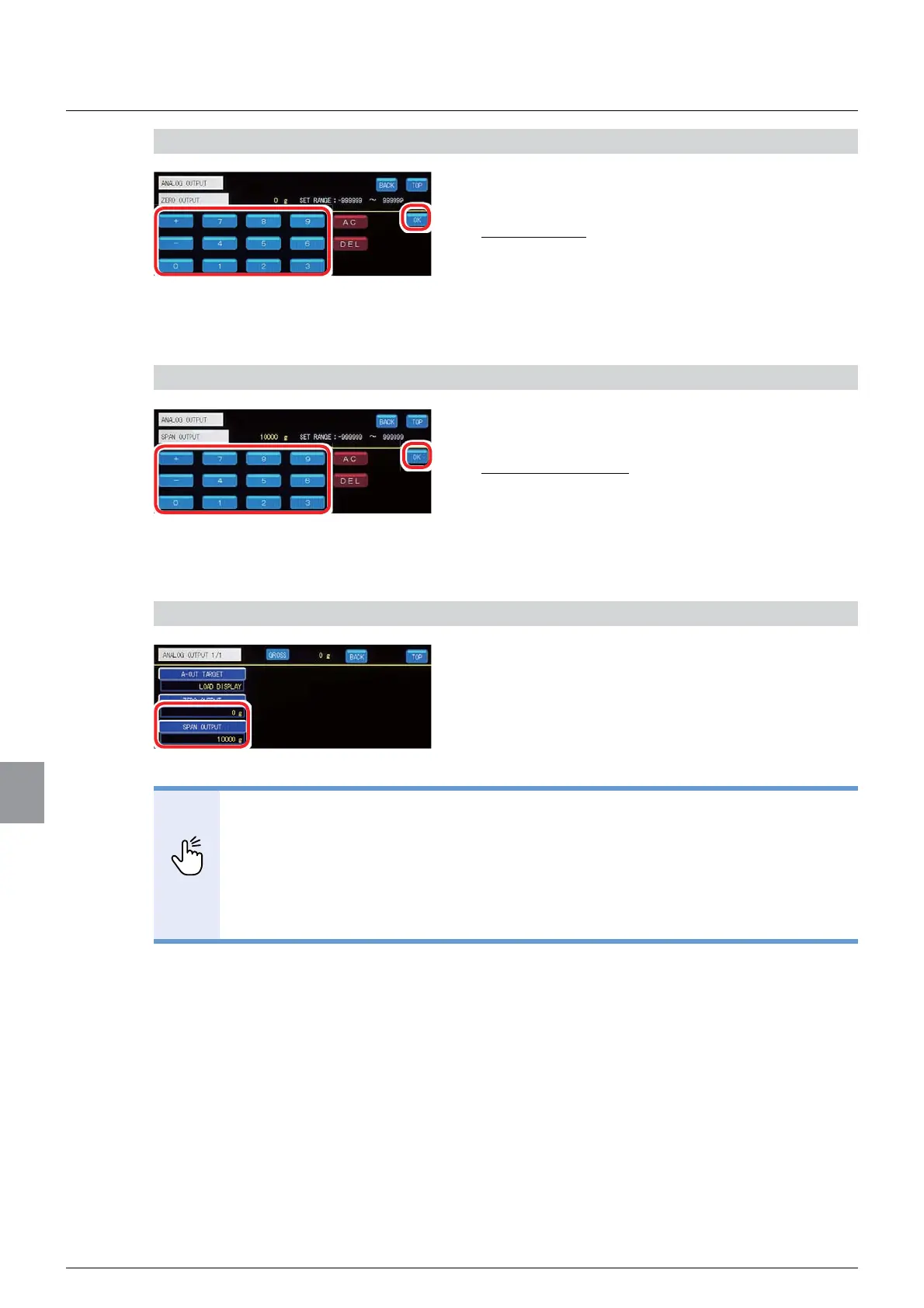
1) Set a minimum value on [ZERO OUTPUT]
1. Input a scaling minimum value.
6HWWDEOHUDQJHWR
,QLWLDOYDOXH
2. Tap [OK].
The scaling minimum value will be set, and the
analog output setting screen 1/1 will be displayed.
2) Set a maximum value on [SPAN OUTPUT]
1. Input a scaling maximum value.
6HWWDEOHUDQJHWR
,QLWLDOYDOXH
2. Tap [OK].
The scaling maximum value will be set, and the
analog output setting screen 1/1 will be displayed.
3) Check the setting that you set
1. Check the scaling setting.
The setting is completed if the values set by the step
1) and 2) above appears under [ZERO OUTPUT]
and [SPAN OUTPUT], respectively.
POINT
- Make sure that the setting value at [SPAN OUTPUT] does not exceed a setting
YDOXHDW>:(,*+,1*&$3$&,7<@ĺ:HLJKLQJFDSDFLW\VHWWLQJZKLFK
has been set in the calibration setting.
- Make sure that the value at [ZERO OUTPUT] is smaller than the value at [SPAN
OUTPUT].
:KHQWKHFXUUHQWRXWSXWDQGWKHYROWDJHRXWSXWLVVLPXOWDQHRXVO\XVHGWKH
scaling and the output target will be the same.



 To Next Page