56
Measurement
5
5.2. Preparation of measurement
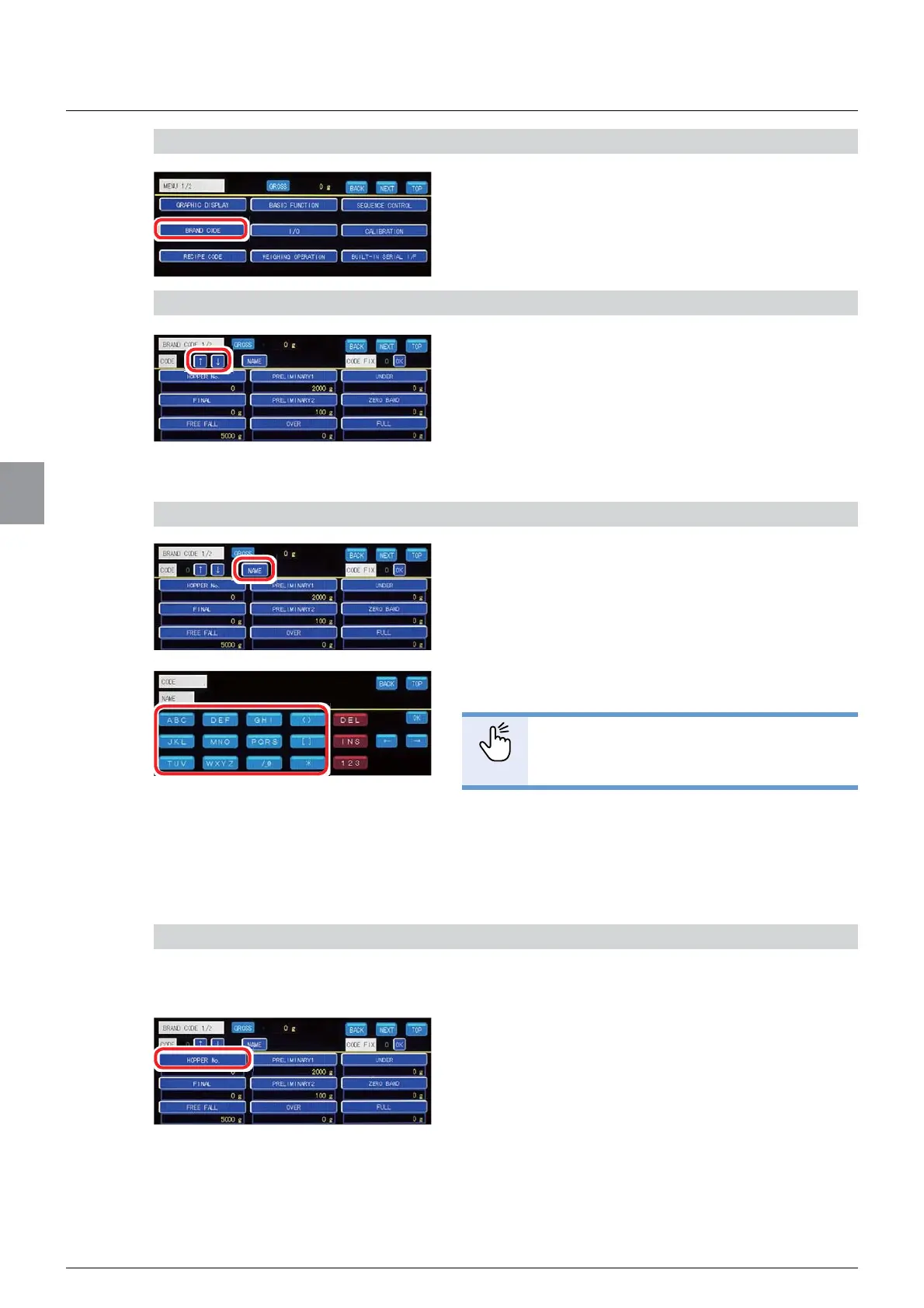
1) Display [BRAND CODE] screen
1. Tap [BRAND CODE] on [MENU 1/2].
>%5$1'&2'(@ZLOOEHGLVSOD\HG
2) Select the number to set the brand
7DS>Ĺ@DQG>Ļ@WRVHOHFWWKHQXPEHUWRVHWWKH
brand.
7RVHWDQHZEUDQGVHOHFWDQXPEHULQZKLFKQR
brand has been set. To change the contents of the
already set brand, select the number of the brand to
change.
3) Set [NAME]
1. Tap [NAME].
&KDUDFWHULQSXWVFUHHQZLOOEHGLVSOD\HG
2. Enter [NAME].
POINT
- Refer to "3.6. Input of characters" for
PRUHLQIRUPDWLRQDERXWKRZWRHQWHU
characters.
3. Tap [OK].
>1$0(@KDVEHHQVHWDQG>%5$1'&2'(@ZLOO
be displayed.
4) Set the number of the brand hopper
6HWWKHQXPEHURIWKHEUDQGKRSSHULQZKLFKWKHPHDVXUHGREMHFWLVLQ
1. Tap [HOPPER No. ].
7KHVFUHHQWRVHW>+233(51R@ZLOOEHGLVSOD\HG



 To Next Page