Morgana DocuMaster MFC - Service Manual 245
7. Electrical and Control System - Crease Control Software Updates though a PICkit 2 Programmer
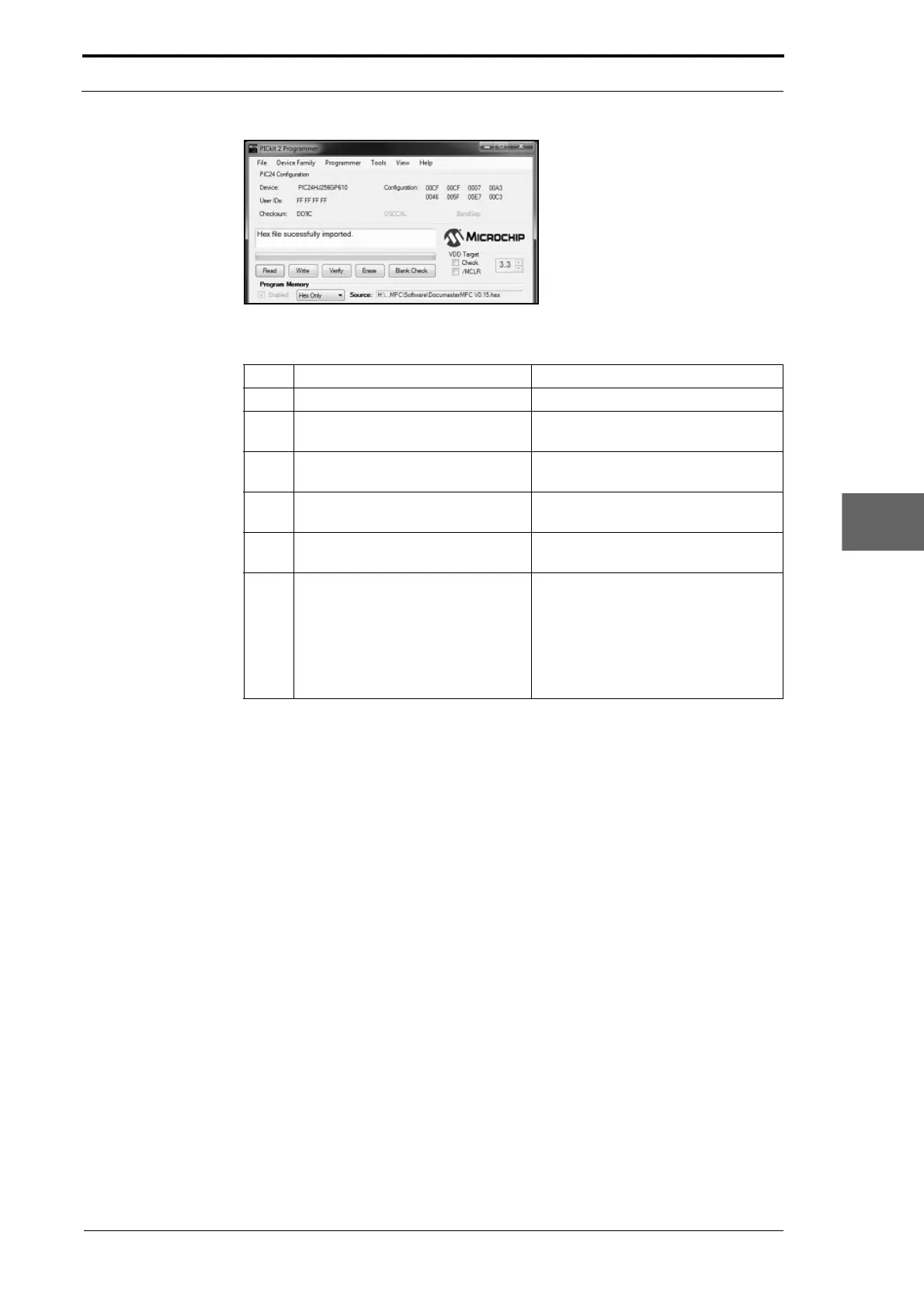
Figure 7.45 Hex File Successfully Imported To The Programmer
Step Action Information
1 Connect the PICkit 2 programmer. (See Section 7.8.1).
2 Click on Device Family in the
PICkit 2 programmer window.
(See Figure 7.42).
3 Click on PI
C24 in the drop down
list.
The PIC24 device will recognised as
PIC24HJ256GP610
4 Click on Fil
e in the PICkit 2
programmer window.
(See Figure 7.44).
5 Click on Impo
rt Hex in the drop
down list.
This action will open a browser
window.
6 Set the Source Fil
e Path to the
creaser software .hex file location
on the computer. Click on Open to
import the software to the
programmer.
Make sure that 'Hex file successfully
imported' is displayed in the status
message box when the file import is
completed.
To update the creaser software (see
7.8.3)



 To Next Page