4-24 Security fax functions
Confirmation dial
When the confirmation dial function is set, a screen requiring you to reenter the
destination will be displayed at transmission. Transmission is allowed only when the
first and second enter match. Entering the destination twice enables you to check
whether there has been a mistake when entering the number.
There are two types of confirmation settings:
•Confirm Speed-Dial
This will allow you to prevent sending faxes to undesired destinations by mistake, by
reentering the destinations that are entered using the speed-dial number and one-touch
keys.
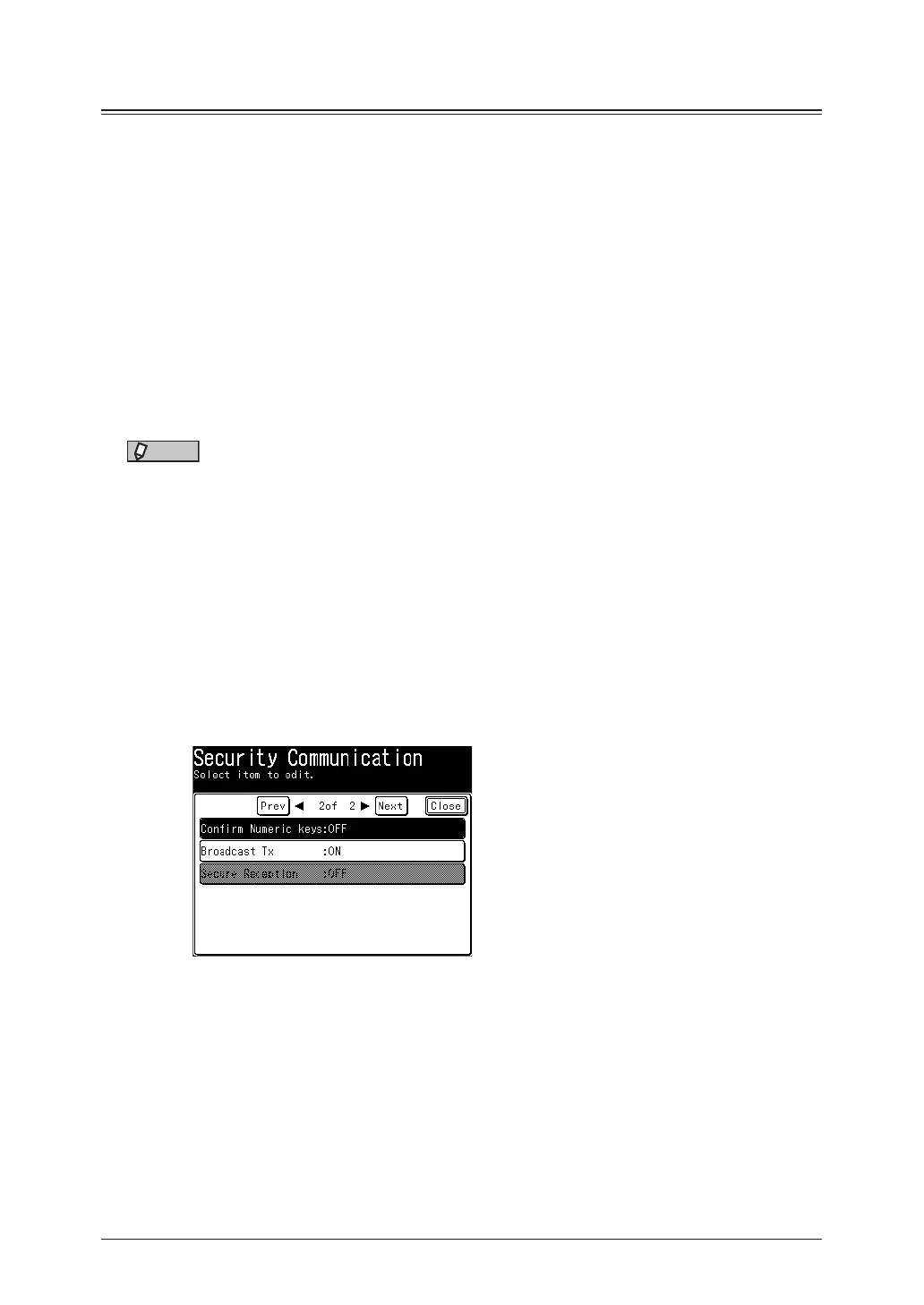
•Confirm Numeric keys
This will allow you to prevent sending faxes to undesired destinations by mistake, by
reentering the fax numbers. When the destination includes a dialing option like pause (/P),
you need to re-enter it exactly as entered previously including the dialing option.
NOTE
When using manual transmission (page 3-4), the confirmation dial function is
disabled, even if you set it to ON.
1
Press [Setting] on My MFP Menu screen.
If My MFP Menu screen is not displayed, press <Mode> repeatedly until My MFP menu
screen is displayed.
2
Press [Management].
If an administrator password is set, enter the password and press [Enter].
3
Press [Security Communication].
4
Select [Confirm Speed-Dial] or [Confirm Numeric keys] you want to set.
5
Select [ON] to perform the confirm dial function, and press [Enter].
Select [OFF] to deselect the setting.
6
Press [Close].



 To Next Page