5-16 Checking specified destinations
Checking specified destinations manually
1
When all the desired destinations are specified, press [Close] until the ready
screen is displayed.
2
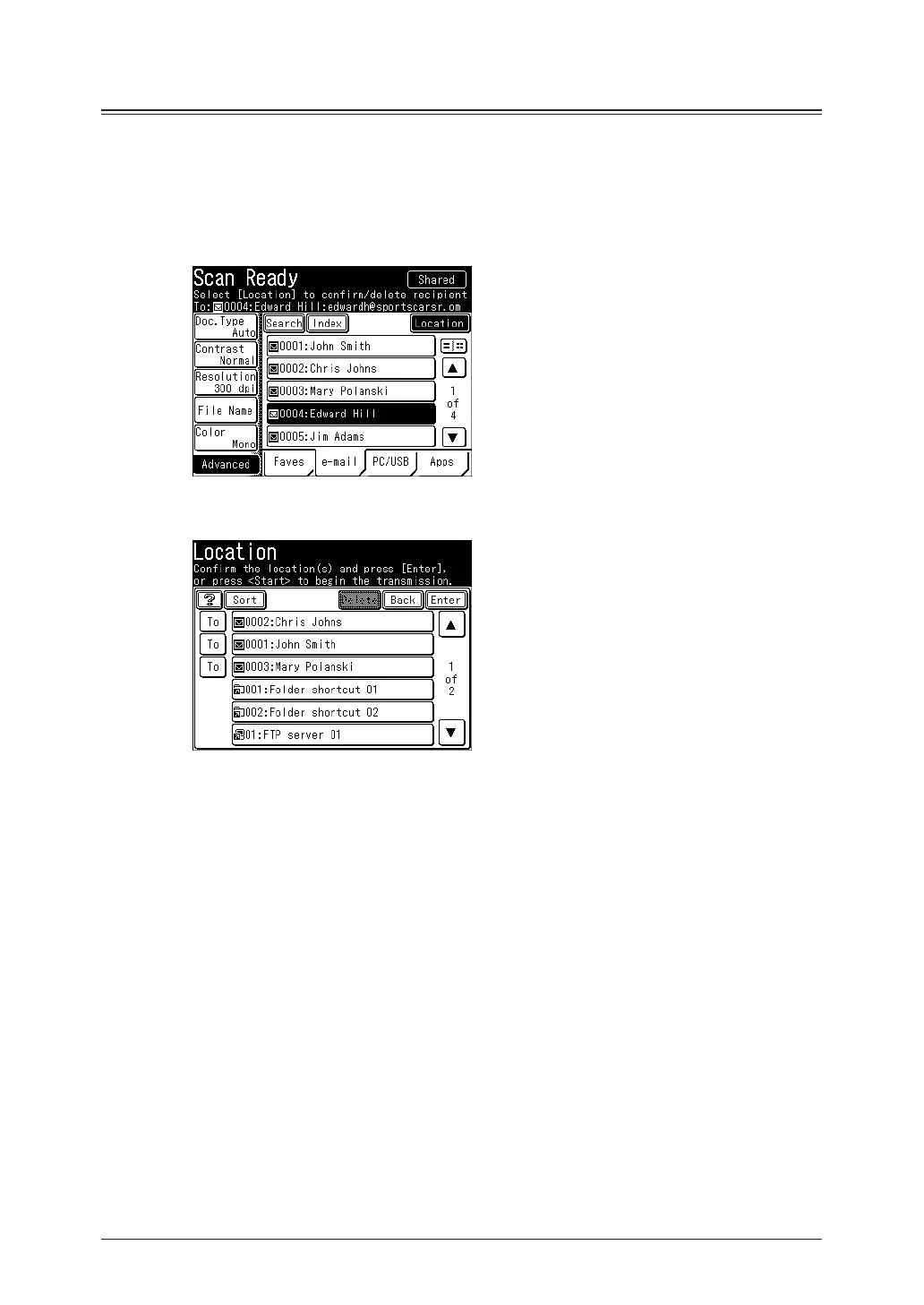
Press [Location].
(Example: Scanner screen)
3
Confirm the destinations.
•To delete a selected destination, select the destination to delete, and press [Delete].
•You can change the destination from “To” to “Cc” or “Bcc”. Press [To] to switch to a “To”, “Cc”,
or “Bcc” destination.
•Press [Sort] to sort the destinations in order of “To”, “Cc”, or “Bcc”.



 To Next Page