7-2 Registering destinations
Registering destinations
Address book destinations
Destinations can be registered in the address book for easy use. Up to 1,000 frequently
used destinations can be registered. The following items can be registered for each
destination.
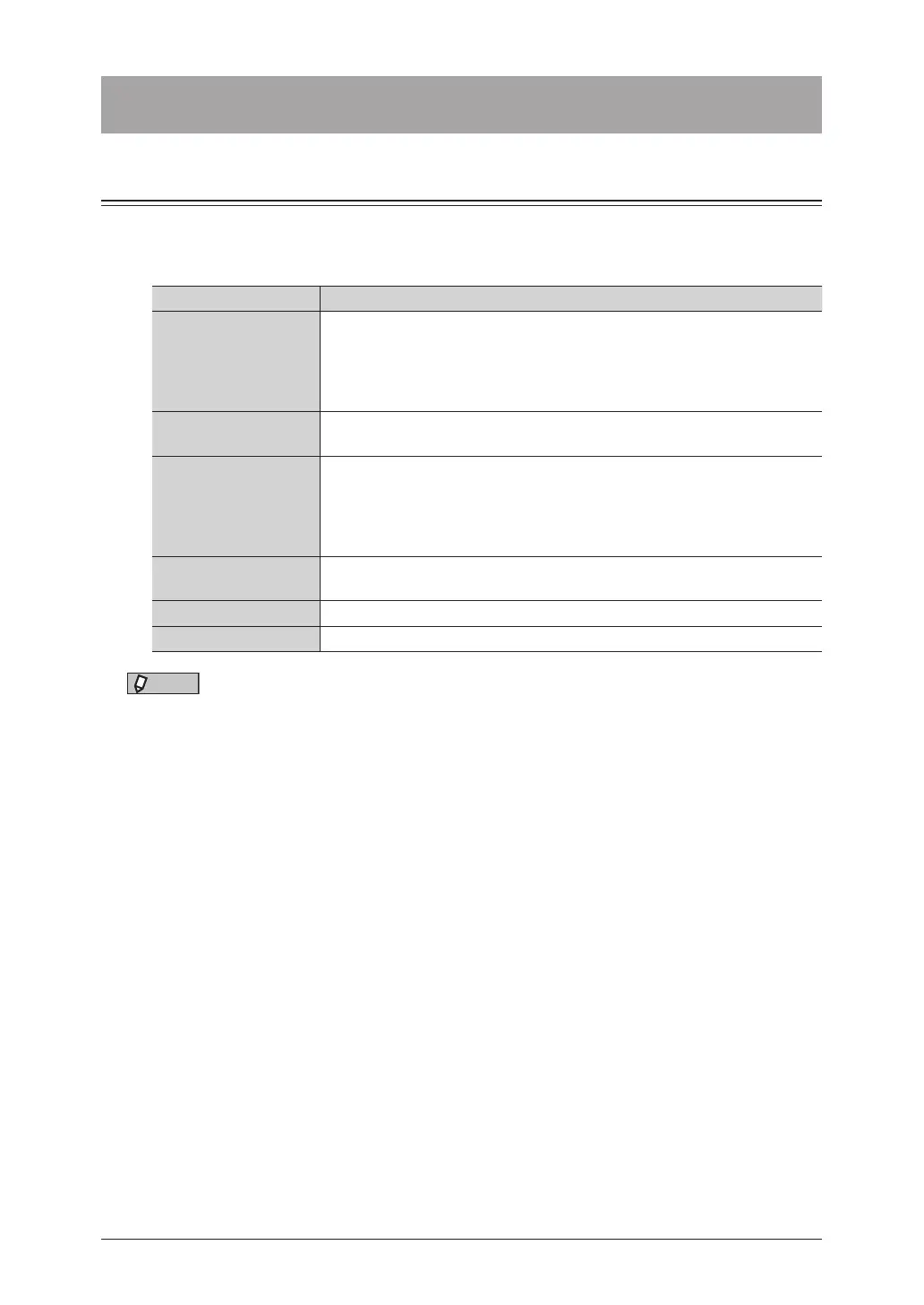
Item Description
Speed-dial number
The number for the destination. When transmitting a fax or e-mail, enter
this number to select the destination. For details, see “Using speed-dial
numbers” (page 5-4).
Since any number between 1 and 9999 can be set, you can select the
number to one that is easy to remember.
Name
The name for the destination.
Up to 30 characters can be entered.
Fax number
The fax number of the destination. Pause and other dialing options can
be entered in addition to numerals. Also register the prefix number if you
want to use a prefix. For details on the dialing options and prefix number,
see “Dialing options” (page 3-10).
Up to 40 digits can be entered.
E-mail address
The e-mail address of the destination.
Up to 50 characters can be entered.
Super G3 Set whether to transmit with Super G3.
PIN If “Mode 1” is set for the PIN mode, register a PIN.
NOTE
•Either a fax number or e-mail address must be registered.
•For details on setting the PIN mode, see “PIN masking” (page 4-29).
•You can register the shared address book destinations using the control panel. To
register destinations in your personal address book, see chapter 1 “Using personal
settings” in the Administrator’s Guide.



 To Next Page