2-16 Advanced scan functions
Broadcast
You can transmit to multiple destinations with a single operation. You do not need to
scan the document repeatedly for each individual destination.
NOTE
•USB memory cannot be included into the broadcast destinations.
•If you want to specify destinations using address book or shortcuts, set the
“Broadcast” setting to ON in advance. Specifying destinations using other than the
address book or shortcuts, the “Broadcast” setting will be turned ON automatically
when you specify multiple destinations.
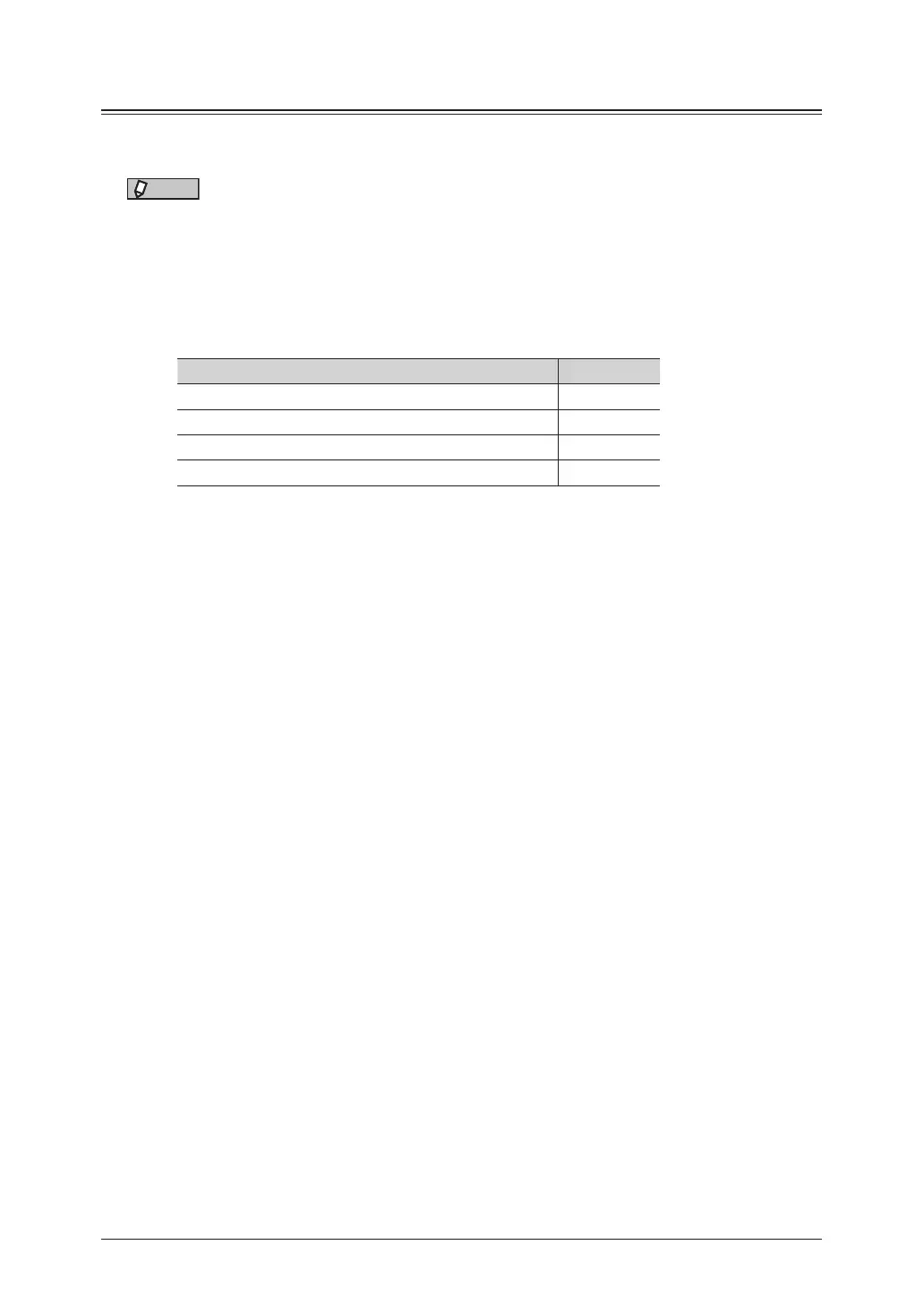
•The number of destinations that can be transmitted to for a single broadcast is
indicated below.
Destinations Number
Address book destinations and groups
1,000
Manually entered e-mail addresses 30
Shared folders 300
FTP servers 20
Using other than the address book or shortcuts
1
Press [Scan] on My MFP Menu screen.
If My MFP Menu screen is not displayed, press <Mode> repeatedly until “Scan Ready” screen
is displayed.
2
Specify the destination.
For details on specifying the destinations, see the following pages:
•To specify an e-mail, see “Specifying destinations” (page 5-2).
•To specify a folder, see “Scanning to a shared PC folder by directly specifying the folder” (page
1-6).
•To specify a FTP, see “Scanning to an FTP server by directly specifying it” (page 1-10).
3
Repeat step 2 to specify all the destinations.
You can confirm or delete the specified destinations. For details, see “Checking specified
destinations” (page 5-15).



 To Next Page