1
2
Advanced scan functions 2-17
Advanced scan functions
Using the address book or shortcuts
1
Press [Scan] on My MFP Menu screen.
If My MFP Menu screen is not displayed, press <Mode> repeatedly until “Scan Ready” screen
is displayed.
2
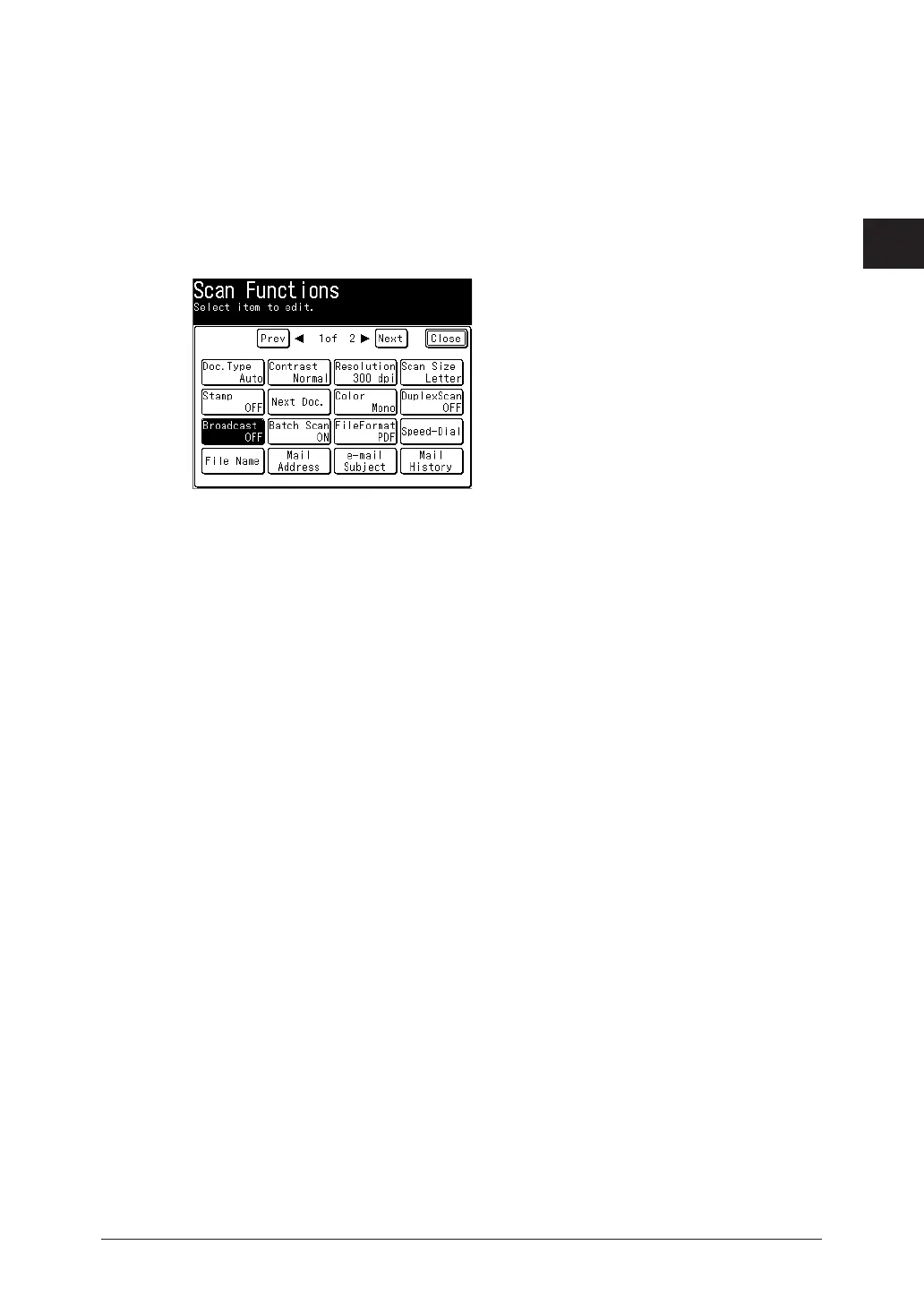
Press [Advanced].
3
Press [Broadcast].
4
Select [ON], and press [Enter].
Select [OFF] to deselect the setting.
5
Specify the destinations using the address book or shortcuts.
6
Repeat step 5 to specify all the destinations.
You can confirm or delete the specified destinations. For details, see “Checking specified
destinations” (page 5-15).



 To Next Page