4-20 Security fax functions
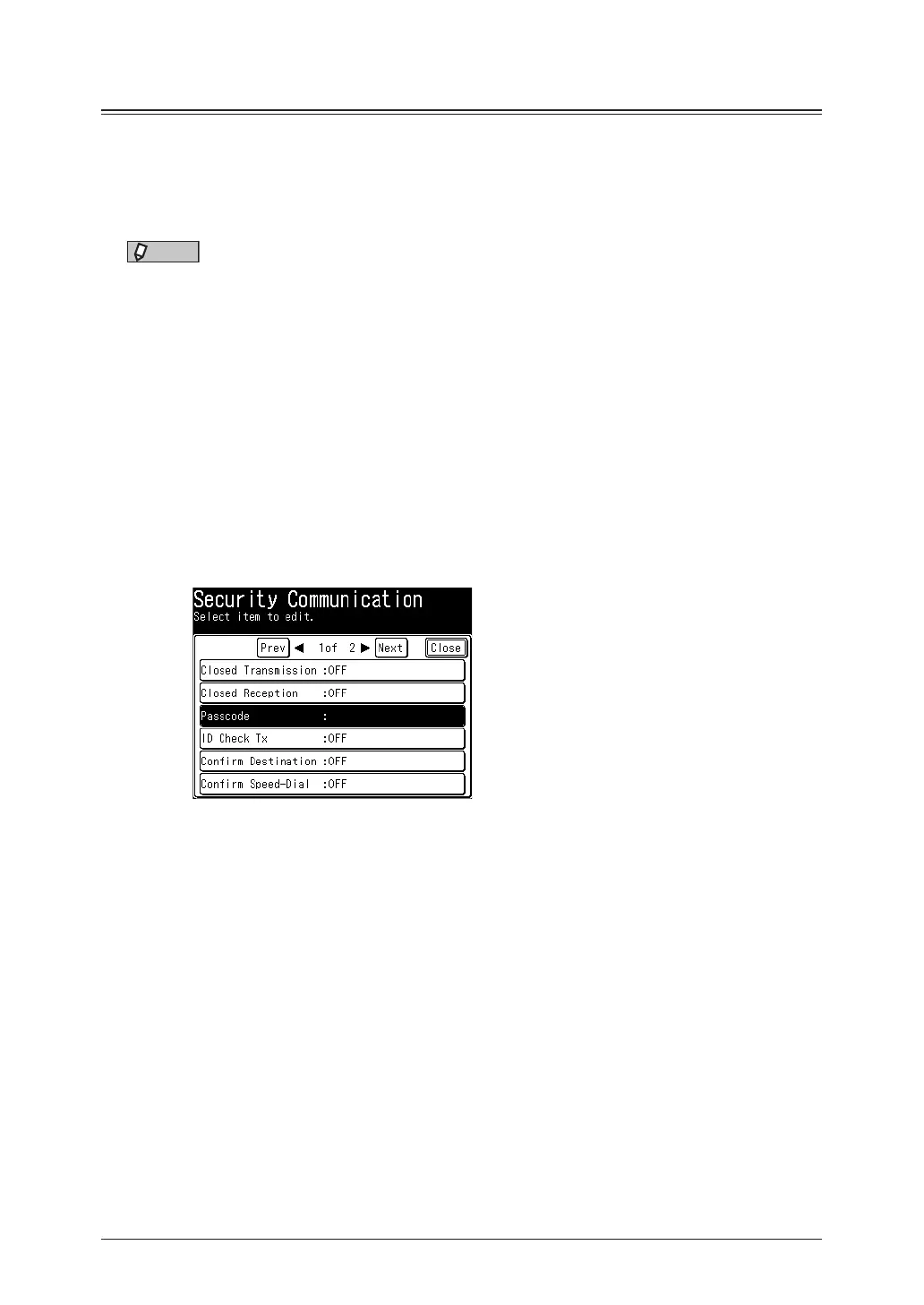
Registering a passcode
Registering a passcode
You can set the passcode required for closed transmission and closed reception.
You can use closed transmission and reception without setting a passcode; however,
setting a passcode is recommended to strengthen the security function.
NOTE
•If a passcode is set, faxes can only be transmitted to or received from the same
model that also have a security function and have the same passcode registered.
•For details about the closed communication and the communication range specified
by a passcode, see “Communication and range of passcodes” (page 4-21).
1
Press [Setting] on My MFP Menu screen.
If My MFP Menu screen is not displayed, press <Mode> repeatedly until My MFP menu
screen is displayed.
2
Press [Management].
If an administrator password is set, enter the password and press [Enter].
3
Press [Security Communication].
4
Press [Passcode].
5
Enter the four digit passcode using the numeric keys, and press [Enter].
Enter a number other than “0000”. If you enter “0000”, the passcode setting is disabled.
6
Press [Close].



 To Next Page