1
2
3
4
Advanced fax functions
Security fax functions 4-25
Prohibiting broadcasting
You can prohibit the entering of multiple destinations to prevent transmitting to
unintentional destinations.
1
Press [Setting] on My MFP Menu screen.
If My MFP Menu screen is not displayed, press <Mode> repeatedly until My MFP menu
screen is displayed.
2
Press [Management].
If an administrator password is set, enter the password and press [Enter].
3
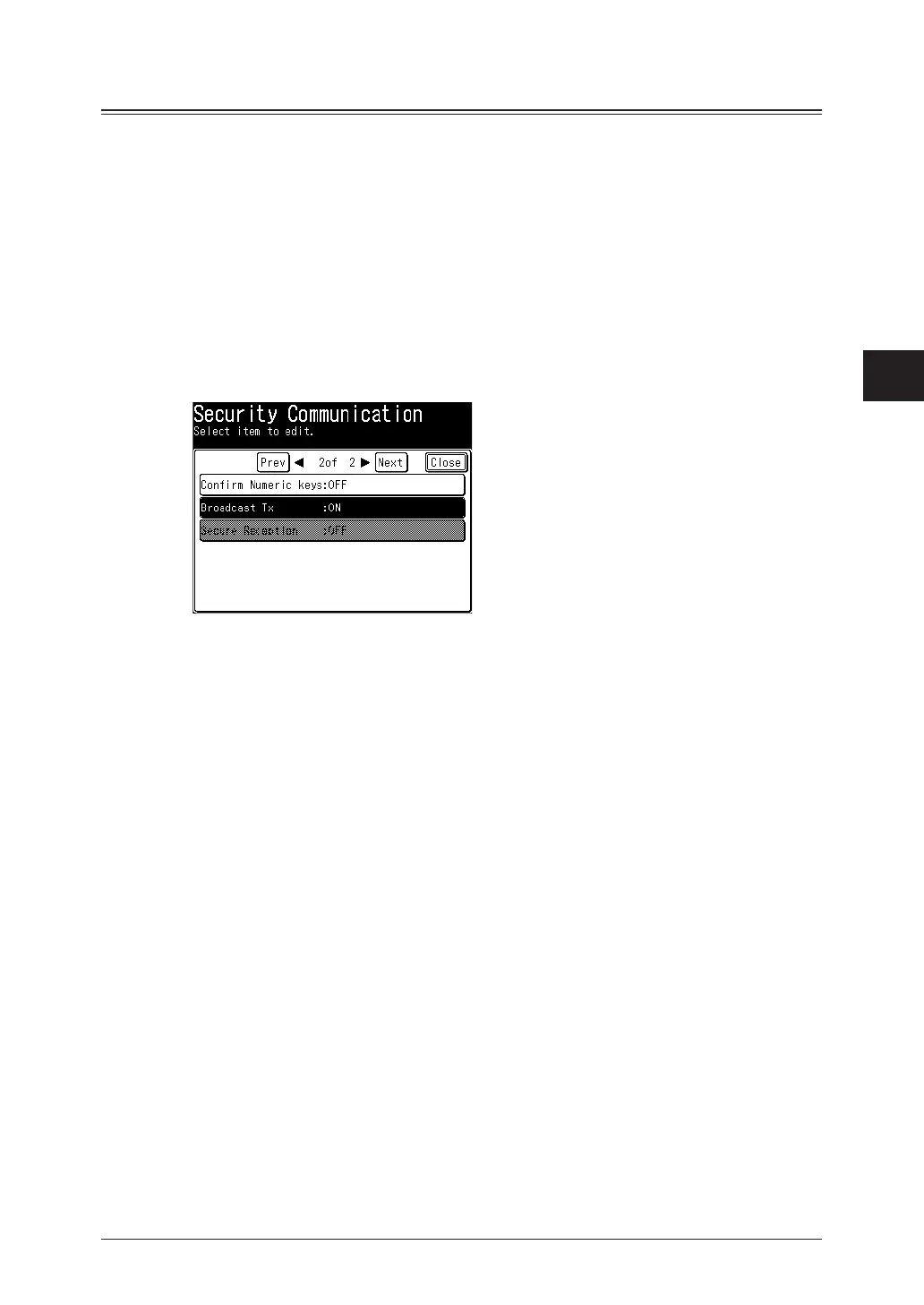
Press [Security Communication].
4
Press [Broadcast Tx].
5
To allow broadcasting select [ON], or [OFF] to prohibit, and press [Enter].
6
Press [Close].



 To Next Page