7-26 Initial setup (User Install)
Setting the dial tone detection
Select ON if you want to set the dial tone detection. When you set to ON, you cannot
transmit the faxes through a line that cannot acquire a dial tone. Normally, select OFF.
1
Open the user install screen (page 7-23).
2
Press [Dial Tone Detect].
3
Select [ON] or [OFF], and press [Enter].
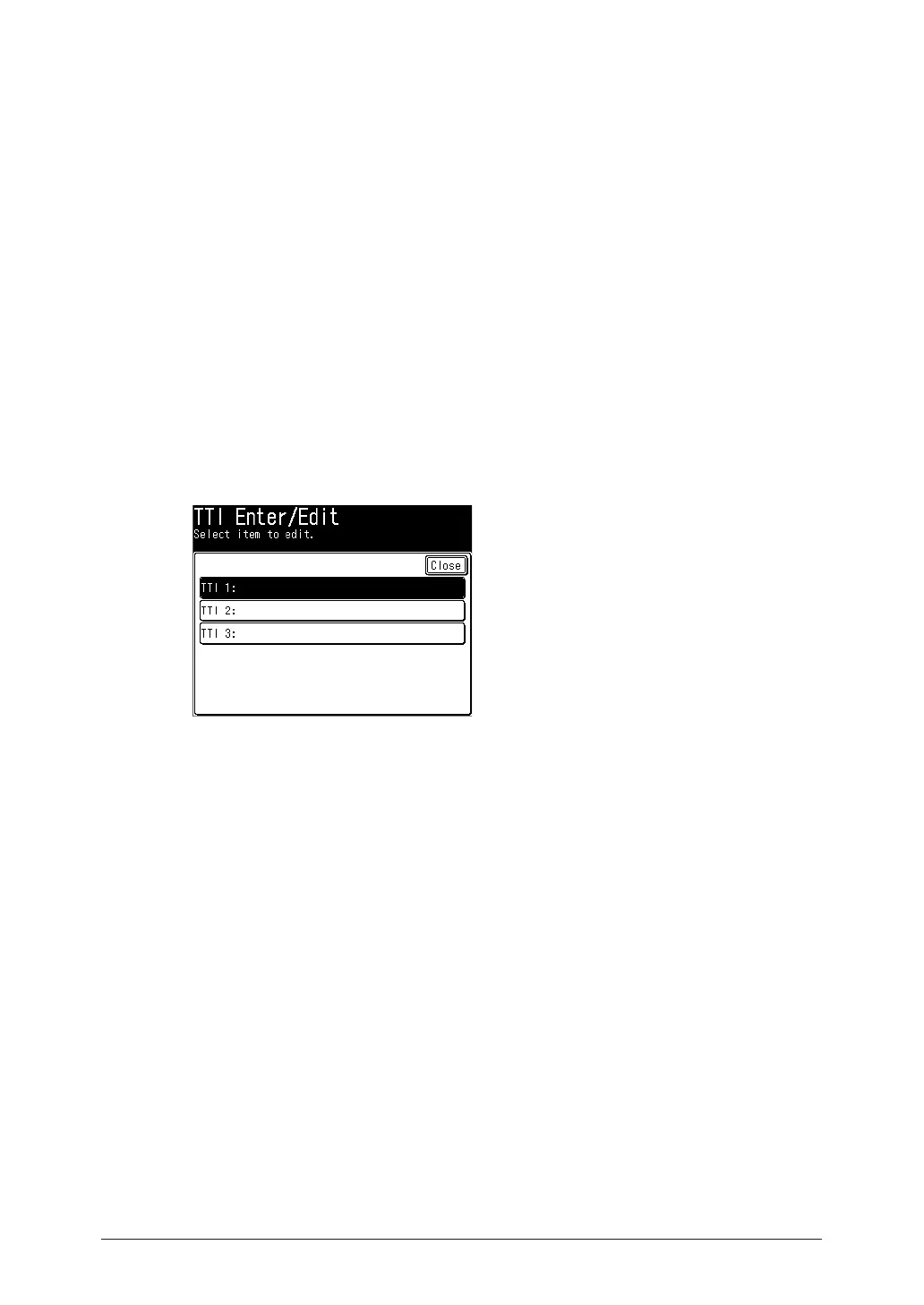
Registering your name or company name (TTI)
You can register three TTI’s (Transmit Terminal Identifier).
1
Open the user install screen (page 7-23).
2
Press [TTI Enter/Edit].
3
Press [TTI 1].
4
Enter the sender name (your name or company name), and press [Enter].
•You can enter up to 22 characters for the sender name.
•For details on entering the characters, see chapter 1, “Entering characters” in the
Administrator’s Guide.
5
To register TTI 2 and TTI 3, select [TTI 2] or [TTI 3] in step 3, and repeat step 4.



 To Next Page