7-10 Registering destinations
Registering or editing groups
When transmitting to many destinations, you can transmit to a group of address book
destinations. Up to 100 groups can be registered.
Item Description
Name
The group name.
Up to 50 characters can be entered.
Group Members
The destinations registered in the group.
Up to 1,000 address book destinations can be specified.
Registering or editing groups
1
Press [Setting] on My MFP Menu screen.
If My MFP Menu screen is not displayed, press <Mode> repeatedly until My MFP menu
screen is displayed.
2
Press [Register].
3
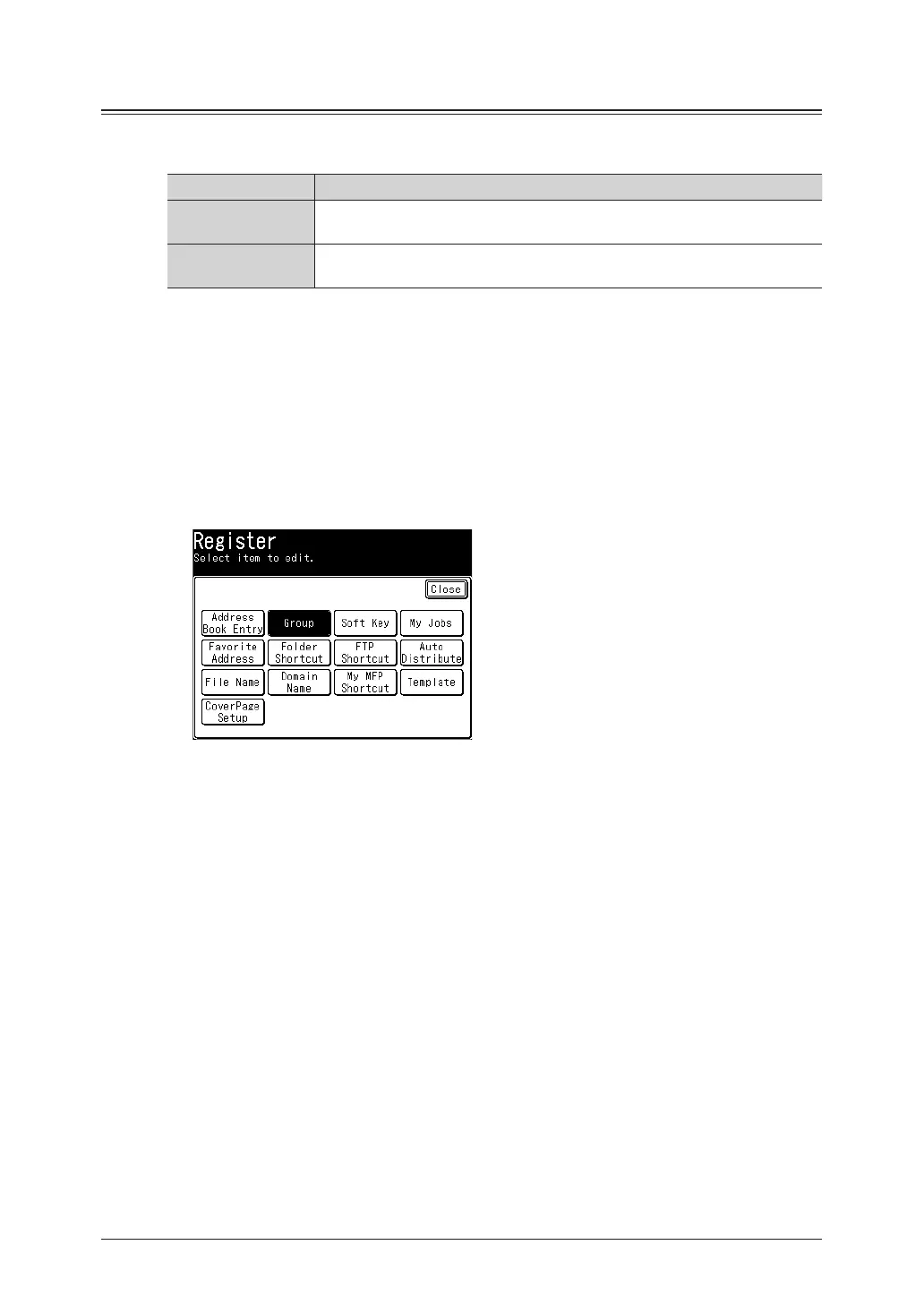
Press [Group].
4
Press [Add].
5
Enter the name, and press [Enter].
For details on entering characters, see chapter 1, “Entering characters” in the Administrator’s
Guide.
6
Press [Group Members].



 To Next Page