1
2
3
4
5
6
7
Registering destinations 7-11
Machine settings
7
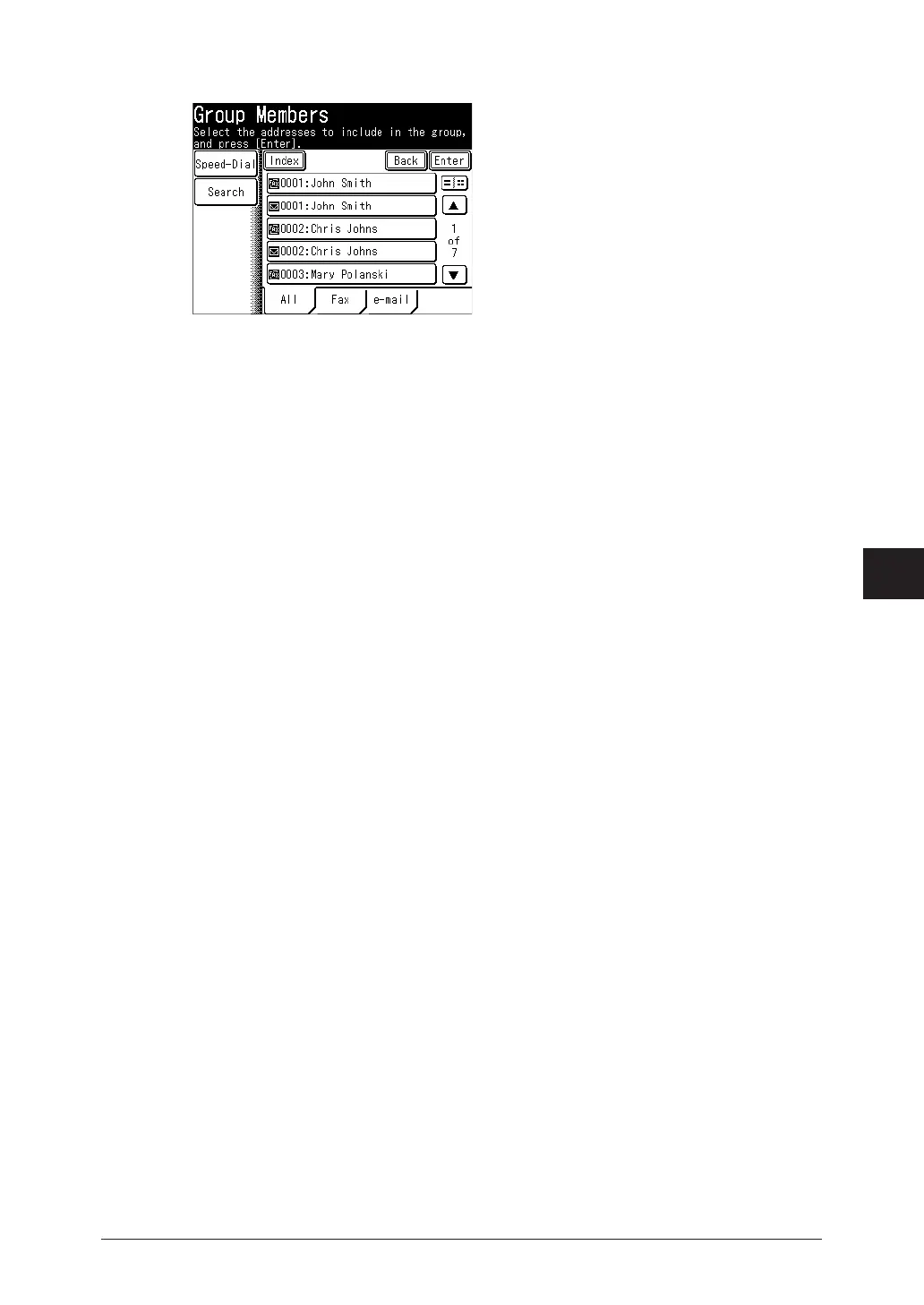
Select the destinations to register from the address book, and press [Enter].
•Select a destination that is already selected to deselect it.
•Press [Fax] to display registered fax number destinations.
•Press [e-mail] to display registered e-mail address destinations.
•Press [All] to display all registered destinations.
•Press [Speed-Dial] to select a destination using a speed-dial number. For details, see “Using
speed-dial numbers” (page 5-4).
•Press [Search] to search a destination from address book. For details, see “Searching for
server destinations” (page 5-6).
•You can confirm or delete the specified destinations by pressing [Location].
8
Press [Enter].
To continue to register or edit groups, repeat the procedure from steps 4.



 To Next Page