1
2
3
Making a phone call 3-25
Basic fax functions
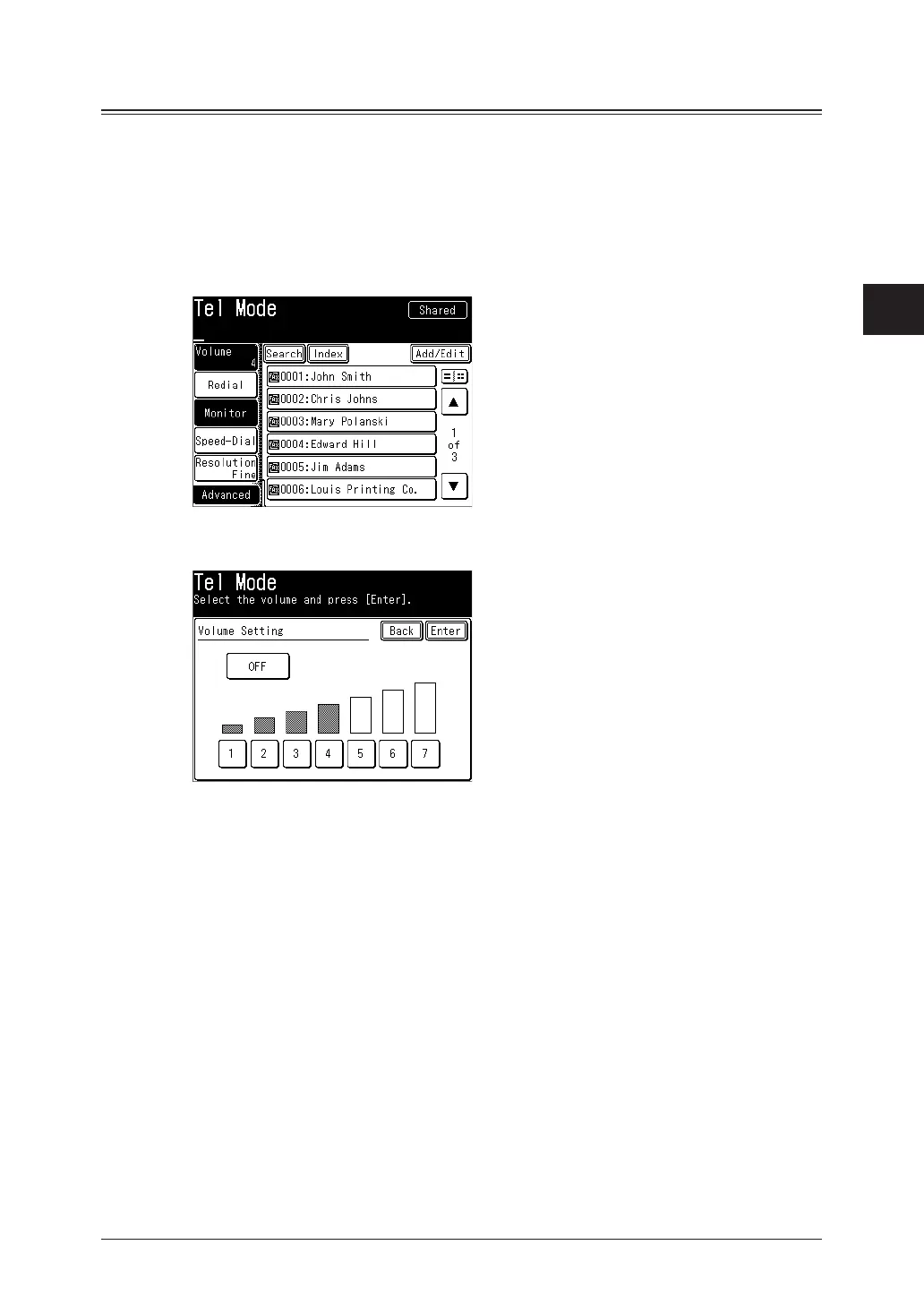
Adjusting the speaker volume
1
Press [Fax] on My MFP Menu screen.
If My MFP Menu screen is not displayed, press <Mode> repeatedly until “Fax Ready” screen is
displayed.
2
Press [Monitor].
3
Press [Volume].
4
Select the desired volume, and press [Enter].
5
Press [Monitor] to hang up.



 To Next Page