1
2
3
4
5
6
7
Specifying default settings 7-33
Machine settings
Specifying default scan to e-mail settings
Setting procedures
1
Press [Setting] on My MFP Menu screen.
If My MFP Menu screen is not displayed, press <Mode> repeatedly until My MFP menu
screen is displayed.
2
Press [Default Setting].
3
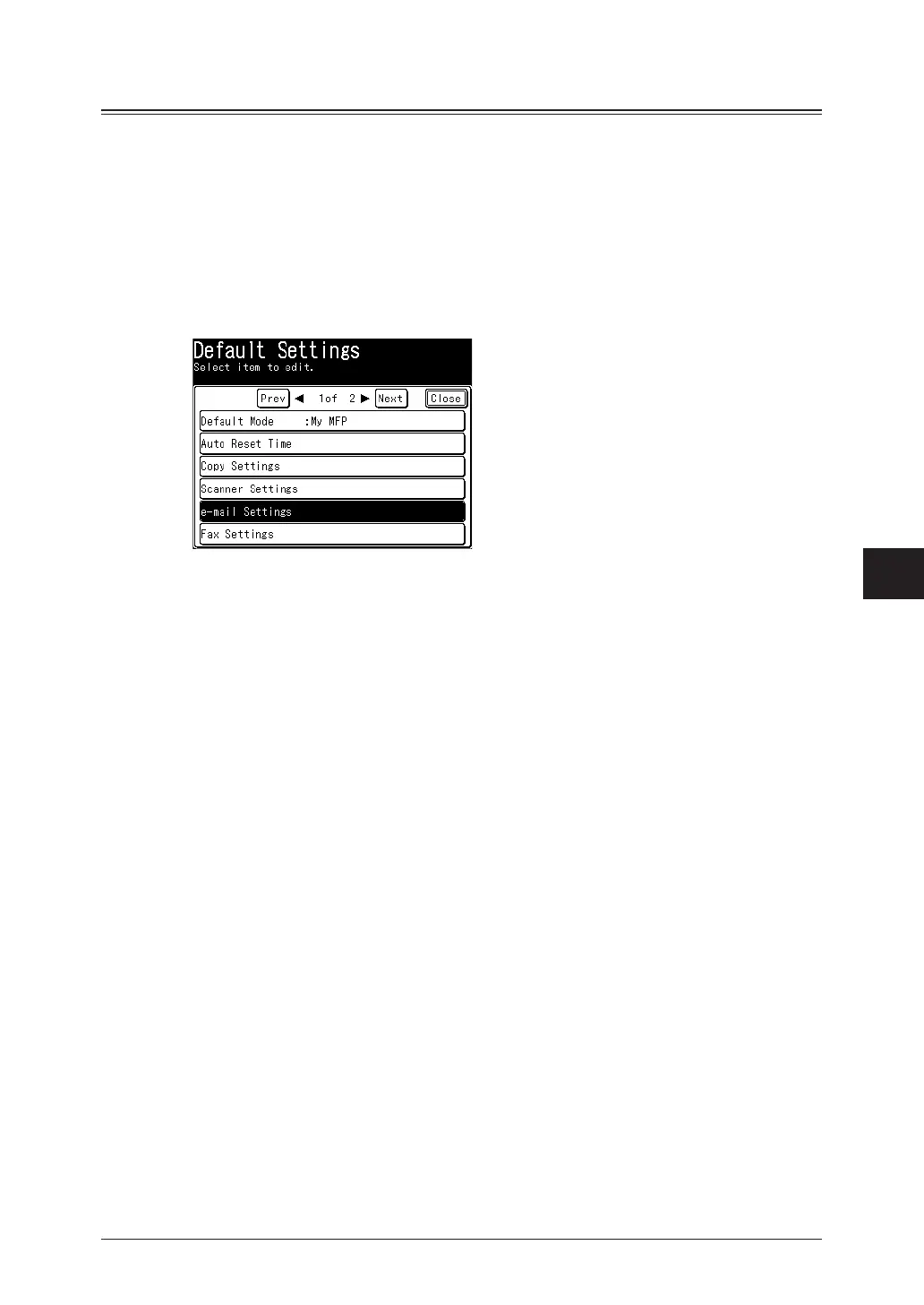
Press [e-mail Settings].
4
Select the function to set.
5
Select the item to set.
For details, see “List of default e-mail settings” (page 7-34) and “List of default template
settings” (page 7-34).
6
Select the default value, and press [Enter].
7
Press [Close].



 To Next Page