7-38 Registering other settings
Registering other settings
You can register other functions used with scanner functions.
Registering / Editing templates
You can register ten default subjects and messages of the e-mail used when transmitting
a fax with a cover page, attaching a scanned document to an e-mail for transmission (Scan
to E-mail) or transmitting an internet fax.
Registering / Editing
You can register and edit the following three items.
Title: The title of the registered template. Up to 40 characters can be entered.
Subject: The subject entered here is used as the subject for the e-mail to transmit.
Up to 80 characters can be entered.
Text: The text entered here is used as the message for the e-mail to transmit.
Up to 1024 characters can be entered.
This section describes the procedure for registering templates. When editing, select
the template you want to edit in step 4, and press [Edit]. After the screen in step 5 is
displayed, select the item to change, and change it while referring to the procedure for
registration.
1
Press [Setting] on My MFP Menu screen.
If My MFP Menu screen is not displayed, press <Mode> repeatedly until My MFP menu
screen is displayed.
2
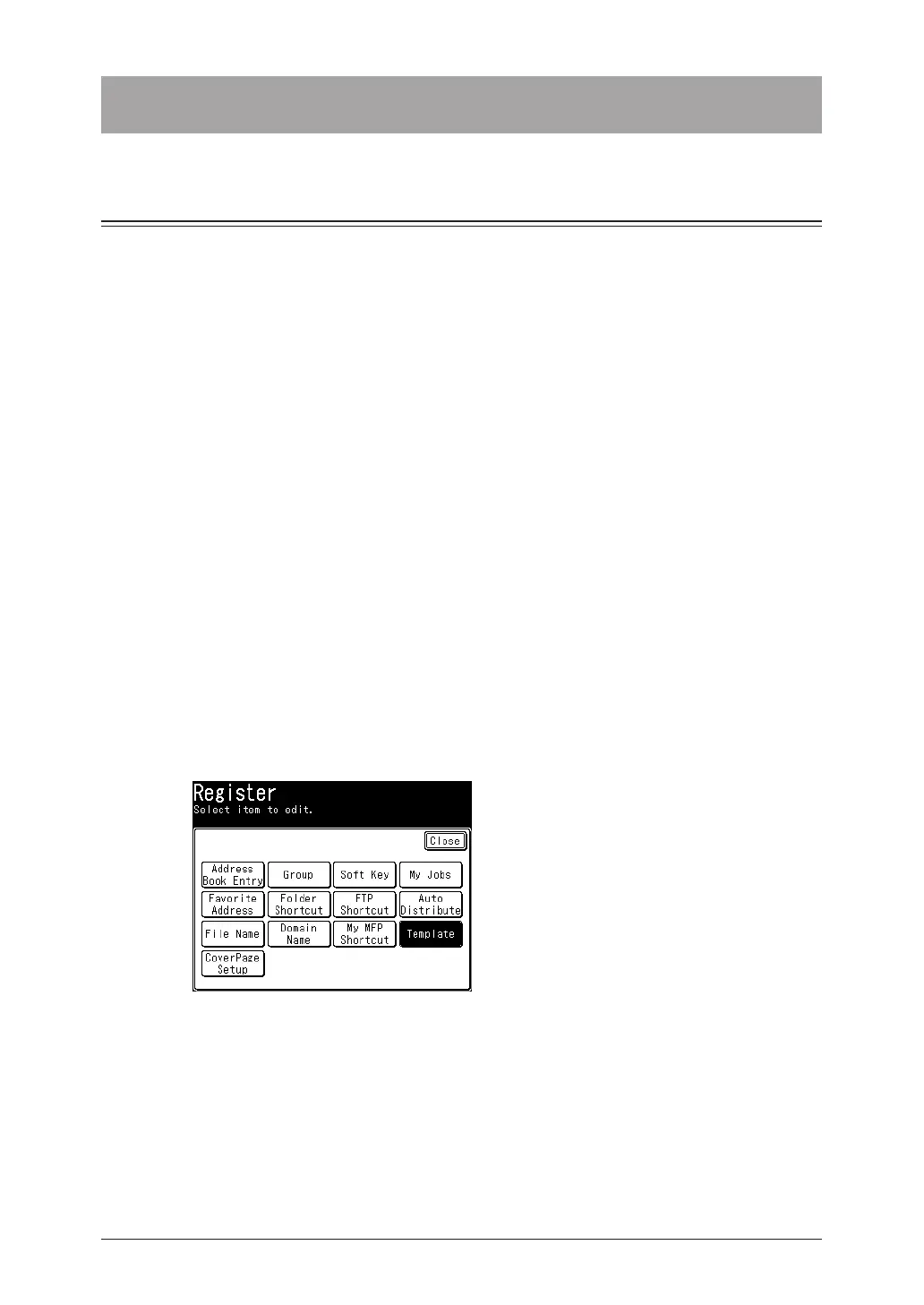
Press [Register].
3
Press [Template].
4
Press [Add].
To edit a registered template, select the template you want to edit, and press [Edit].



 To Next Page