4-10 Scanner related settings
Stamp (Option)
You can stamp on a document that has been scanned (or transmitted) using the automatic
document feeder and check it has been scanned (or transmitted).
NOTE
•The stamp function is optional.
•This setting is only available with the automatic document feeder.
1
Press [Fax] on My MFP Menu screen.
If My MFP Menu screen is not displayed, press <Mode> repeatedly until “Fax Ready” screen is
displayed.
2
Press [Advanced].
3
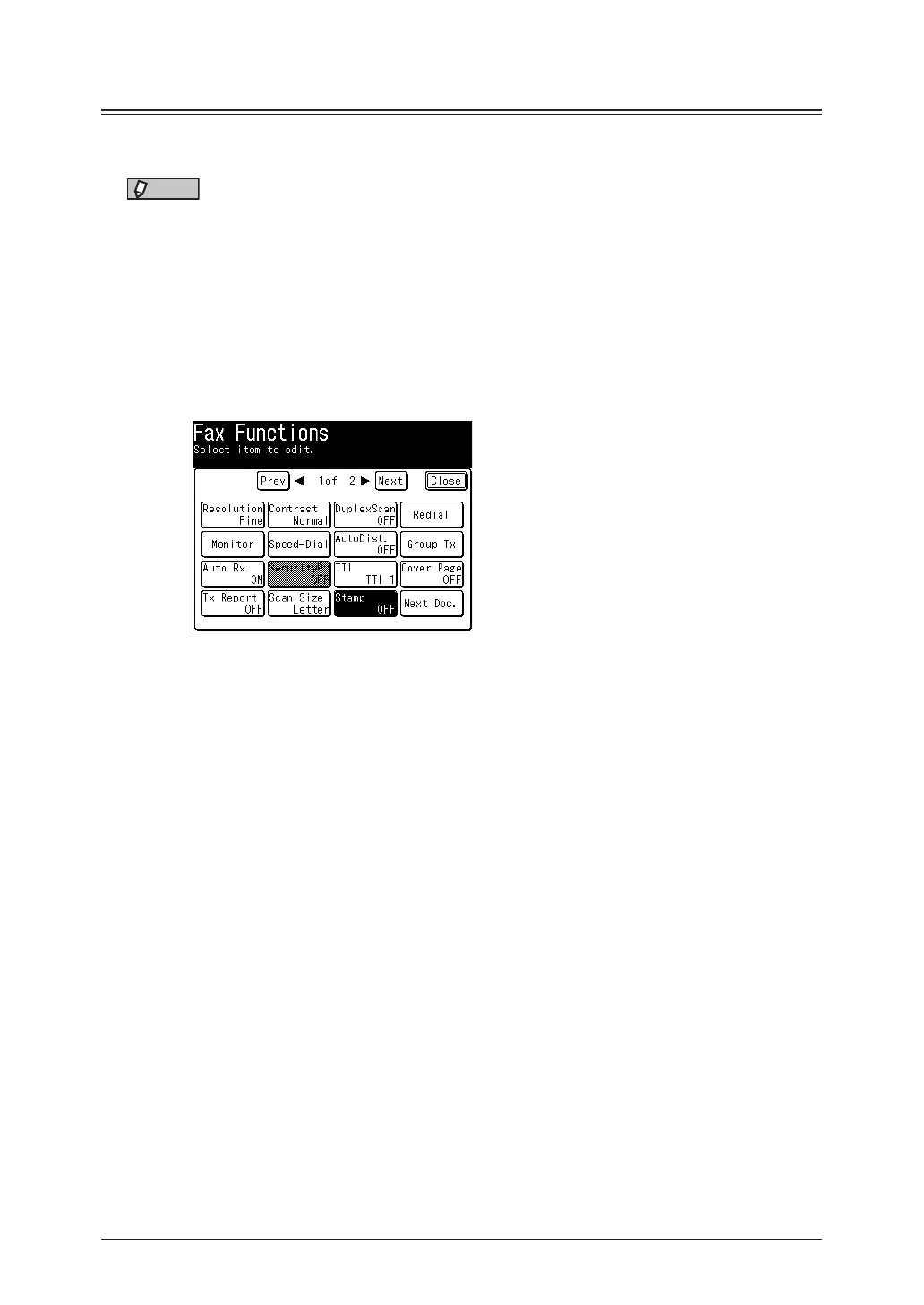
Press [Stamp].
4
Select [ON], and press [Enter].
Select [OFF] to deselect the setting.
5
Press [Close].
6
Specify the destinations, and press <Start>.
For details on specifying the destinations, see “Specifying destinations” (page 5-2).



 To Next Page