1
2
3
4
5
6
7
Initial setup (User Install) 7-25
Machine settings
Setting daylight saving
Select the validity for the daylight saving time.
1
Open the user install screen (page 7-23).
2
Press [Set Daylight Saving].
3
Select [ON] or [OFF], and press [Enter].
Setting the broadcast transmission option
Select whether to start transmission when registered destination is selected (“OFF”), or
when <Start> is pressed with all destinations selected (“ON”).
NOTE
The broadcast setting is enabled for both scan to e-mail and fax transmission.
1
Open the user install screen (page 7-23).
2
Press [Broadcast].
3
Select [ON] or [OFF], and press [Enter].
Setting the fax reception mode
Select the reception mode that best matches the machine usage.
1
Open the user install screen (page 7-23).
2
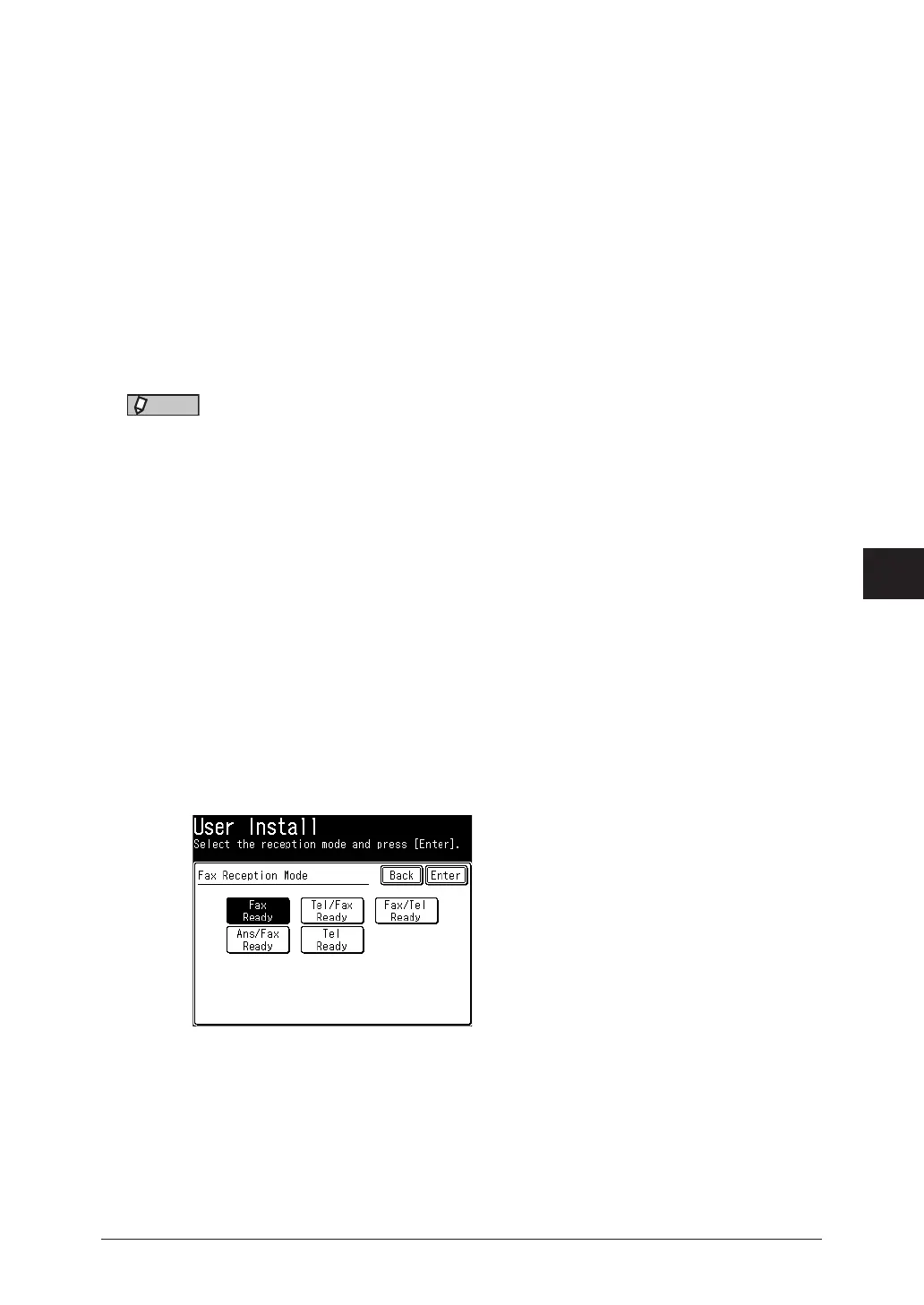
Press [Fax Reception Mode].
3
Select the reception mode, and press [Enter].



 To Next Page