1
2
3
4
5
6
7
Registering destinations 7-3
Machine settings
Registering or editing destinations
This section describes the procedure for registering address book destinations. When
editing, delete or overwrite items, select them at the corresponding steps.
1
Press [Setting] on My MFP Menu screen.
If My MFP Menu screen is not displayed, press <Mode> repeatedly until My MFP menu
screen is displayed.
2
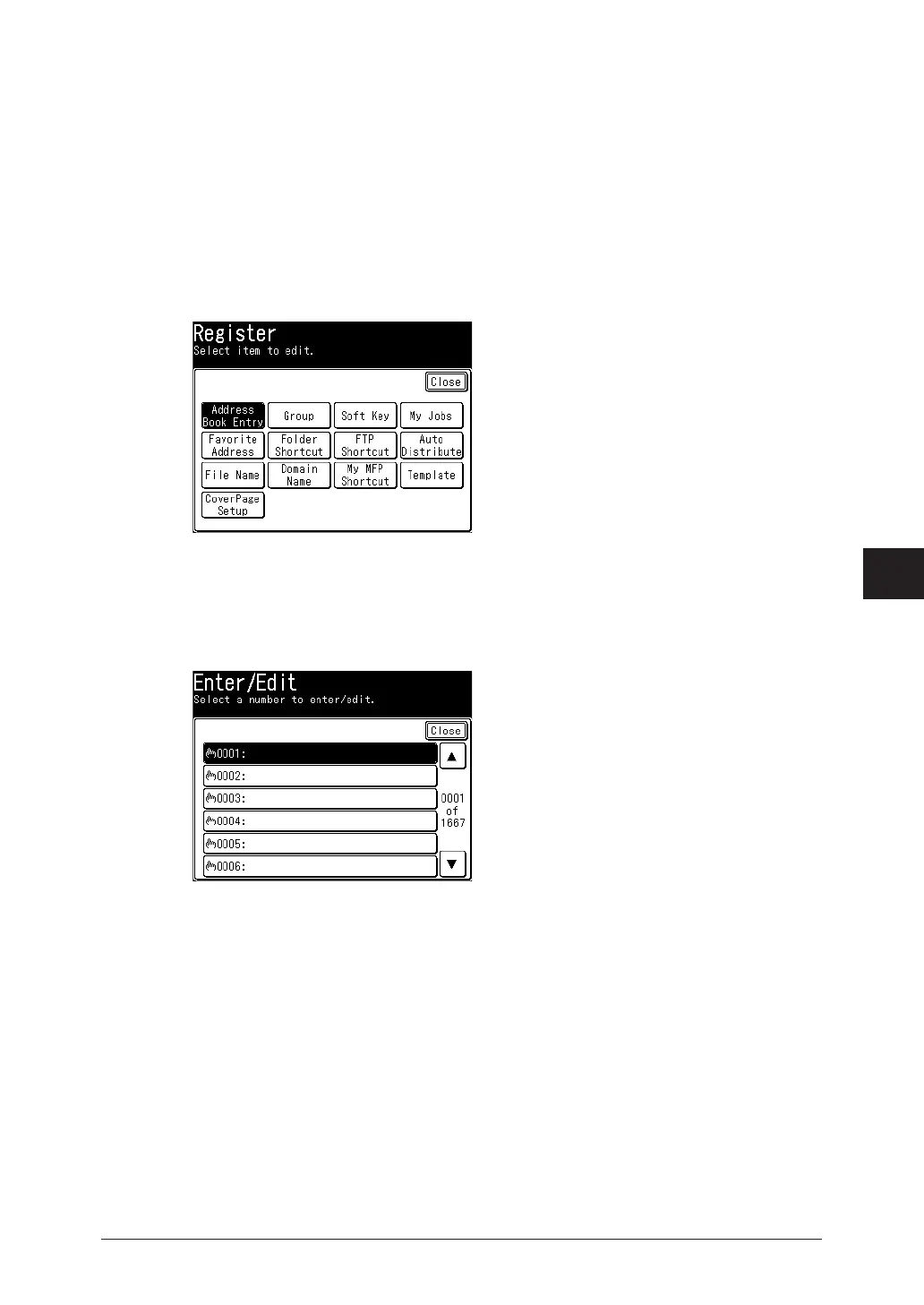
Press [Register].
3
Press [Address Book Entry].
4
Press [Enter/Edit].
5
Select a free number.
To change a destination that is already registered, select the destination you want to change.
6
Enter the name, and press [Enter].
For details on entering characters, see chapter 1, “Entering characters” in the Administrator’s
Guide.



 To Next Page