4-28 Security fax functions
Printing security reception documents
1
Press [Fax] on My MFP Menu screen.
If My MFP Menu screen is not displayed, press <Mode> repeatedly until “Fax Ready” screen is
displayed.
2
Press [Advanced].
3
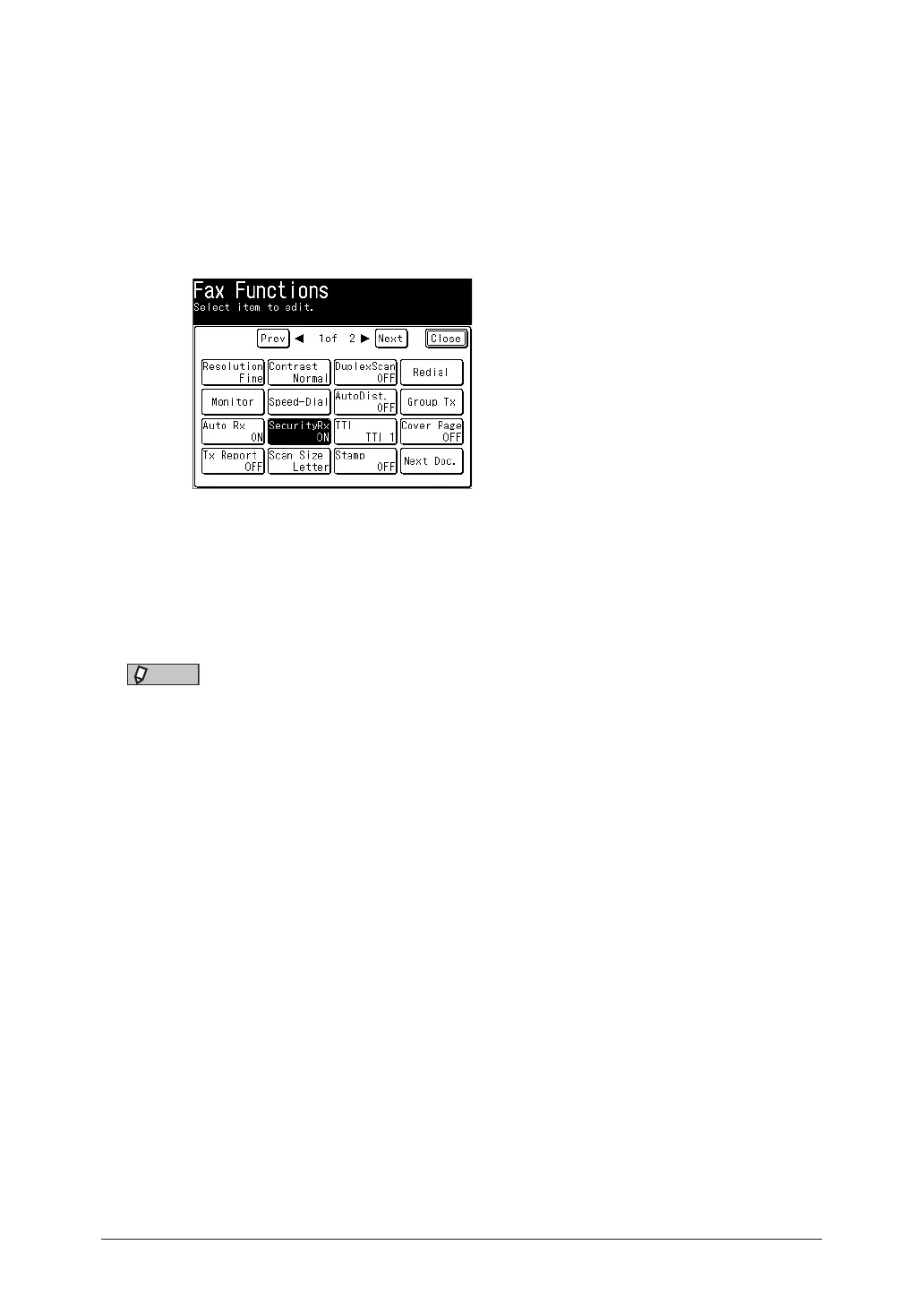
Press [Security Rx].
4
Enter the protect passcode using the numeric keys, and press [Enter].
5
Press [OFF].
•The function is turned off when the documents are printed.
•The function is turned off even there are no documents stored.
NOTE
When the documents are printed, the security reception is turned off, and is turned on
automatically when the start time comes.
To cancel this function, press [OFF] to deselect this function. For details, see “Setting
security reception” (page 4-26).



 To Next Page