4-30 Security fax functions
Dialing in PIN mask mode 1
NOTE
If you have set mode 1, the PIN should be registered to the address book to use them.
For details, see “Address book destinations” (page 7-2).
1
Press [Fax] on My MFP Menu screen.
If My MFP Menu screen is not displayed, press <Mode> repeatedly until “Fax Ready” screen is
displayed.
2
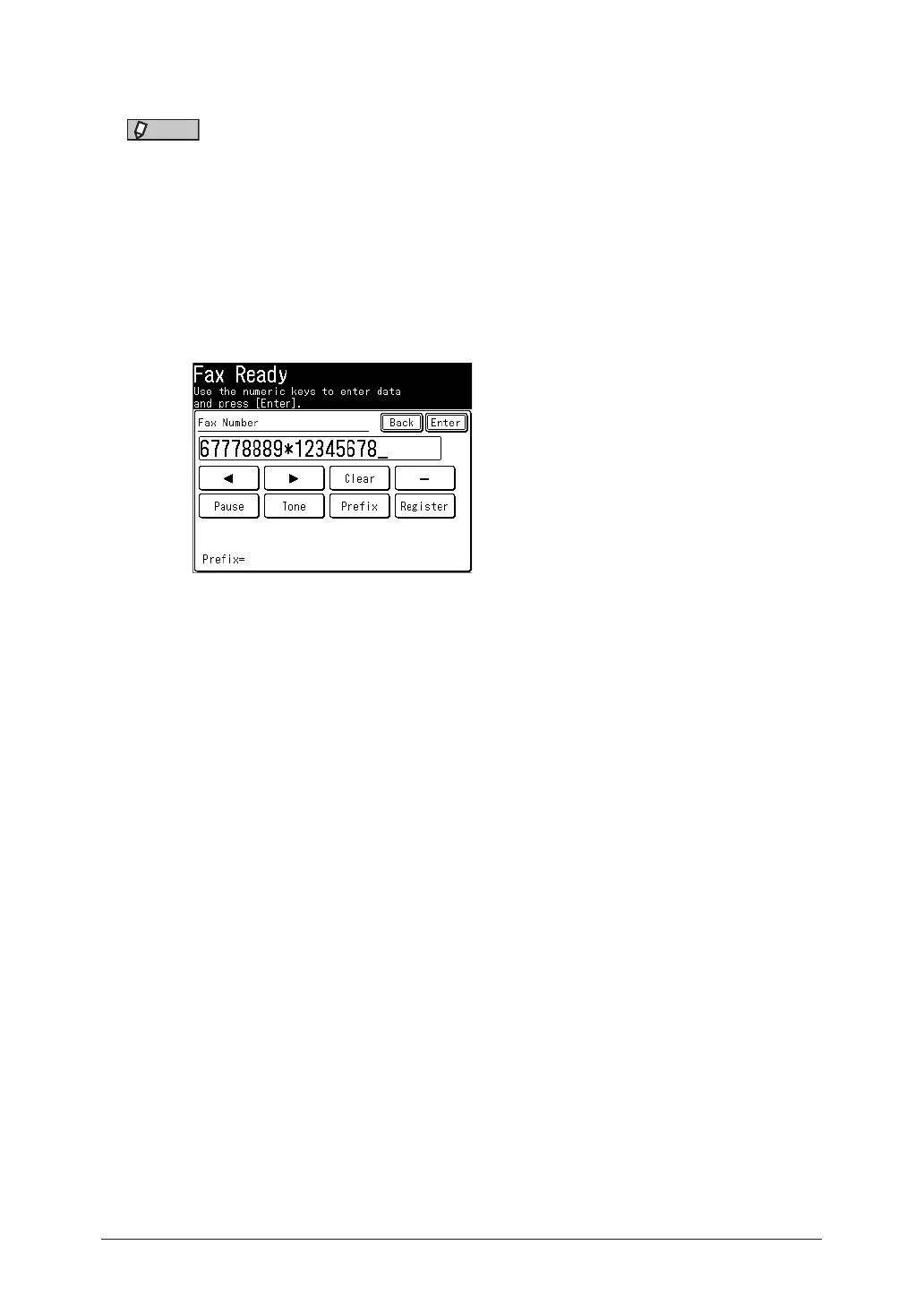
Enter the phone number, press * (“star”) and enter the PIN.
The PIN always follows the fax number. For example, to dial 67778889 with a PIN of
“12345678”, enter 67778889*12345678.
*
3
Press [Enter].
4
Press <Start>.
Dialing in PIN mask mode 2
1
Press [Fax] on My MFP Menu screen.
If My MFP Menu screen is not displayed, press <Mode> repeatedly until “Fax Ready” screen is
displayed.
2
Specify the destination.
•If the destination was specified using the address book, proceed to step 4. However, if you
specify multiple destinations, proceed to step 3.
•If the destination was specified using other ways than address book, proceed to step 4.
3
Press <Start>.
4
Use the numeric keys to enter the PIN number, and press [Enter].



 To Next Page