1
2
3
4
5
Specifying destinations 5-7
Specifying destinations
5
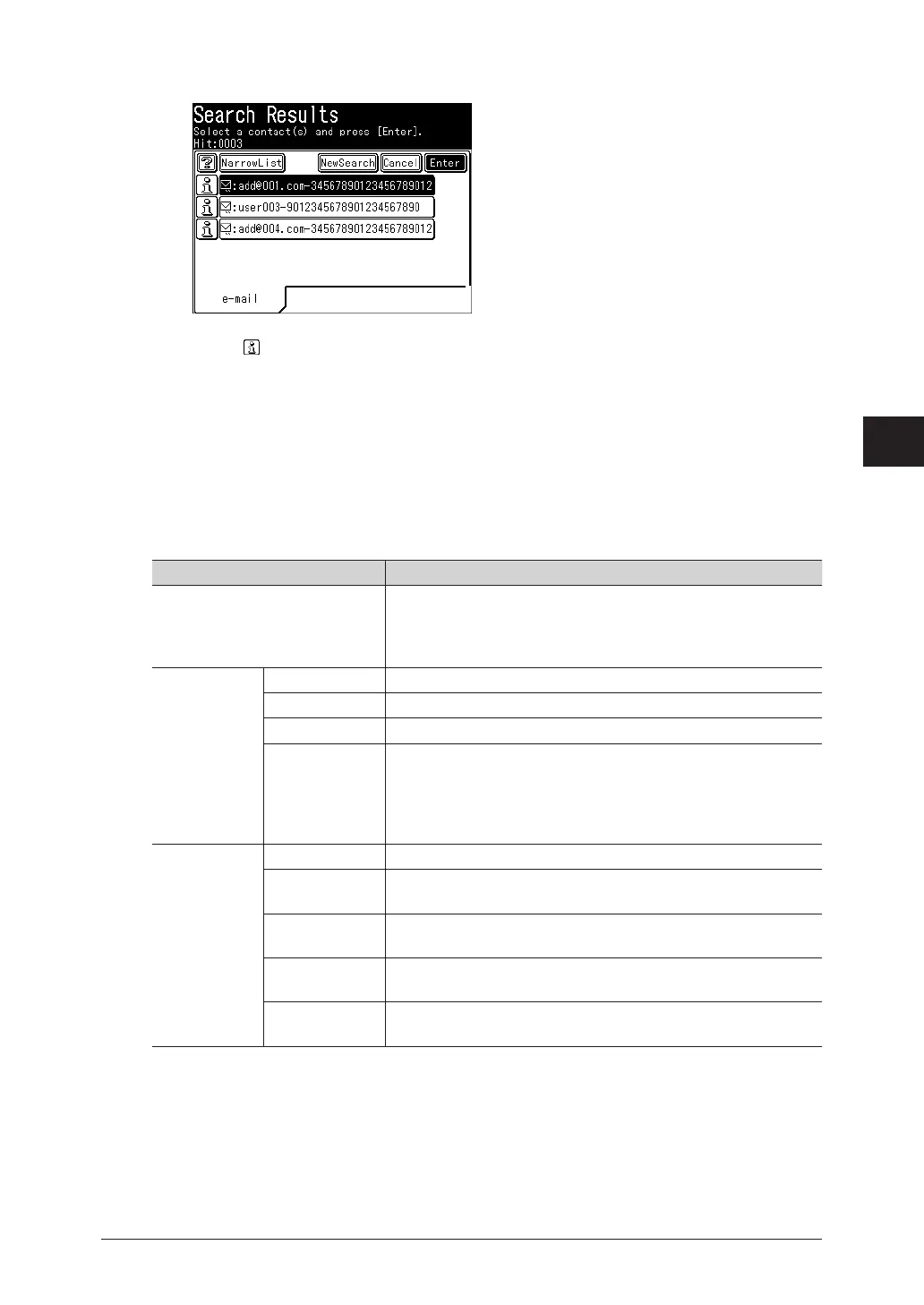
Select the destination to specify from the search results, and press [Enter].
•You can select multiple destinations.
•Press to check the details for that destination. Press [Close] to close the confirmation
screen.
•If there are no corresponding destinations, no destinations are displayed.
•To further search within the search results, press [NarrowList], and repeat steps 2 to 3.
•To perform another search, press [NewSearch], and repeat steps 2 to 3.
Advanced searching
Specify detailed conditions at searching.
Item Description
[AND], [OR] [AND] ......... Searches for destinations that meet all the specified
conditions.
[OR] ............ Searches for destinations that meet at least one of
the specified conditions.
Search Items Name Enter to search for destinations by name.
Fax Enter to search for destinations by fax number.
e-mail Enter to search for destinations by e-mail address.
Co. Enter to search for destinations by company name.
Cannot be specified as a search condition by itself. Specify it in
combination with a name, fax number, or e-mail address.
This item will no be displayed when you search a destination on
address book for auto distribution, group or My Jobs.
Search Method Not Use Specify this to not use the search item.
Any Specify this to search for destinations that include the search
item.
Initial Specify this to search for destinations that start with the search
item.
Final Specify this to search for destinations that end with the search
item.
Equal Specify this to search for destinations that equal the search
item.



 To Next Page