5-12 Specifying destinations
Entering e-mail addresses
When transmitting with scan to e-mail, enter the e-mail address.
1
Press [Scan] on My MFP Menu screen.
If My MFP Menu screen is not displayed, press <Mode> repeatedly until “Scan Ready” screen
is displayed.
2
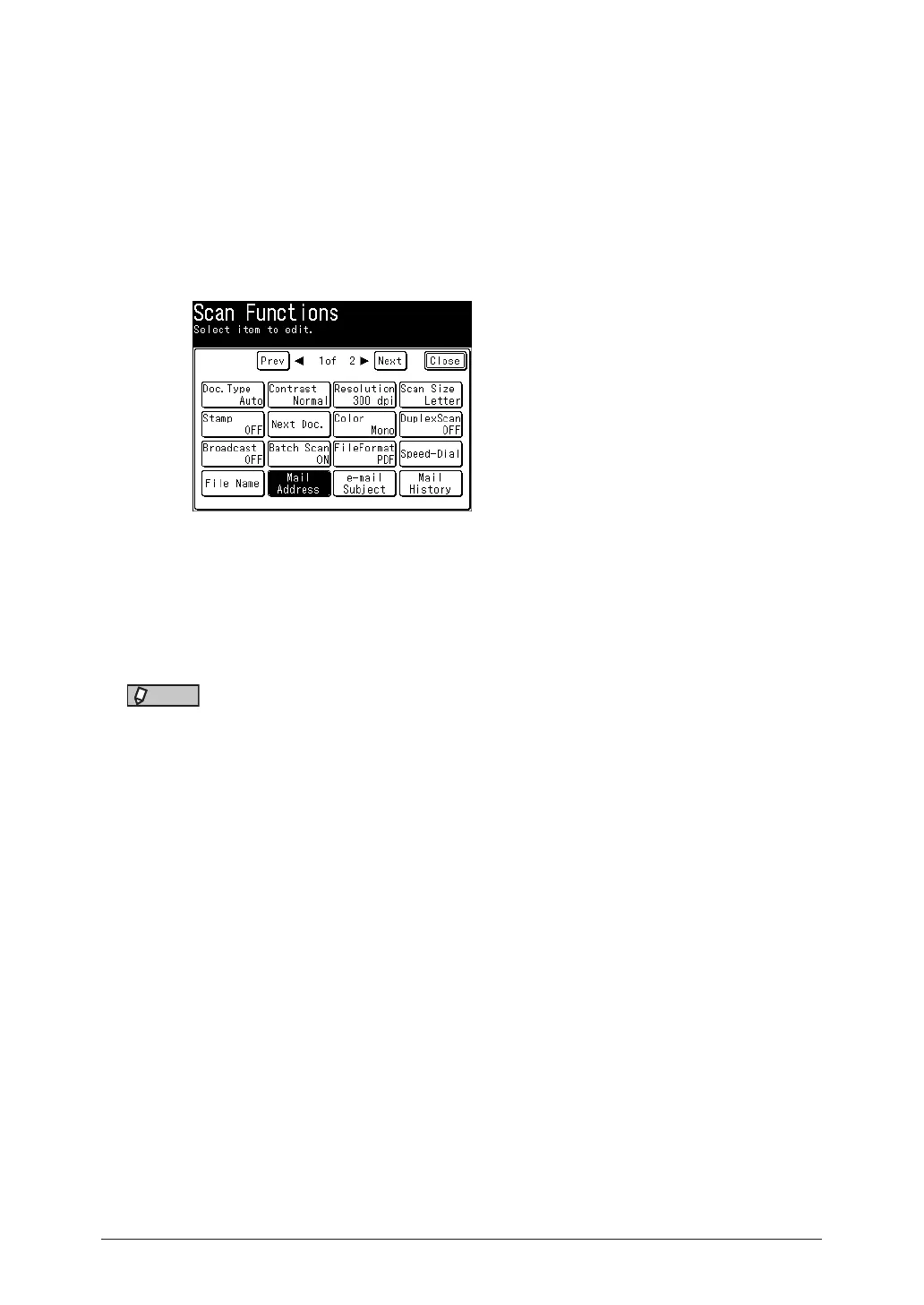
Press [Advanced].
3
Press [Mail Address].
4
Enter the e-mail address, and press [Enter].
•Up to 50 characters can be entered.
•For details on entering the characters, see chapter 1, “Entering characters” in the
Administrator’s Guide.
5
When there are multiple destinations, repeat the procedures from step 3.
NOTE
When you press [Register] after entering an e-mail address, you can register the
displayed e-mail address in the address book. For details, see “Useful registration
method 3 Registering an entered e-mail address” (page 7-7).



 To Next Page