1
2
3
4
5
6
Checking the transmission report 6-3
Communication management
7
If you selected “e-mail”, specify the destination for transmission report, and
press [Enter].
•Up to 50 characters can be entered.
•To delete one of the entered characters, press [Delete].
8
Press [Close] repeatedly until the “Fax Ready” screen is displayed.
9
Specify the destinations, and press <Start>.
For details on specifying the destinations, see “Specifying destinations” (page 5-2).
NOTE
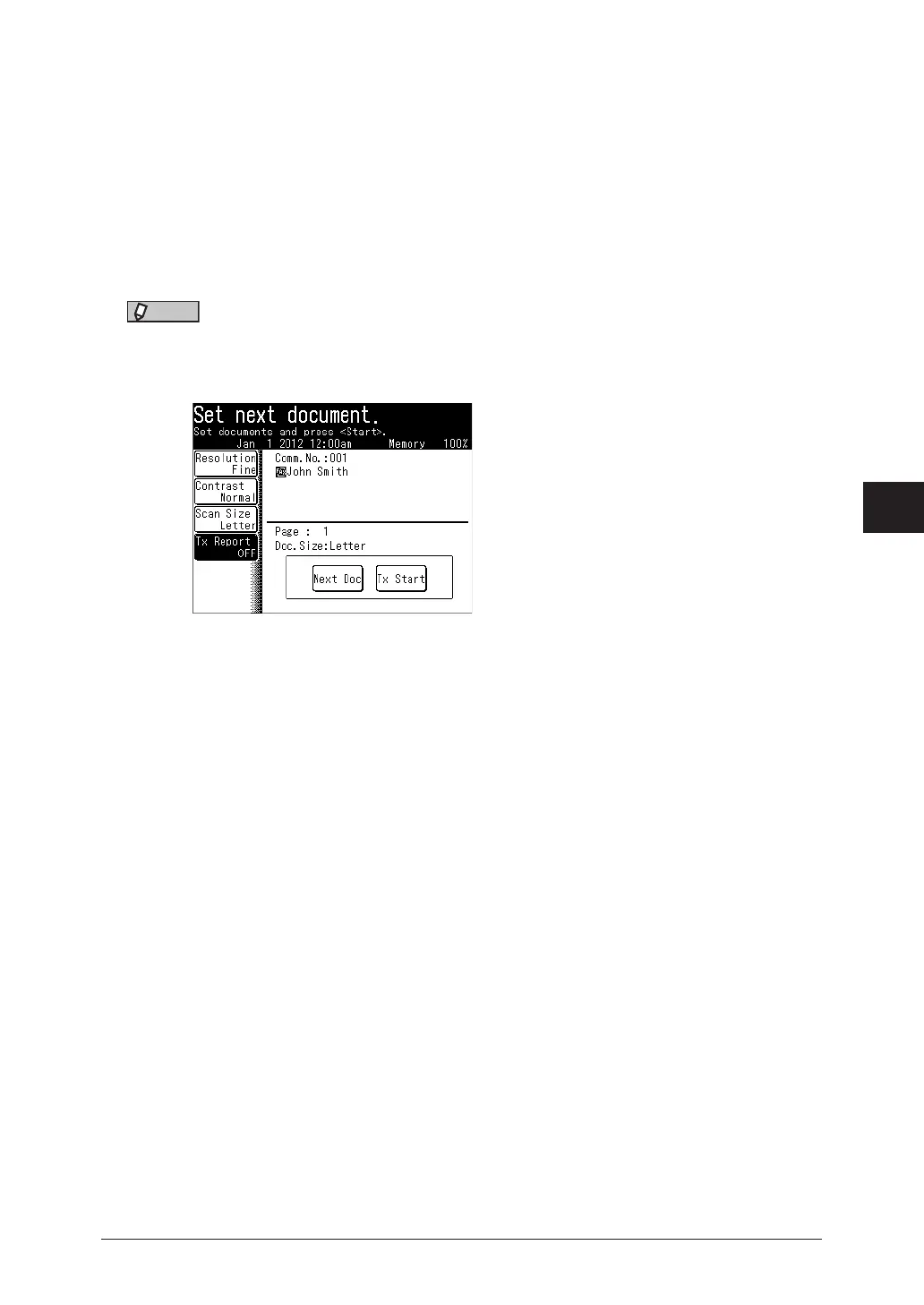
You can change the transmission report settings while scanning to other than sending
e-mail. Press [Tx Report] on the screen displayed while scanning, and change the
states.



 To Next Page