1
Basic scanning 1-13
Basic scan functions
4
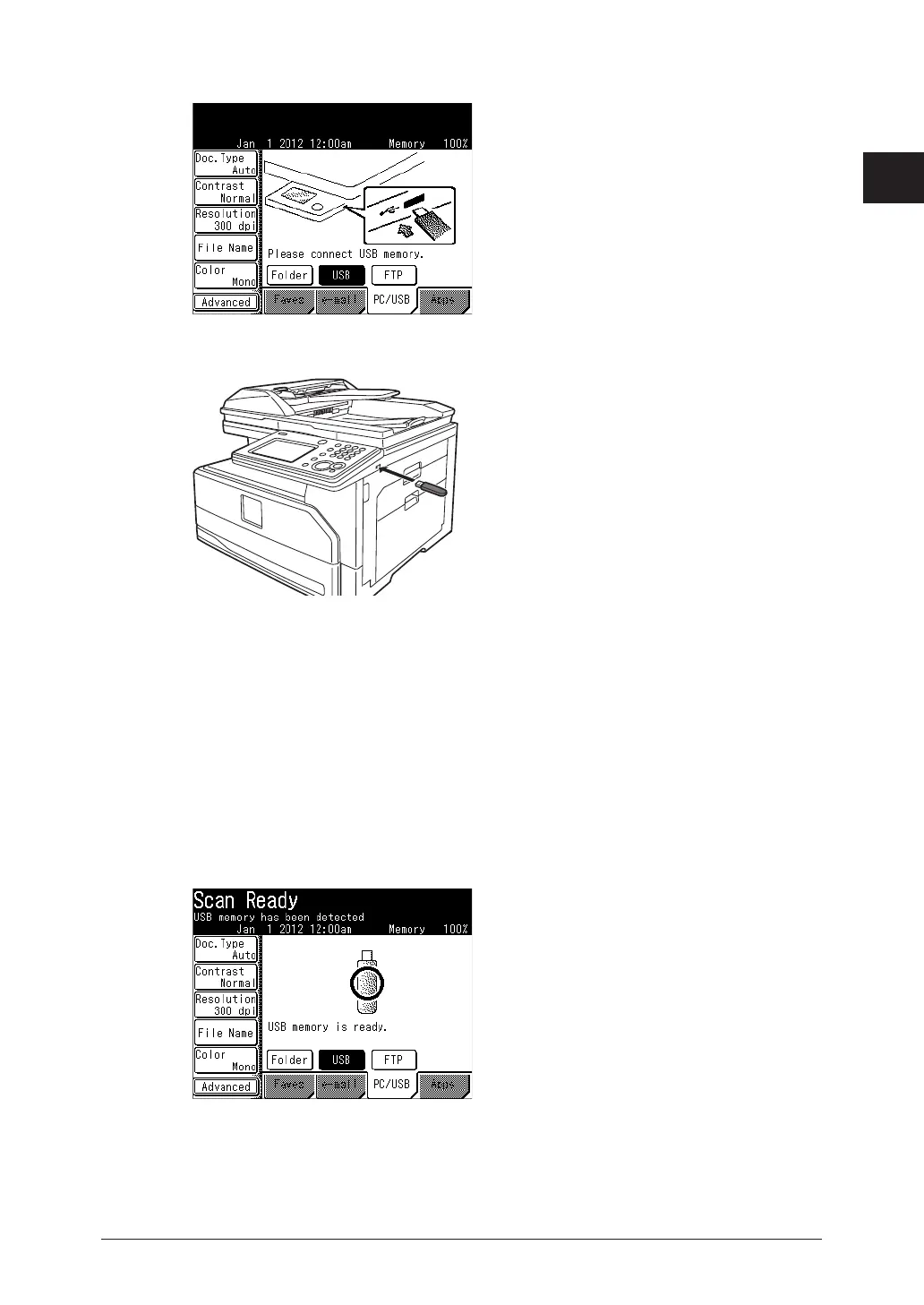
Press [PC/USB], and then [USB].
5
Connect the USB memory to the machine.
6
Press <Start>.
•When you have loaded the document on the automatic document feeder, this will conclude
the operation.
•When you have loaded the document on the document glass, a message will appear when the
first page of the document is scanned.
7
Load the next document, and press [Next Doc].
8
Repeat step 7 to scan all the documents.
To finish scanning, press [Complete].
9
When the message “Scan Ready” is displayed, disconnect the USB memory.



 To Next Page