1
2
Advanced scan functions 2-13
Advanced scan functions
4
Select [ON], and press [Enter].
Select [OFF] to deselect the setting.
5
Press [Close].
6
Specify the destinations, and press <Start>.
•For details on the procedure, see “Basic scanning” (page 1-2).
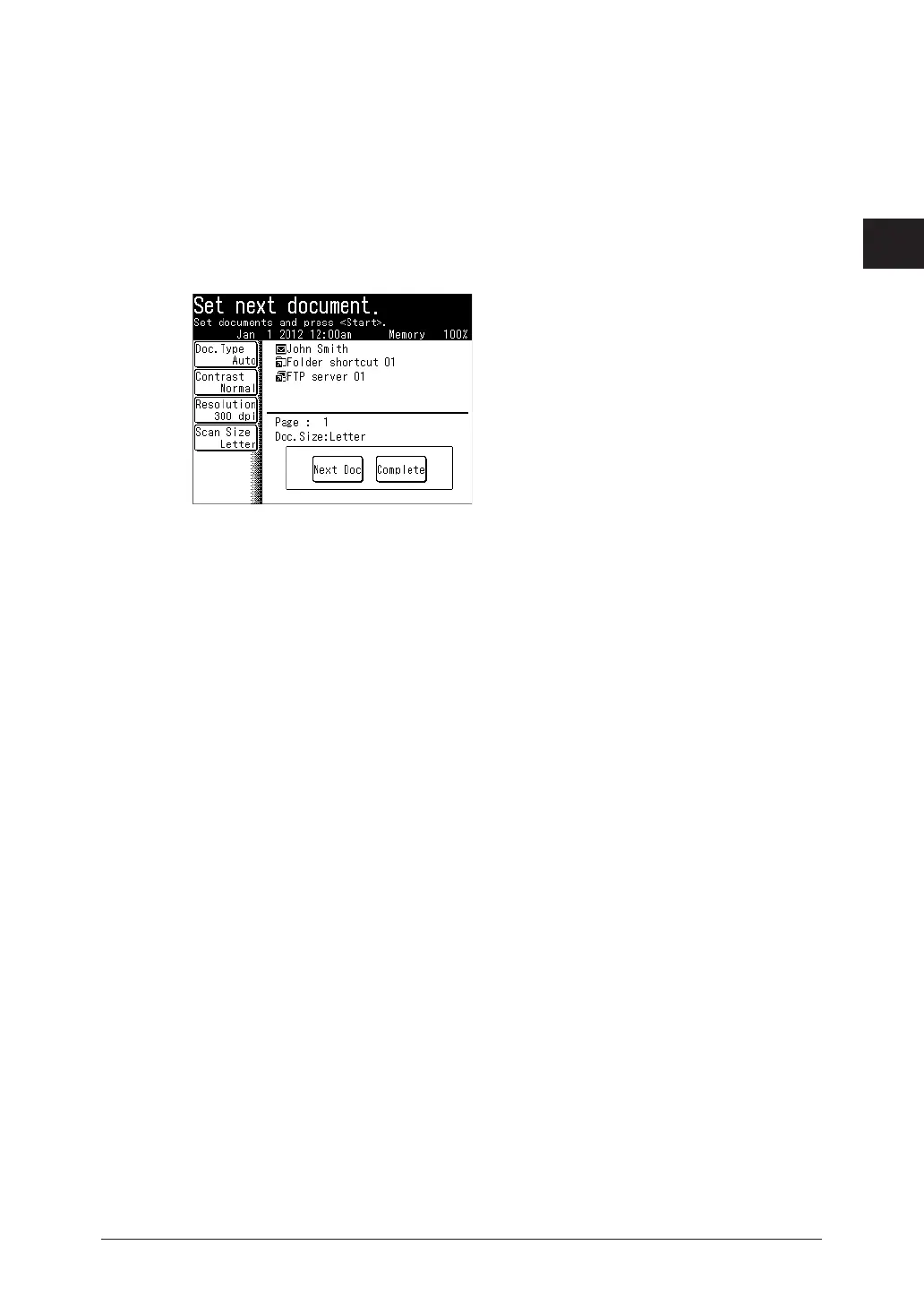
•The display shows “Set next document.” when scanning is over.
7
Load the next document, and press [Next Doc].
8
Repeat step 7 to scan all the documents.
9
To finish scanning, press [Complete].



 To Next Page