4-6 Scanner related settings
3
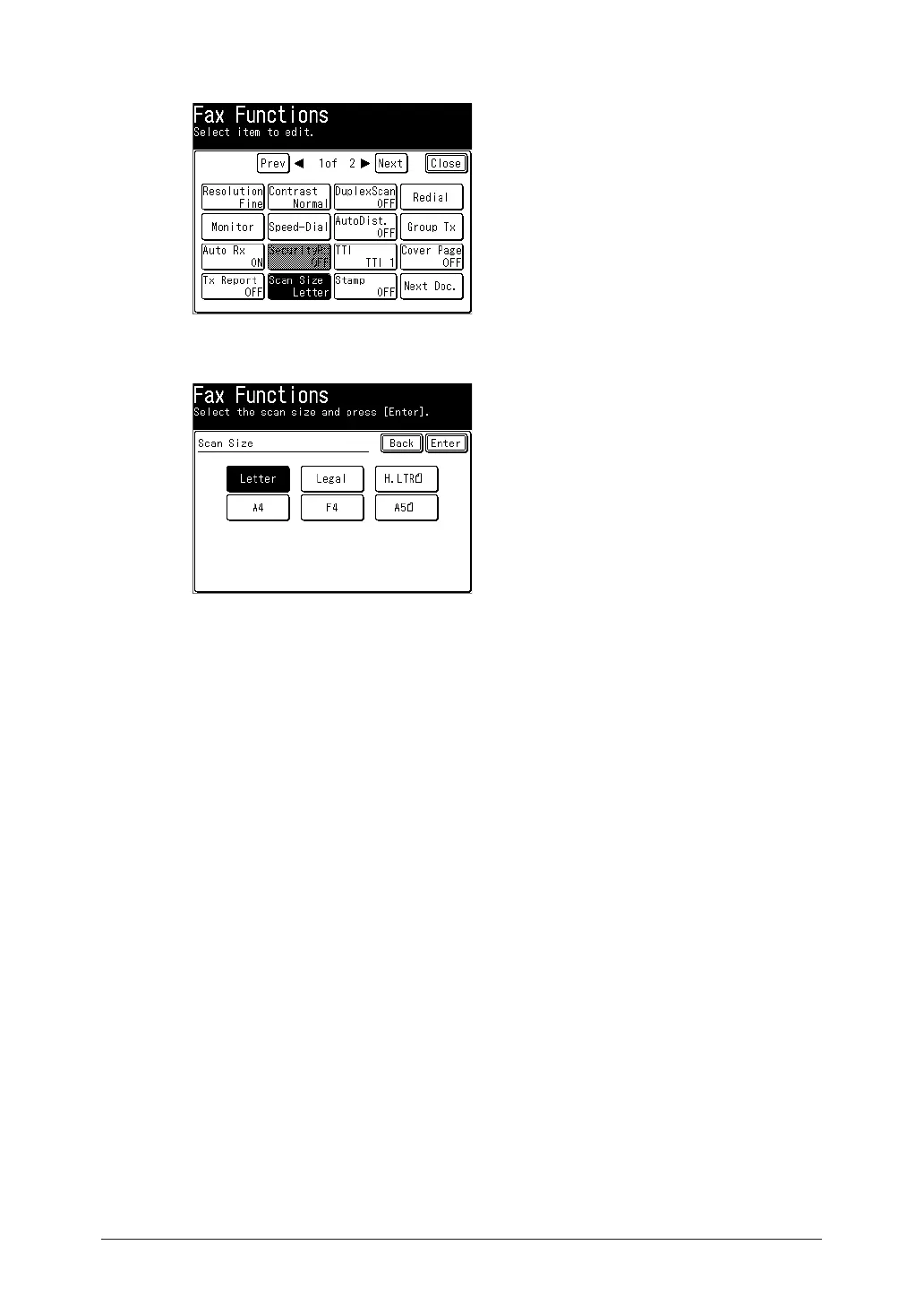
Press [Scan Size].
If you loaded the document in the automatic document feeder, “Auto” is selected.
4
Select the scan size, and press [Enter].
5
Specify the destinations, and press <Start>.
For details on specifying the destinations, see “Specifying destinations” (page 5-2).



 To Next Page