Useful software
- 268 -
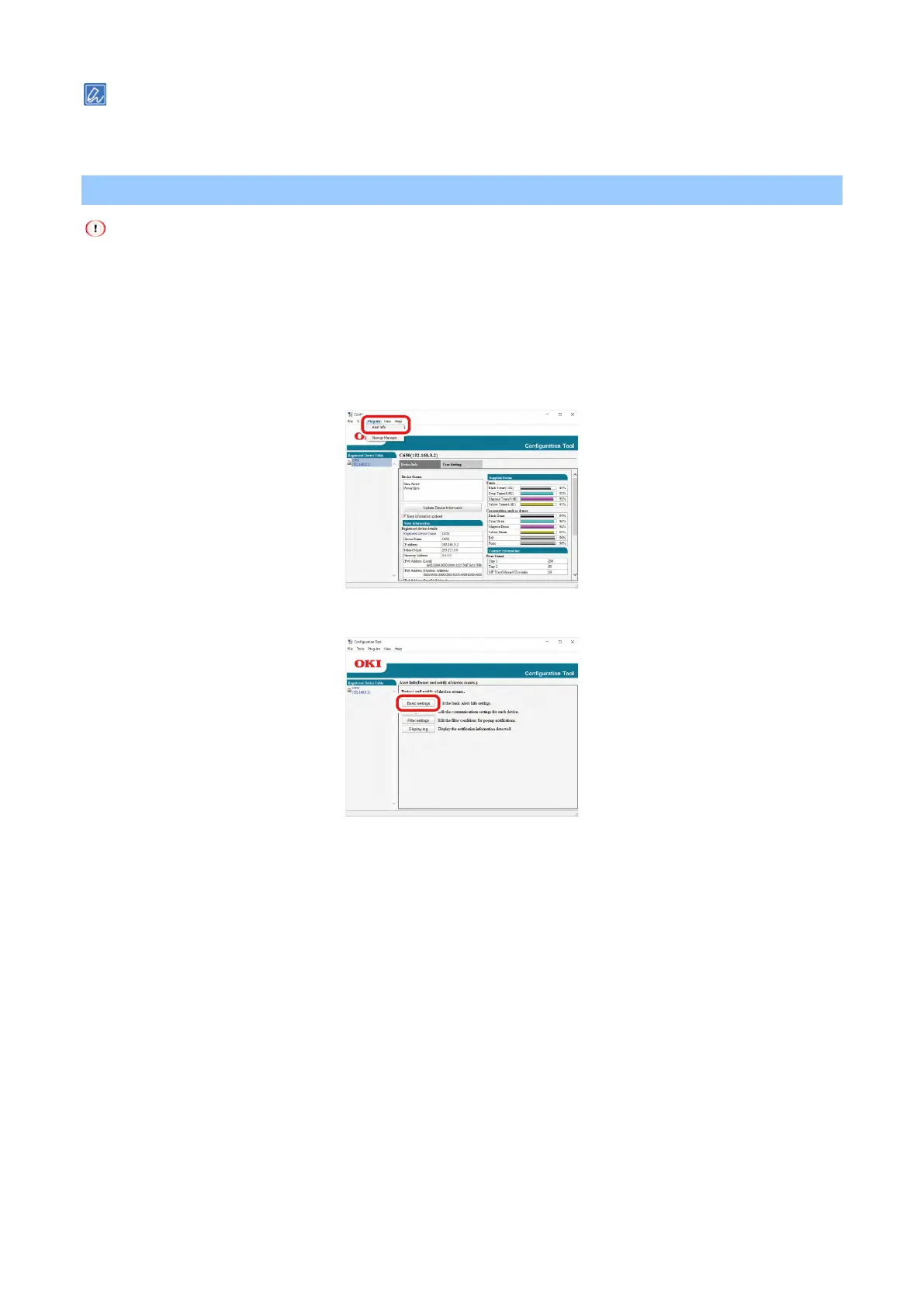
When this machine is connected to a network, [Device Status] is displayed.
To update the information, click [Update Device Information].
Displaying job completion on the PC
The time and time zone of this machine must be consistent with your PC.
Setup
1
Click [Start] and select [Okidata] - [Configuration Tool].
2
Select [Alert Info] from the [Plug-in] menu.
3
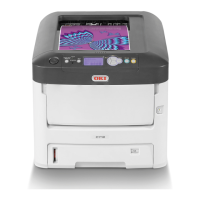
Select [Basic settings].
4
Change the settings as necessary.
5
Click [Update].
Device Settings
1
Click [Start] and select [Okidata] - [Configuration Tool].
2
Select [Alert Info] from the [Plug-in] menu.
3
Select [Setting devices].


 To Next Page