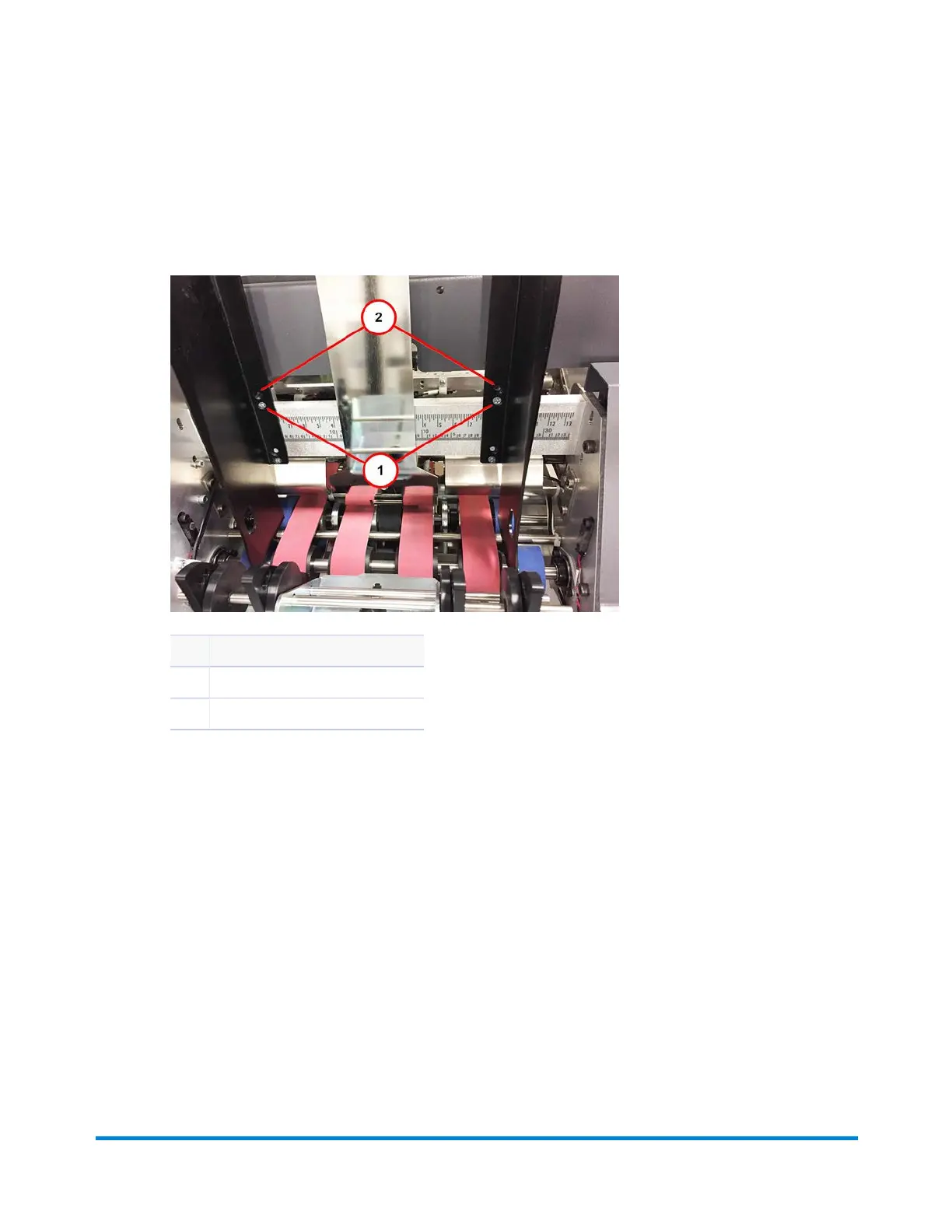
10. Using an insert, test the adjustment:
l The default setup for the side guides is centered and straight, no taper.
l Side guides should only be 1/16" to 1/8" (1.6 mm to 3.1 mm) larger than the insert.
Item Description
1 Adjust guides to insert width
2 Gap 1/16 to 1/8" gap (use insert)
Operator Adjustments
Pitney Bowes Epic v3.1 (ZVE0) Operator Guide May, 2018 Page 150 of 328



 To Next Page