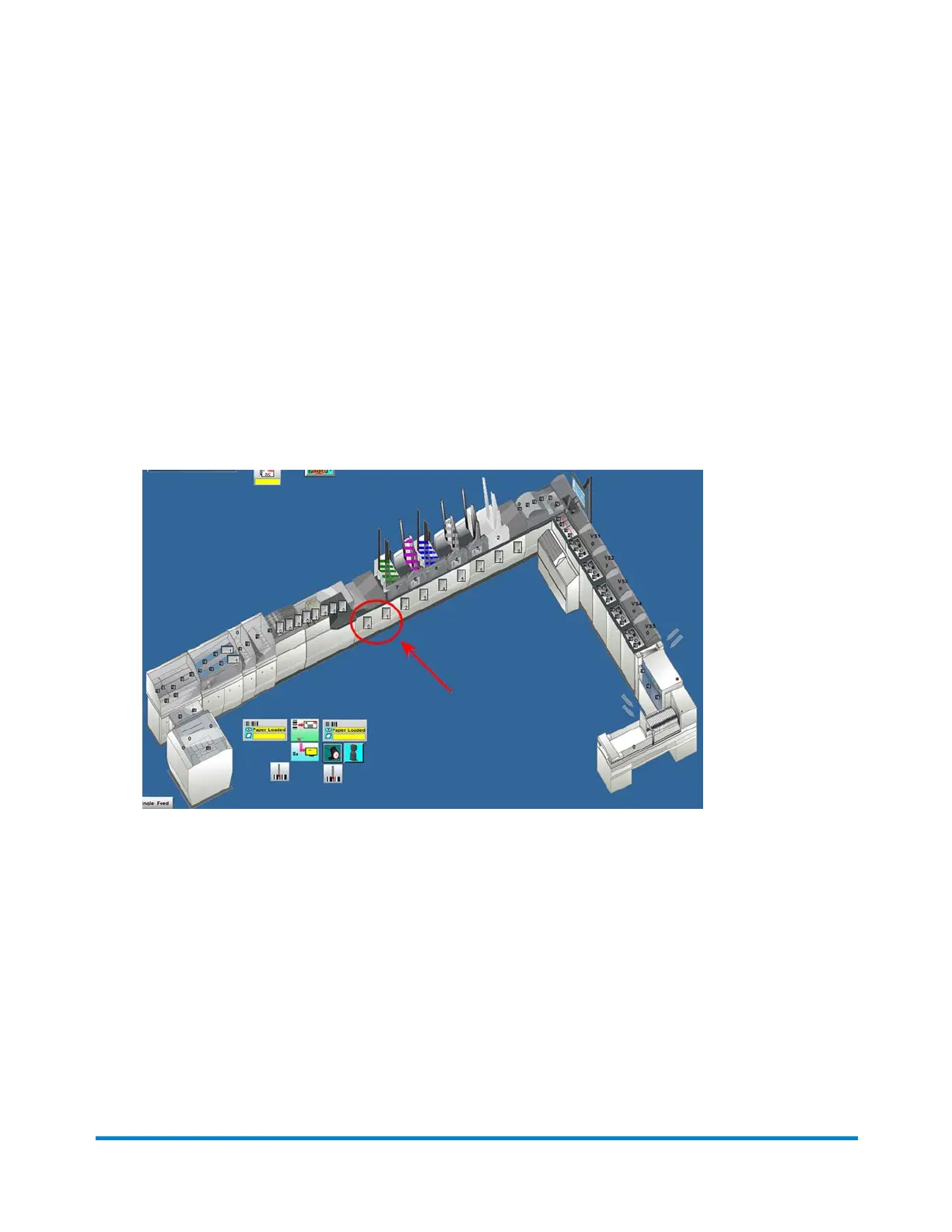
Clear Deck and Feeders Function
The Clear Deck and Feeders function cycles all the mailpieces out from the paper path and, all the
material in the armed area of the insert feeders. Clear Deck, only removes the mailpieces in the paper
path, not the material in the insert feeders.
You can initiate Clear Deck and Feeders manually or set it up to run automatically whenever you initiate a
Clear Deck function.
Initiate Clear Deck and Feeders Manually
1. Click the Chassis object on the main DC screen and select Clear Deck & Feeders from the drop-
down menu.
Using Direct Connect
Pitney Bowes Epic v3.1 (ZVE0) Operator Guide May, 2018 Page 44 of 328



 To Next Page