Setting Up "Clear Deck and Feeders" to Run Automatically When Clear Deck is Initiated
You can set the system up so the feeders are automatically cleared every time you initiate Clear Deck.
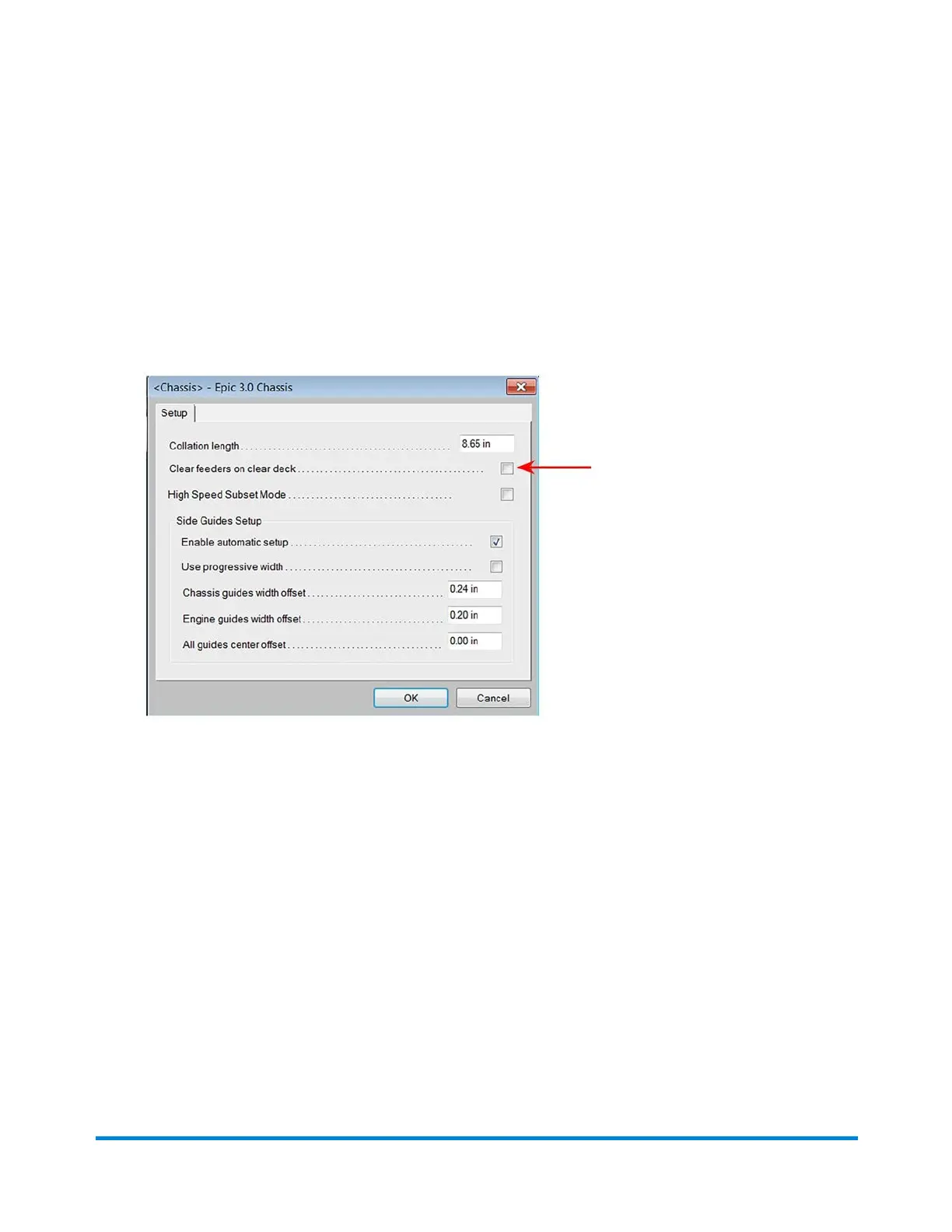
1. Click the Chassis object on the main DC screen and select Setup from the drop-down menu.
2. When the Chassis Setup dialog opens, select the Clear feeders on clear deck checkbox. (Every
time you initiate the Clear Deck function, the material in the armed area of the insert feeders is also
cleared.)
Using Direct Connect
Pitney Bowes Epic v3.1 (ZVE0) Operator Guide May, 2018 Page 45 of 328



 To Next Page