[Postage Value Correction]
Mode
3.6
In [Postage Value Correction] Mode Section
This section describes the settings required to print a [Postage Value Correction].
Use this Type of impression add postage to the previously printed. Amount entered must
be outside of Canada Post specified block out range.
See also
• How to Change a Meter Impression on page 30.
Setting [Postage Value Correction] Mode
The instructions below outline the steps that you need to complete to set up your system
to print a Postage Value Correction Meter Impression.
• As mail requirements differ from day to day, some of the Impression Options may
not be necessary, or their order may vary.
• Begin by selecting a Meter Impression to gain access to the Impression Options that
you may need to process your mail with a Postage Value Correction.
Make sure you have completed the preparation steps mentioned
in Preparing and Starting your Job Run on page 26.
How to Set [Postage Value Correction] Mode
Required settings:
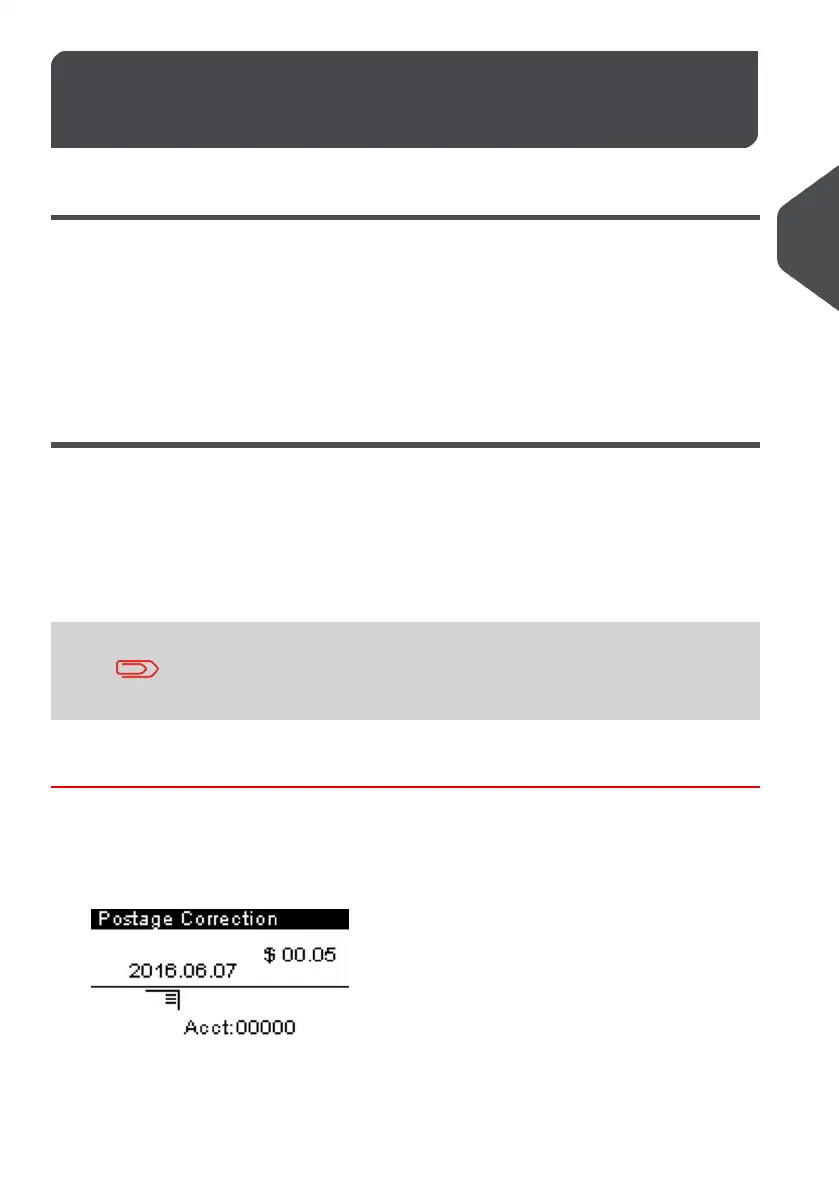
1. Make sure you are on the home screen of the [Postage Value Correction] type
of impression as illustrated below.
47
| Page 47 | | Jan-13-2017 10:32 |
3
Processing Mail



 To Next Page