BOOK FOLDER INSTALLATION
1.6.7 CHECK THE INSTALLATION
1. Power on the Booklet maker.
NOTE: Make sure that the nisher connector is connected to the copier.
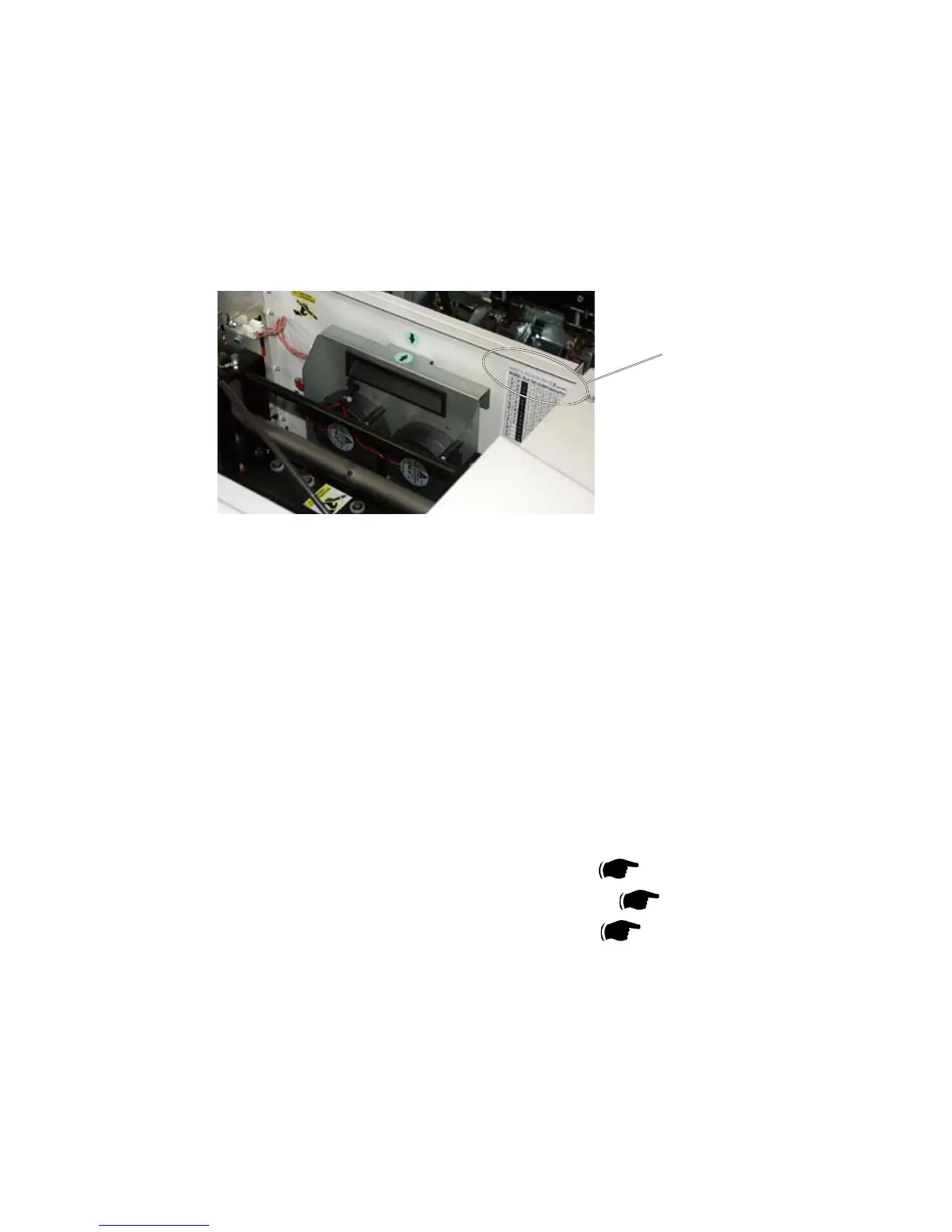
[A]
2. In the Trimmer, check the Index 16 value [A].
3. Press the Tools button.
4. Scroll down to Service and press the OK button.
5. Key in the Password.
6. Scroll down to EEPROM Values and press the OK button.
7. Scroll to INDEX 16, TR5010.Knife Zero, and press the CHG button.
8. Key in the value you have in the trimmer.
9. Go down to Store and press the OK button.
10. Remove the two Stapler heads, according to section (
3.4.12 ).
11. Perform a detailed self-diagnostic, according to section (
5.3.3 ).
12. Reinstall the two Stapler heads, according to section ( 3.4.12 ).
13. Power on the Copier.
NOTE: Make sure that the Booklet maker is powered ON before the Copier.
14. Set up the Booklet maker to Auto paper size.
15. Check that the Booklet maker is set to Staple ON.
16. Set up the Trimmer to Trimmer ON.
Trimmer interior, view
towards Booklet Maker



 To Next Page