SKEWED, TRAPEZOID, AND PARALELLOGRAM IMAGES 10 February 2005
4-34
Action 4 (original skew)
Perform the following checks:
1. Make sure the ADF side fences are in the proper position for the size of the
original.
2. Check to see if the surfaces of the pick-up roller, separation roller, feed belt,
transport rollers and exit rollers are dirtied, and clean if necessary.
3. Check to see if the skewing still occurs, and if it does, continue onto the next
step.
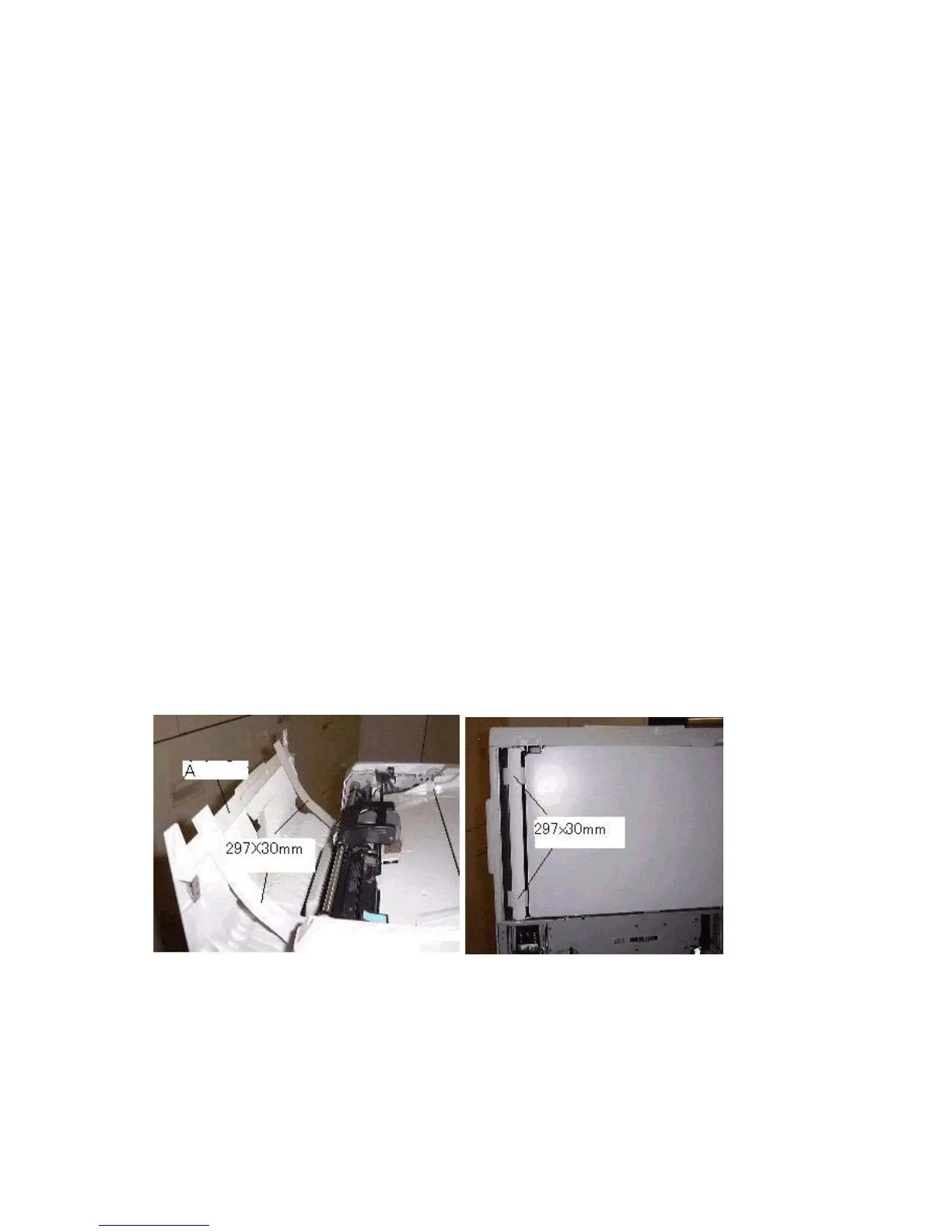
4. Cut two sheets of paper to a size of A4 x 30mm (297mm x 30mm), then open
the ADF left cover [A] and insert the two sheets into the paper path as shown
(left and right sides).
5. Close the ADF unit (keeping the ADF left cover open).
6. Pull on both strips of paper at the same time (from the left side of the DF) and
check for a difference in resistance.
If there is no difference in resistance between the front and rear, adjust the
ADF skew as shown below in Action 5-1(see ARDF Skew Adjustment in the
Service Manual, 3.12.3).
If the resistance with the rear sheet is larger than the front, adjust the skew as
shown below in Action 5-2.
DF (top) DF (bottom)


 To Next Page
 Loading...









