10 February 2005 COPIER (B156/B220)
1-11
Installation
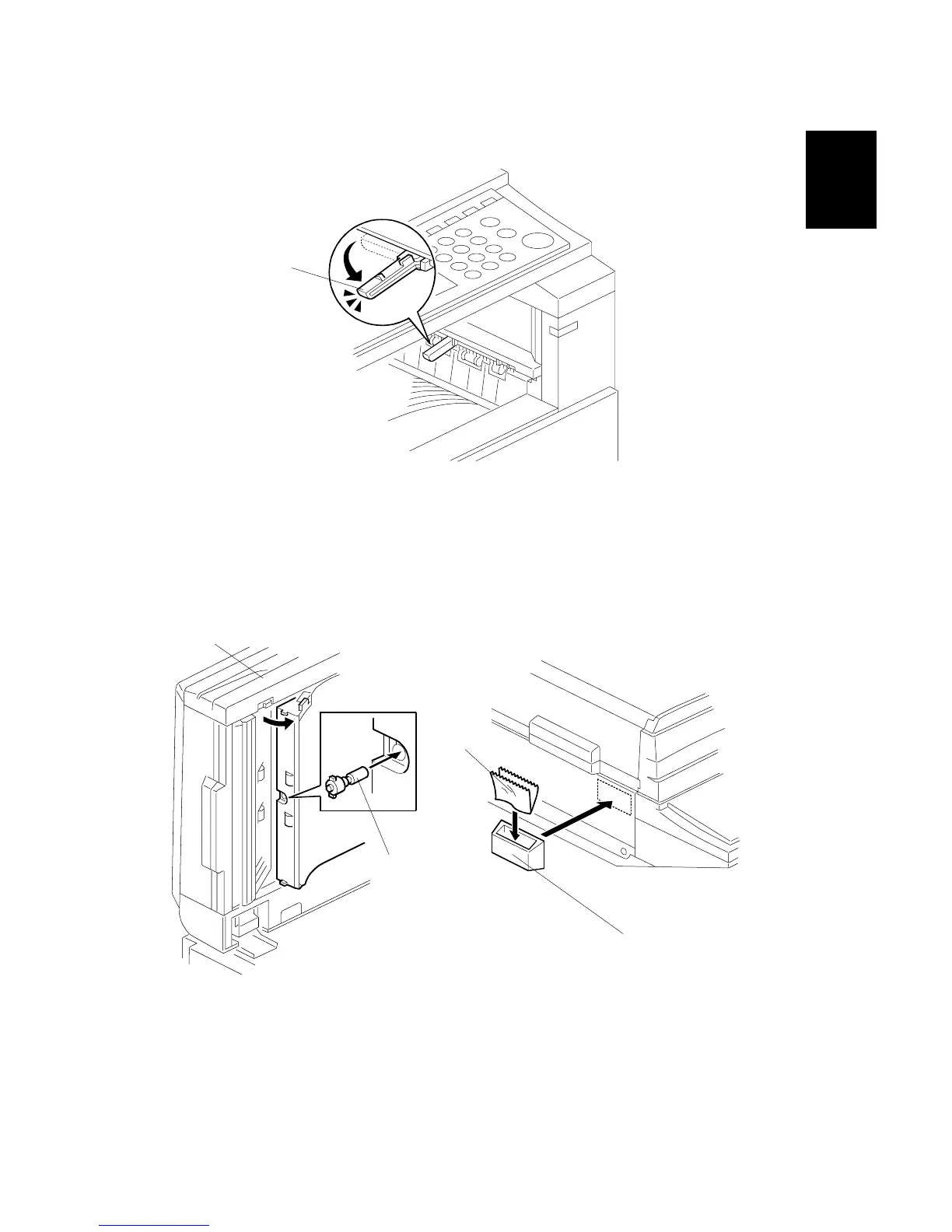
14. If the optional bridge unit will not be installed: Swing the sensor feeler [A]
out.
15. Install the optional ARDF (EU model only) or the optional platen cover (see
ARDF Installation or Platen Cover Installation).
16. Install the stamp cartridge [B] if the ARDF [C] was installed.
17. Attach the cloth holder [D] to the left side of the scanner as shown. Then put
the cloth [E] in the cloth holder if the ARDF was installed.
B156I517.WMF
B502I006.WMF
B810I504.WMF
[A]
[B]
[C]
[D]
[E]



 To Next Page