SAM4s ER-900 Series Operator's & Programming Manual v.1.28 S-Mode Programming • 101
RS-232 Communication Option Programs
You must define the device(s) attached to the RS-232C communications ports, and the
options for the device(s).
1. Turn the control lock to the S position.
2. Enter 8 0 (enter 8 1 to program the second port; 8 2 for the optional third port;
and 8 3 for the optional fourth port) and press the SUBTL key.
3. Refer to the chart RS-232C option chart that follows and enter the address
number of the option you wish to program and press the X/TIME key. (For
example enter 5 to select the device that will be connected.)
4. Enter the value that represents your selection and press the CASH key. (for
example, if you are programming the device (address 5) enter 6 if the device is a
scanner.)
5. Repeat from step 2 for additional options you wish to program.
6. Press CASH to exit the program.
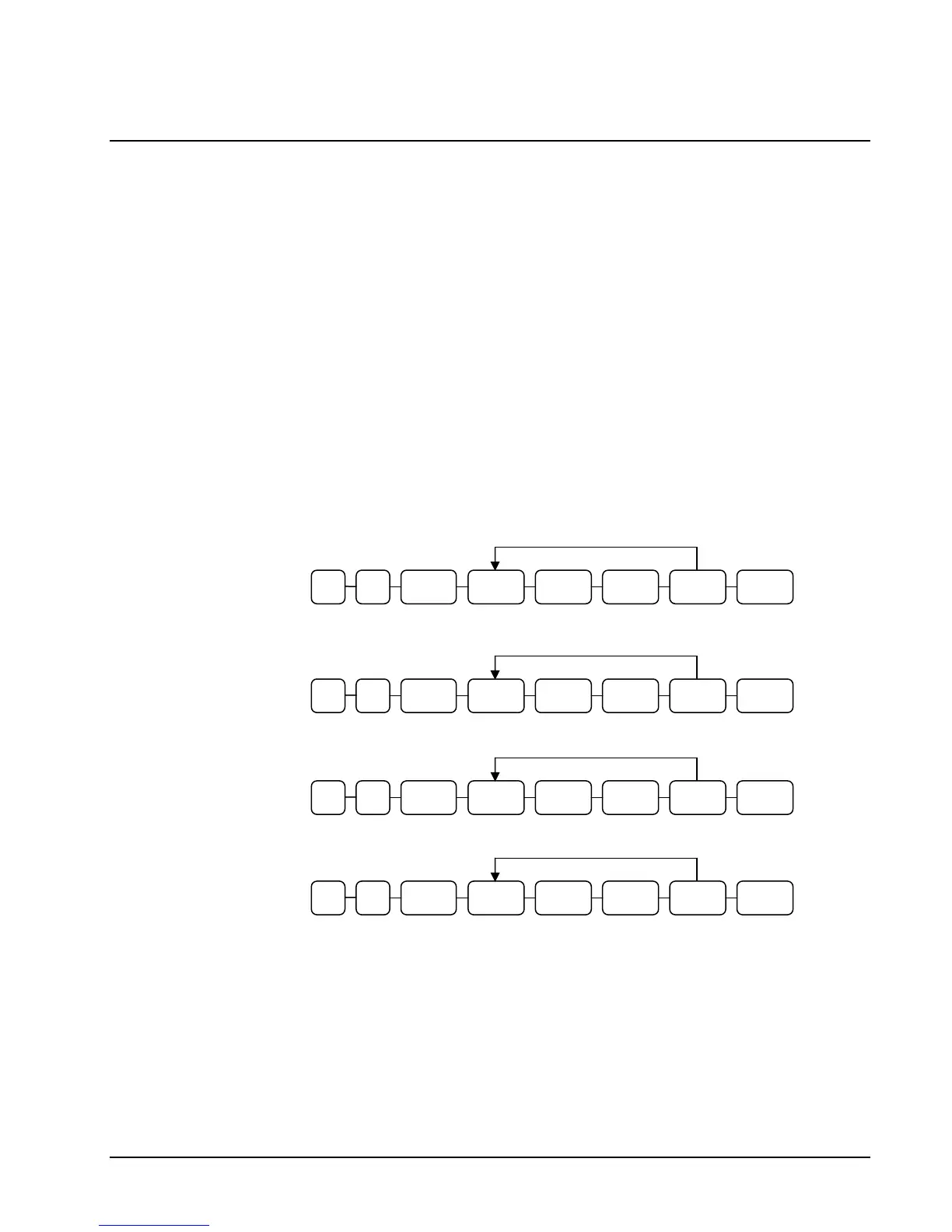
XTIME OPTIONSUBTL0 8 CASH VALUE CASH
XTIME OPTIONSUBTL1 8 CASH VALUE CASH
Port 1
(standard)
Port 2
(standard)
XTIME OPTIONSUBTL2 8 CASH VALUE CASH
Port 3
(option)
XTIME OPTIONSUBTL3 8 CASH VALUE CASH
Port 4
(option)



 To Next Page