48 • Operations SAM4s ER-900 Series Operator's & Programming Manual v.1.28
Percentage Key (%) Registrations
There is one percentage key on the default ER-925/945 keyboard; there are four percentage
keys on the default ER-920/940 keyboard. Through "Function Key Assignment
Programming" (see page 99) up to five percentage keys may be placed on the keyboard.
Each key is individually programmable to add or subtract, from an individual item or from a
sale total, amounts (coupons) or percentages. You can also program the percentage key
taxable or non-taxable, so that sales taxes are calculated on the net, or gross amount of the
item or sale.
The operation examples in this section show the percentage key in a variety of
configurations. See "%1-%5 Function Key Options” on page 180 to assign a specific
function to each percentage key.
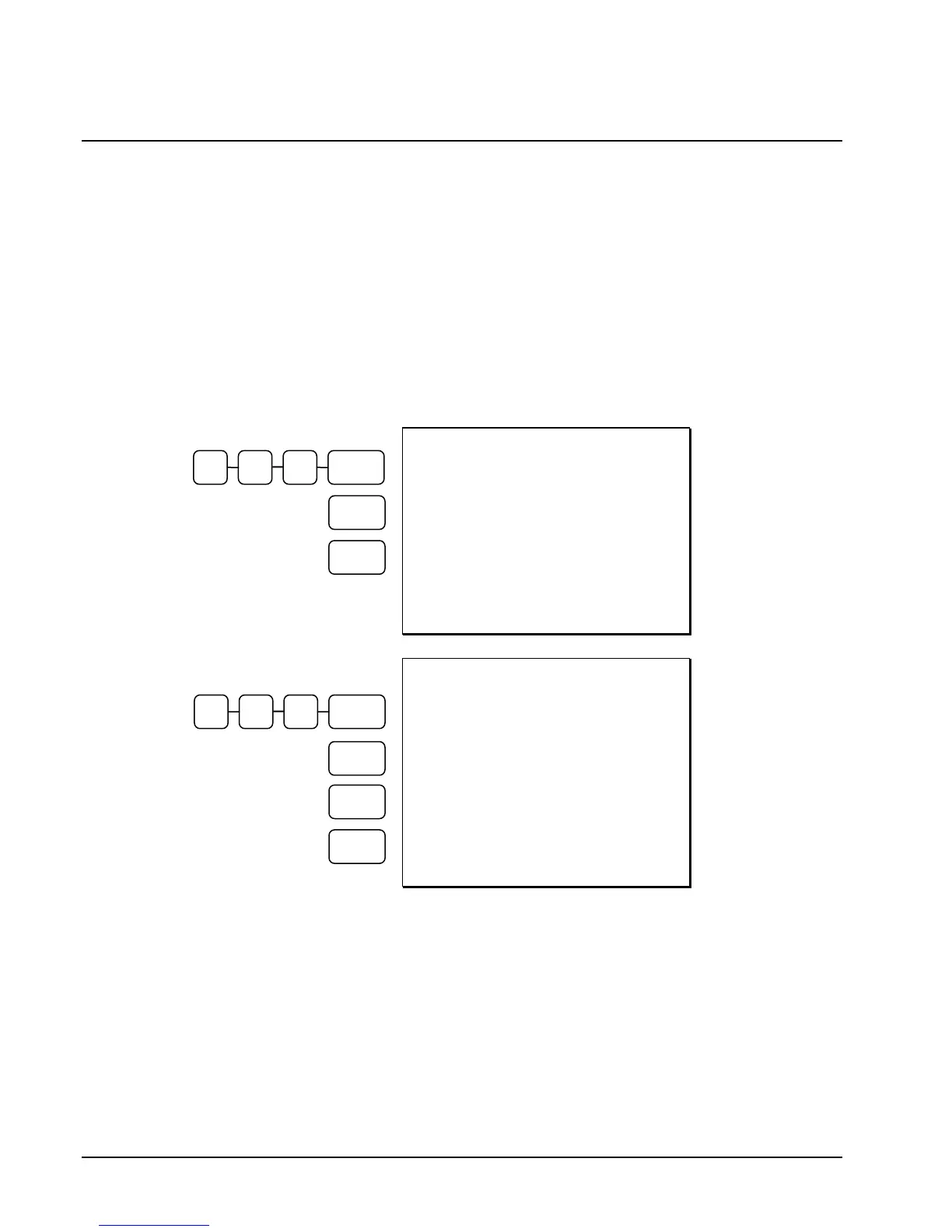
DATE 06/14/2011 SUN TIME 03:15
PLU1 T1 $1.00
% 1 10.000%
AMOUNT T1 $0.10
TAX1 $0.06
TOTAL $1.16
CASH $1.16
CLERK 1 000001 00001
Preset 10%
Surcharge on an
Item
DATE 06/14/2011 SUN TIME 03:15
PLU1 T1 $1.00
% 1 -10.000%
AMOUNT T1 -0.10
TAX1 $0.05
TOTAL $0.95
CASH $0.95
CLERK 1 000001 00001
Preset 10%
Discount on a
Sale
CASH
%1
1 0 0 PLU 1
CASH
% 1
1 0 0 PLU 1
SUBTL



 To Next Page