SAM4s ER-900 Series Operator's & Programming Manual v.1.28 Getting Started • 29
Straight Percentage Tax Rate Programming
When tax requirements may be met using a straight percentage rate, use the following method
to program a tax as a straight percentage.
Important Note: Tax program procedures were updated at software version 1.019. At
this version it is no longer necessary to have multiple tax shift keys on the keyboard
when multiple taxes are used: all tax programming is done through the TAX 1 key.
Please use the appropriate instructions for the version you are programming.
Programming Straight Percentage Tax Rates and Status (Up to v1.017)
1. Turn the control lock to the PGM position.
2. If the tax is a percentage rate, enter the tax rate with a decimal. (0.000-99.999). It is
not necessary to enter preceding zeros, but you must enter the decimal. For example,
for 6%, enter 06.000 or 6.000.
3. Enter 00. (Entries here set tax options for value added tax and or Canadian GST. See
“Straight Percentage Tax Rate Programming” on page 117 for details.)
4. Press the appropriate Tax key for the tax you are programming.
5. Press the CASH key to end programming.
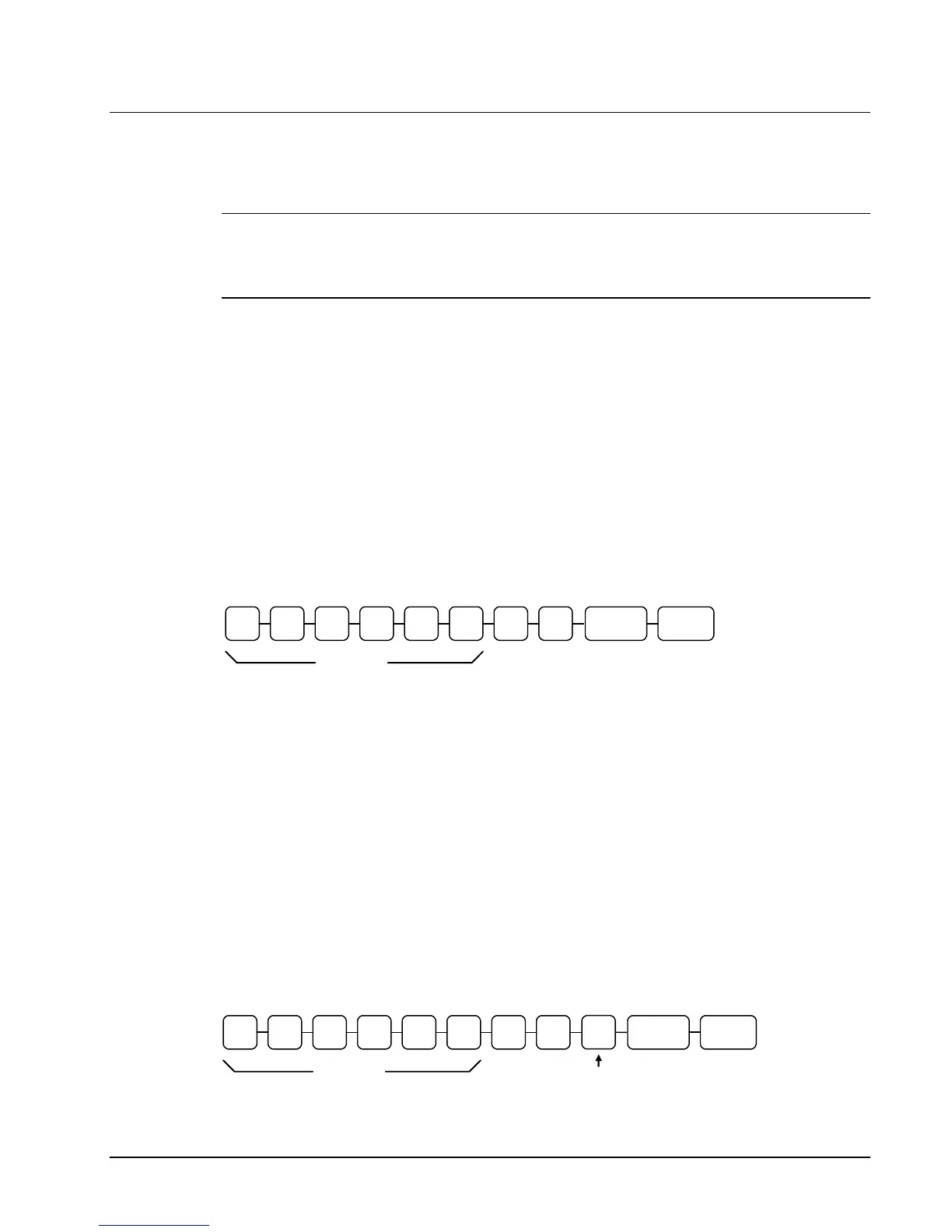
Tax Rate Programming Flowchart
. TAX 1 0 0
Tax Rate
You must enter decimal
CASH
Programming Straight Percentage Tax Rates and Status (v1.019 or later)
1. Turn the control lock to the PGM position.
2. If the tax is a percentage rate, with a decimal. (0.000-99.999). It is not necessary
to enter preceding zeros. For example, for 6%, enter 06.000 or 6.000.
3. Enter 00. (Entries here set tax options for value added tax and or Canadian GST.
See “Straight Percentage Tax Rate Programming” on page 117 for details.)
5. Enter the number (1-4) of the tax you are programming.
6. Press the TAX 1 key.
7. Press the CASH key to end programming.
Tax Rate Programming Flowchart
. TAX 1 0 0
Tax Rate
You must enter decimal
CASH
Tax#
(1-4)



 To Next Page