SAM4s ER-900 Series Operator's & Programming Manual v.1.28 Operations • 69
Soft Check
Opening a Soft Check
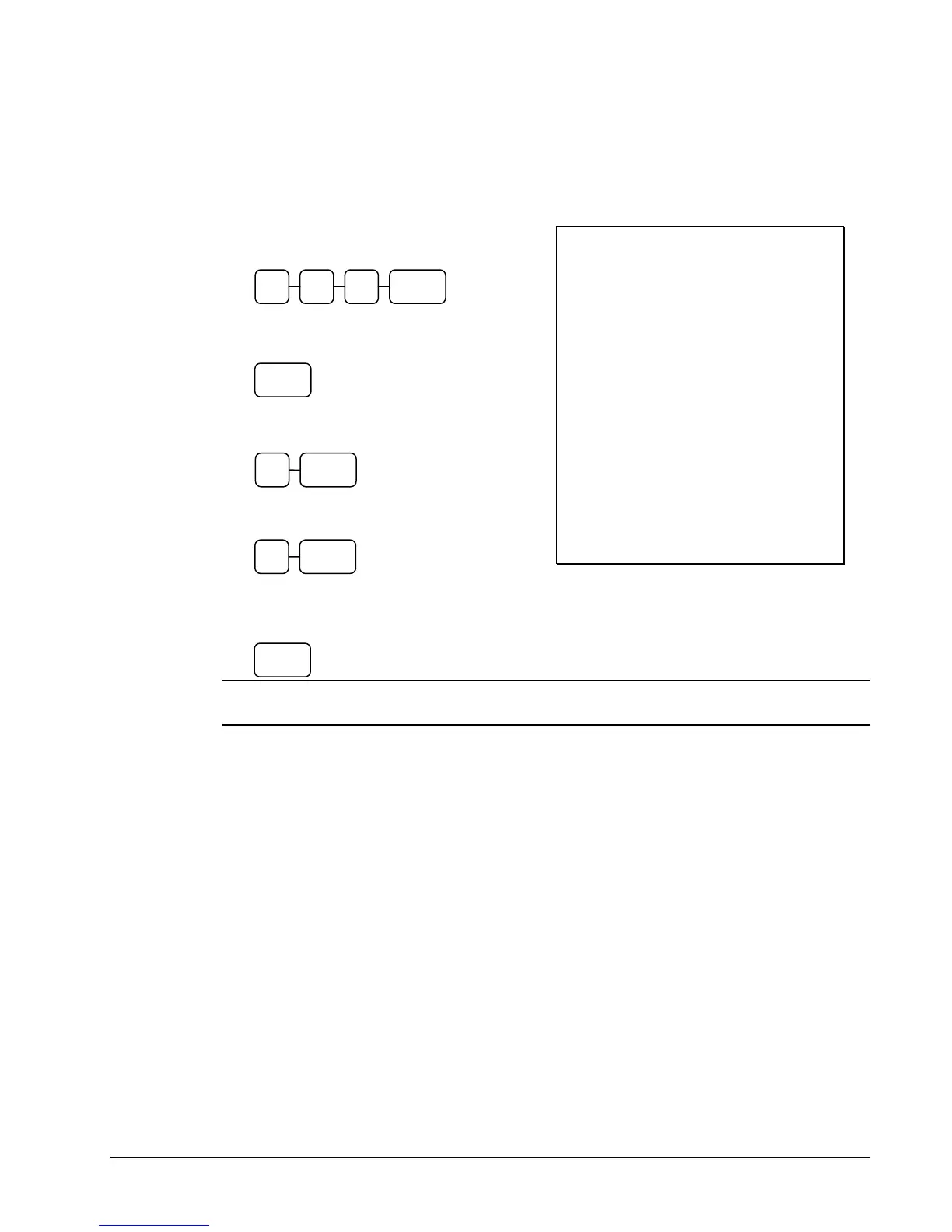
1. Enter the number of the guest check,
press the CHECK # key:
or, press the CHECK # key to
automatically assign a check #:
2. If required, enter the table number and
press the TABLE key:
3. If required, enter the number of guests
and press the GUEST key:
4. Register the items you wish to sell.
5. To total the posting, press SERVICE:
Receipt Example:
DATE 08/15/2011 SUN TIME 08:33
CHECK #
#123
PBAL $0.00
TABLE #3
GUEST #2
LIQUOR T1 $7.00
STEAK T2 $10.00
TAX1 $0.35
TAX2 $1.00
SERVICE $18.35
BFWD
$18.35
CLERK 1 000011 00001
Note: If a table number entry is required for all guest checks, and checks are assigned
by register, the check will be assigned by the register when the table # is entered.
CHECK#3 1 2
CHECK#
GUEST 2
TABLE 3
SERVICE



 To Next Page