SAM4s ER-900 Series Operator's & Programming Manual v.1.28 P-Mode Programming • 153
Function Key Programming
Three programs are used to program function keys:
Program 70 - is used to set individual options for each function key
Program 80 - is used to program an 18-character alphanumeric descriptor. In the
case of the #/No Sale key, provision is made to program a separate descriptor for
the # and No Sale functions.
Program 90 - is used to set a high amount limit (HALO). In the case of
percentage keys (%1-%5) the percentage rate or amount is programmed; In the
case of currency conversion keys, the conversion rate is programmed.
In this chapter you will find:
General instructions for programs 70, 80 and 90.
Specific Program 70 option programming instructions for each function key.
Program 70 - Function Key Options
Use Program 70 to set options for function keys. Because of the differences inherent in
function keys, individual options will be different. See the specific instructions for each key
in this chapter to find the options for each key.
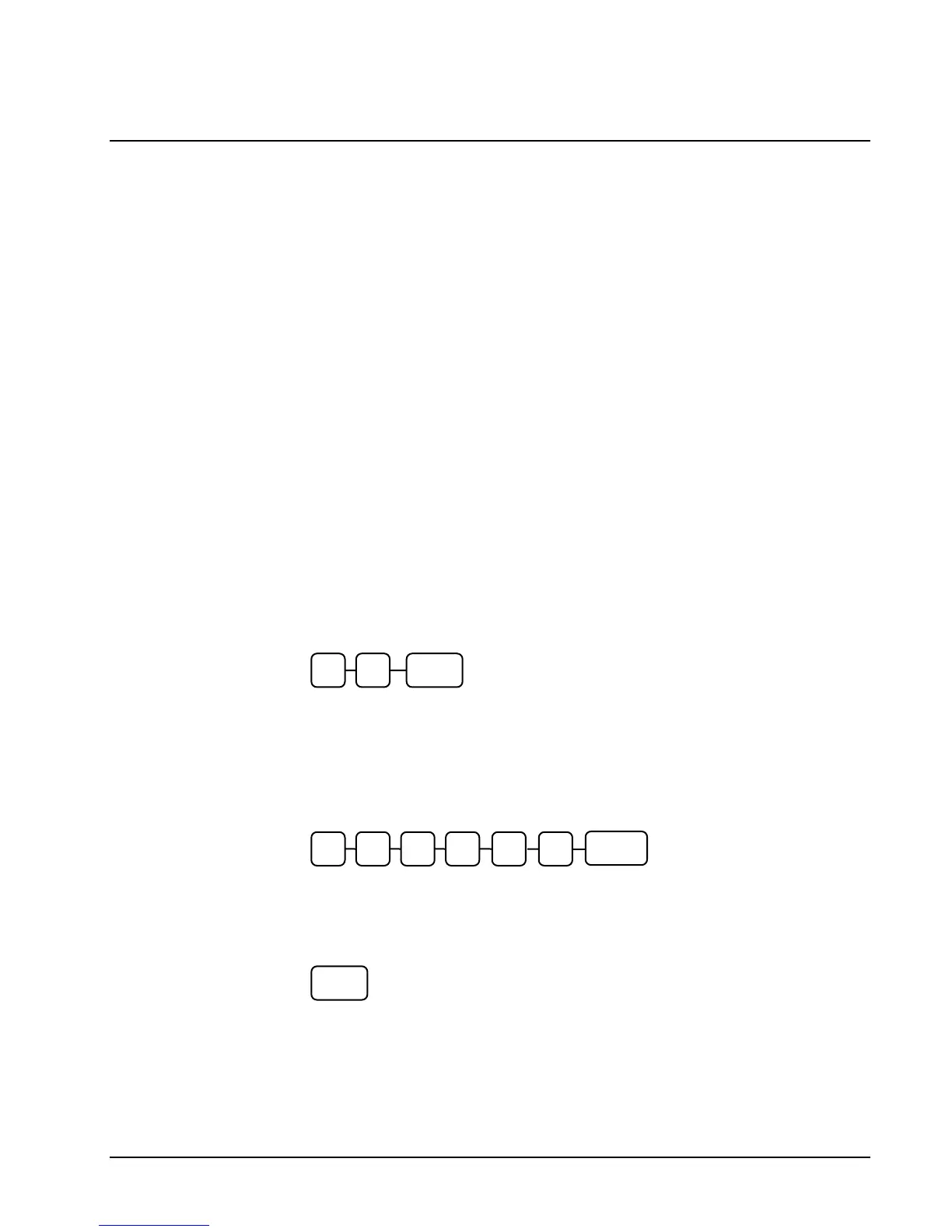
1. Turn the control lock to the PGM position.
2. To begin the program, enter 7 0, press the SUBTL key.
3. Enter the values for the option digit or digits. Depending on the function key you
are programming, you may enter up to six digits N1 through N6. Determine the
values for N1 through N6 by referring to the specific function key information
that follows. (You do not need to enter preceding zeros. For example, if the
function key offers six digits, N1 through N6 and you are only selecting a value
for N6, just enter the value for N6.) Press the function key you wish to program.
4. To program additional function keys, repeat from step 3, or press the CASH key
to finalize the program.
0 SUBTL7
N3 N2 N1 N4 N5
FUNCTION
KE
N6
CASH



 To Next Page