64 • Operations SAM4s ER-900 Series Operator's & Programming Manual v.1.28
Non-Add Number
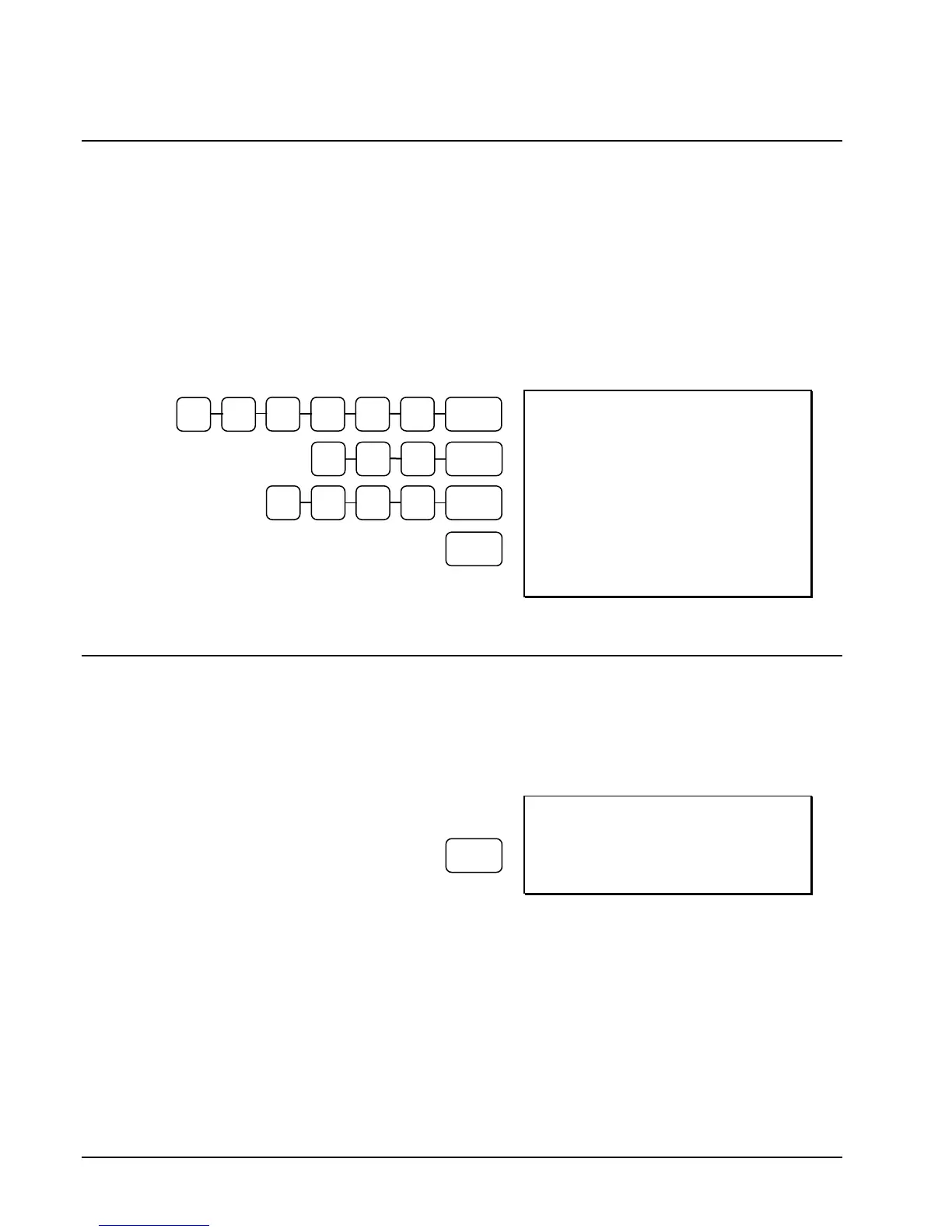
With the #/NS key, you can enter a memo number at any time and print the number on the
receipt, journal, or validation. The non-adding number is not added to the sale, nor is it
added to any register total, except the # key total itself. You can enter a number up of up to 9
digits. For example:
Enter a number prior to a PLU entry to print a record of the item's SKU number.
Enter a number prior to a Check tender to print a record of the check number.
Enter a number prior to a Charge to print a record of the charge account number.
DATE 06/14/2011 SUN TIME 03:15
NON-ADD# 123456
PLU4 T1 $2.00
TAX1 $0.10
TOTAL $2.10
NON-ADD# 1357
CHECK $2.10
CLERK 1 000001 00001
No Sale
Outside of a transaction you can press the #/NS key to open the cash drawer. The number of
no sales are counted and reported on the financial report. The no sale function can also be
placed under management control, requiring the control key to be in the X position.
DATE 06/14/2011 SUN TIME 03:15
NOSALE -------------------------
CLERK 1 000001 00001
4 5 6 #/NS 3
2 1
CHECK
2 0 0 PLU #4
/NS
3 5 7 #/NS 1



 To Next Page