56 • Operations SAM4s ER-900 Series Operator's & Programming Manual v.1.28
Subtotal Operations
Subtotal
Press the SUBTL key at anytime during a transaction to view the total due, including tax and
after adjustments. The display will indicate Sub for subtotal.
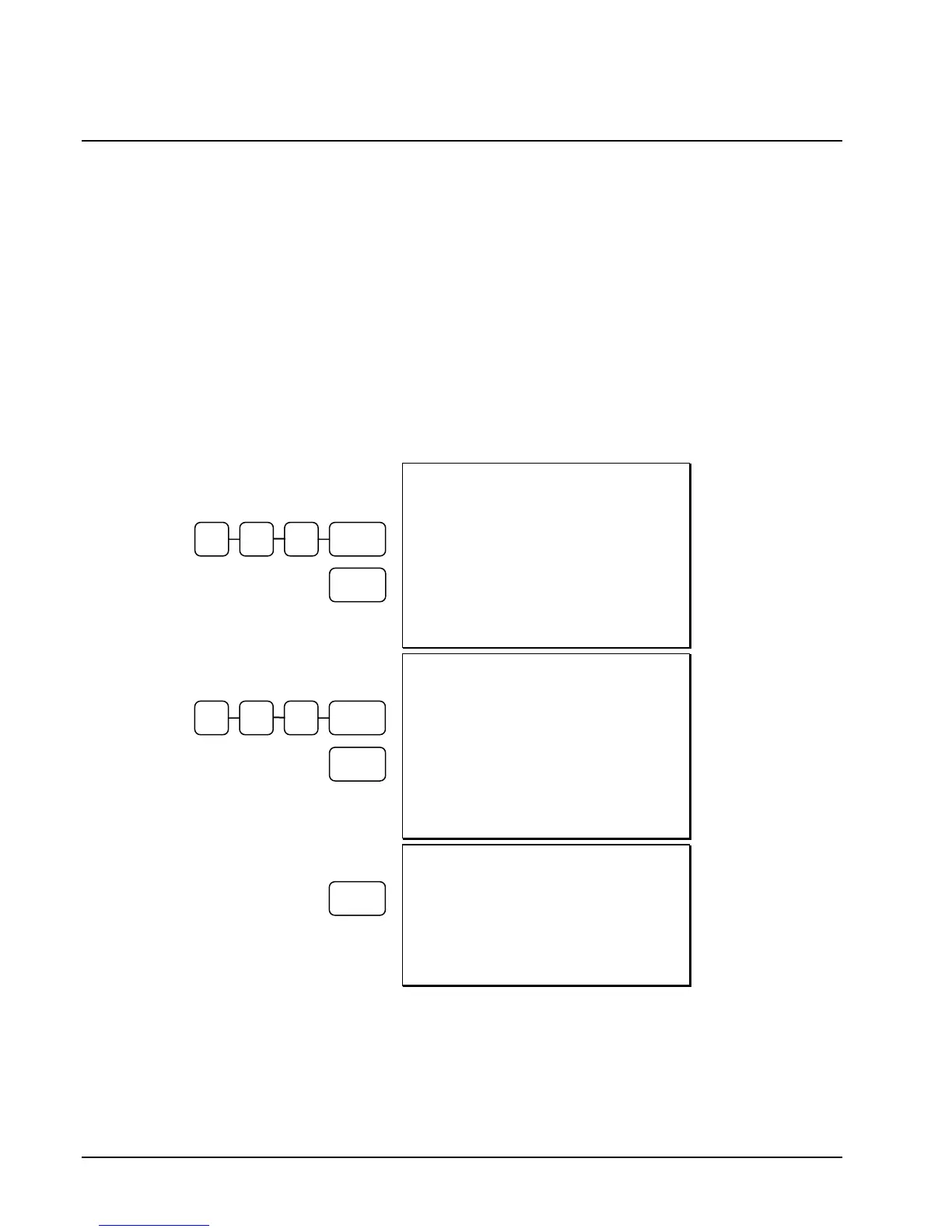
Add Check (Tray Subtotal)
In a cafeteria, use the ADD CHECK key to add multiple trays that are paid by a single
individual (i.e. Dad pays all the trays for the family.)
Press the ADD CHECK key after each order, and SUBTL for the total of all orders. Finalize
with any tender key as you would a normal sale.
DATE 06/14/2011 SUN TIME 03:15
PLU1 T1 $4.00
TAX1 $0.20
TOTAL $4.20
ADDCHK $4.20
CLERK 1 000001 00001
First Check
Added
Second Check
Added
Payment for Both
Checks
DATE 06/14/2011 SUN TIME 03:15
PLU1 T1 $5.00
TAX1 $0.25
TOTAL $5.25
ADDCHK $5.25
CLERK 1 000002 00001
DATE 06/14/2011 SUN TIME 03:15
TOTAL $9.45
CASH $9.45
CLERK 1 000003 00001
ADD
CHEC
4 0 0 PLU #1
ADD
CHEC
5 0 0 PLU #1
CASH



 To Next Page