58 • Operations SAM4s ER-900 Series Operator's & Programming Manual v.1.28
Tax Shift Operations
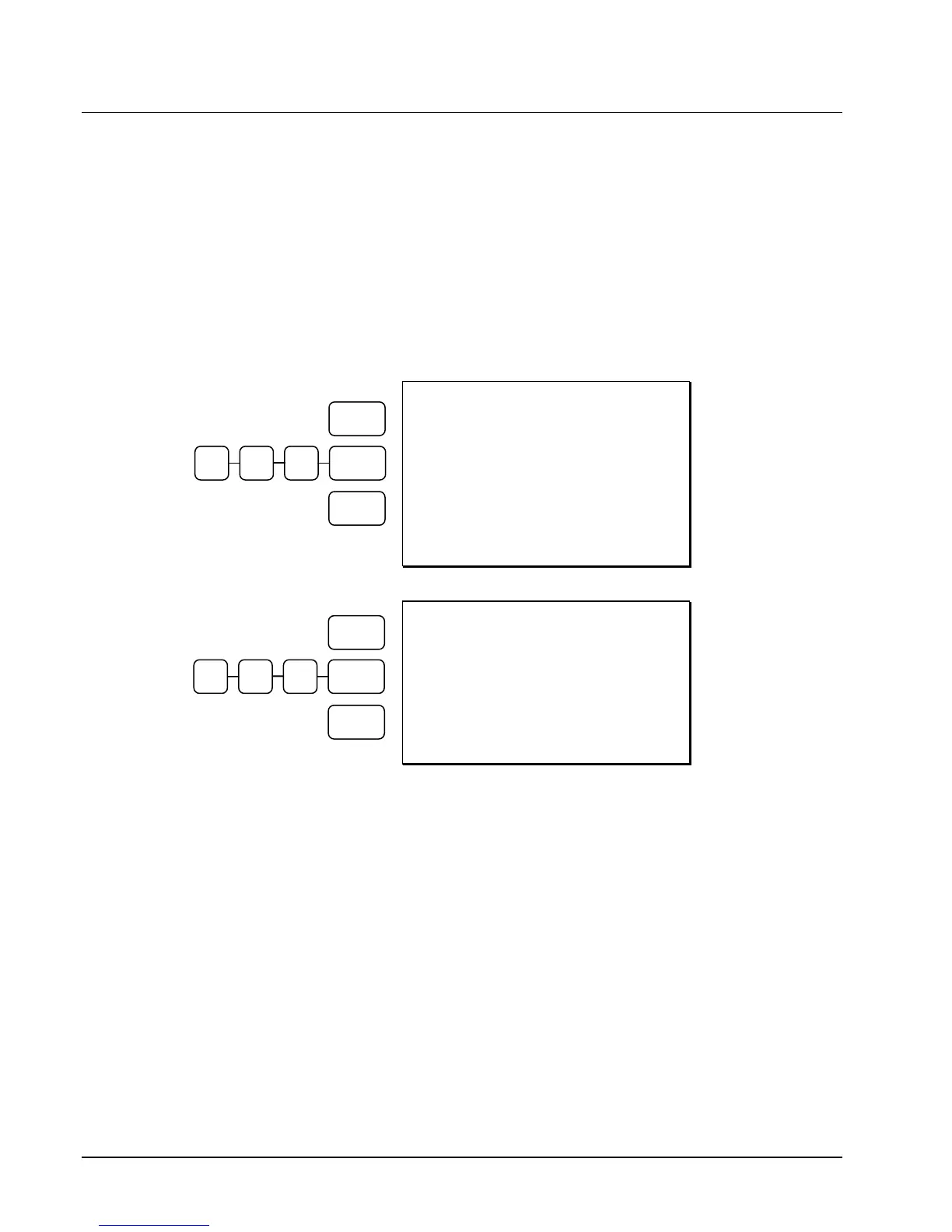
When tax shift operations are performed, the appropriate tax will display before the entry.
To charge a tax or taxes on a non-taxable item press the appropriate tax shift key
or keys prior to making the non-taxable PLU entry.
To except a tax or taxes on a taxable item press the appropriate tax shift key or
keys prior to making the taxable PLU entry.
To except a tax or taxes from an entire sale, press the appropriate tax shift key or
keys prior to finalizing the transaction.
DATE 06/14/2011 SUN TIME 03:15
PLU4 T1 $2.00
TAX1 $0.10
TOTAL $2.10
CASH $2.10
CLERK 1 000001 00001
To Charge Tax
On A
Non-Taxable PLU
DATE 06/14/2011 SUN TIME 03:15
PLU1 $2.00
TOTAL $2.00
CASH $2.00
CLERK 1 000001 00001
To Except Tax
On A Taxable
PLU
CASH
2 0 0 PLU #4
TAX 1
SHIFT
CASH
2 0 0 PLU #1
TAX 1
SHIFT



 To Next Page