108 • S-Mode Programming SAM4s ER-900 Series Operator's & Programming Manual v.1.28
3. Copy the Images to an SD Card
The PC Utility will create two image files:
USERPRE.IMG
USERPOST.IMG
They will be located in your PC at:
C:\ER-900PC\Store Name
Copy the mages to the following path on your SD card:
SD\\ER900\PgmBack\Store Name
Important: In the path: C:\ER-900PC\Store Name, the store name is the name you
have defined as the store in the PC Utility. Note: You must use the same store name in
the ER-900 Series ECR at System Option #30.
4. Load the Images by SD Card
1. Insert the SD card in the register’s SD slot. Note: The SD slot is located in the
printer compartment of the ER-900. Remove the security screw to access the slot.
2. Turn the control lock to the S position.
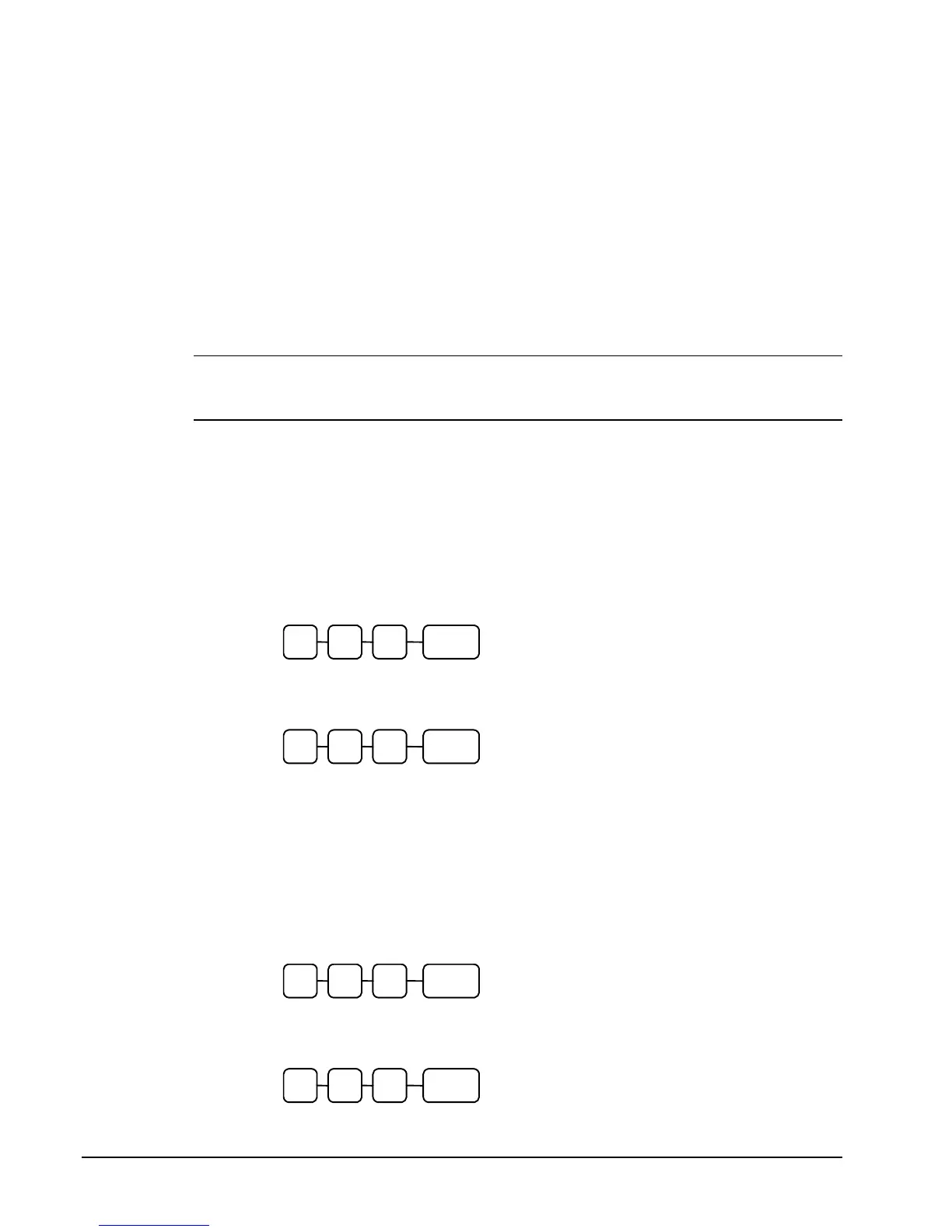
3. To load the Preamble Image to the register from the SD card, enter 1 2 0, press
the SUBTOTAL key.
0 SUBTL2 1
4. To load the Postamble Image to the register from the SD card, enter 1 3 0, press
the SUBTOTAL key.
0 SUBTL3 1
5. Save Images from an ER-900 to an SD Card
1. Insert the SD card in the register’s SD slot. Note: The SD slot is located in the
printer compartment of the ER-900. Remove the security screw to access the slot.
2. Turn the control lock to the S position.
3. To save the Preamble Image from the register to the SD card, enter 1 2 1, press
the SUBTOTAL key.
1 SUBTL2 1
4. To save the Postamble Image from the register to the SD card, enter 1 3 1, press
the SUBTOTAL key.
1 SUBTL3 1



 To Next Page