SAM4s ER-900 Series Operator's & Programming Manual v.1.28 Getting Started • 31
X/TIME
Price/HALO
Programming a Price for a Preset Keyboard PLU
If a PLU is open, set the HALO (high amount lock out) here. If a PLU is preset set the preset
price here.
1. Turn the control lock to the PGM position.
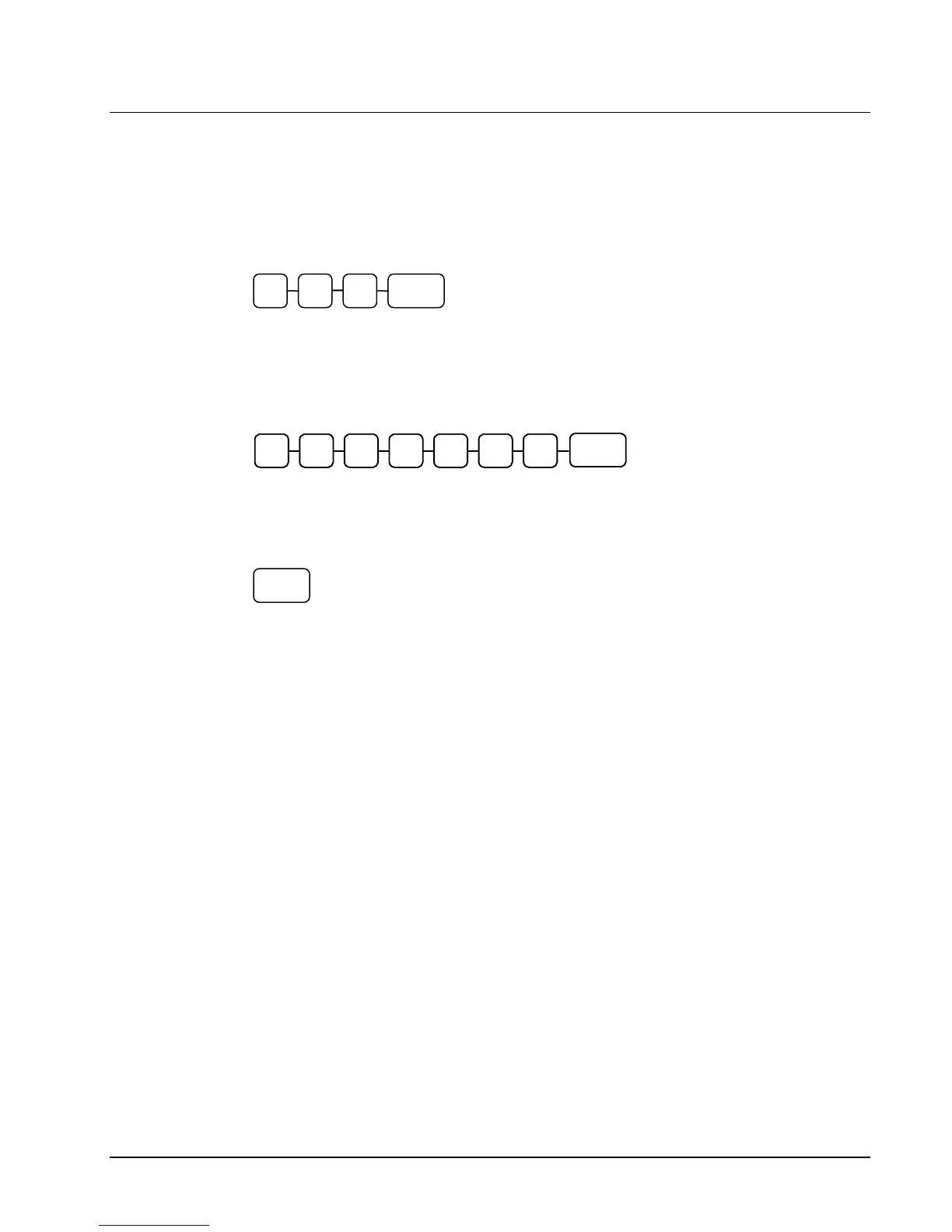
2. To begin the program, enter 2 0 0, press the SUBTL key.
3. Press a PLU key on the keyboard.
4. If the PLU is open, enter a HALO of up to 7 digits. If the PLU is preset, enter a preset
price. (Note: Do not enter the decimal. The maximum preset price you can enter is
$50,000.00.) Press the X/TIME key.
5. To program additional PLUs, repeat from step 3, or press the CASH key to finalize the
program.
2 0 0 SUBTL
CASH



 To Next Page