82 • Operations SAM4s ER-900 Series Operator's & Programming Manual v.1.28
Scale Operations
The SAM4s ER-900 can be interfaced to an optional load-cell scale, allowing direct entry of
an item's weight by using the SCALE key. If you attempt an entry into a PLU that has been
programmed to require scale entry (see "Program 100 - PLU Status Programming" on page
123.) an error tone will sound and you will be prompted to make a scale entry.
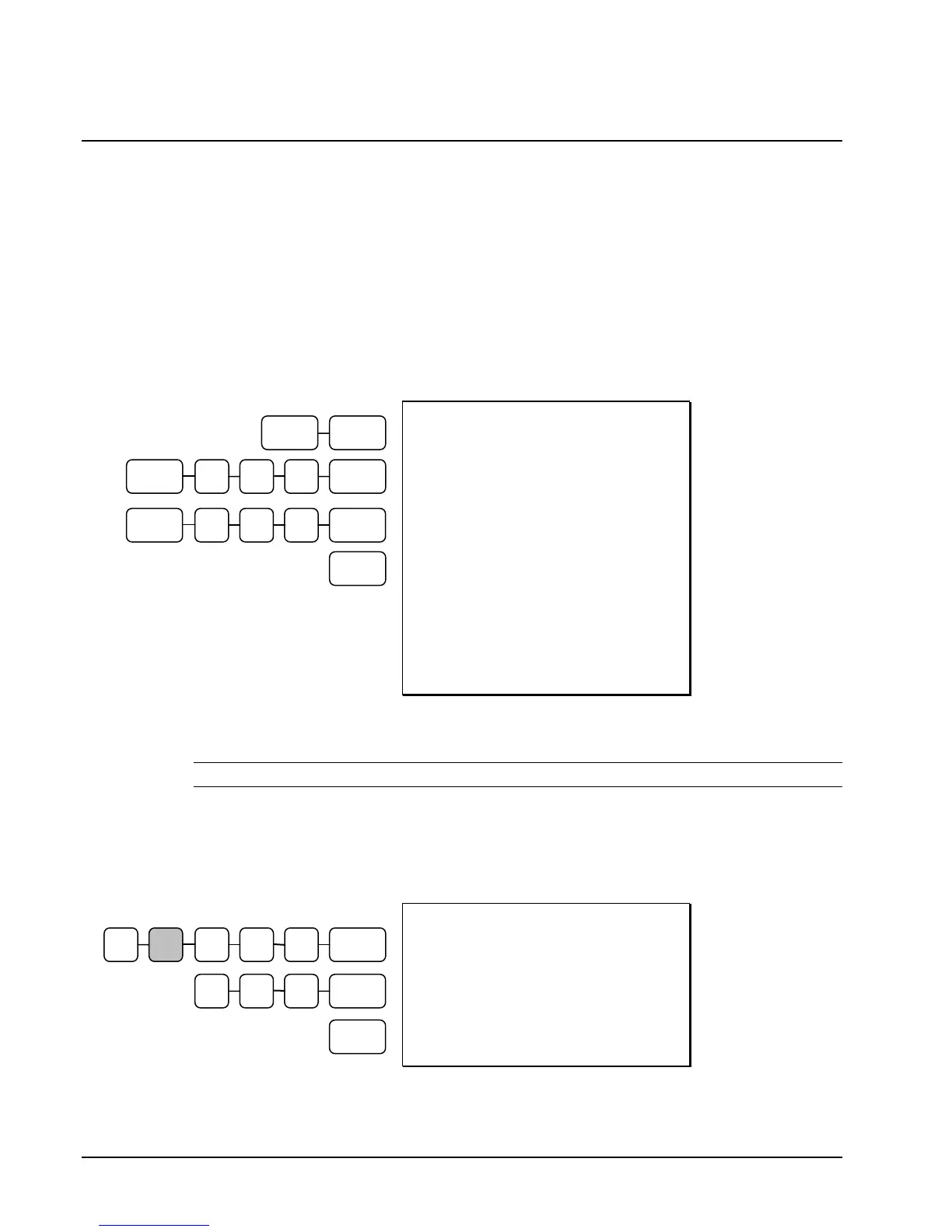
Direct Scale Entry
Place a product on the scale and press the SCALE key to display the weight on the cash
register. Then make the appropriate PLU entry.
DATE 06/14/2011 SUN TIME 03:15
1.50 lb @ 3.00
PLU3 T12 $4.50
1.75 lb @ 1.00
PLU 4 $1.75
1.25 lb @ 2.50
PLU540 $3.13
TAX1 $0.23
TAX2 $0.45
TOTAL $10.06
CASH $10.06
CLERK 1 000001 00001
Preset Keyboard
PLU
Open Keyboard
PLU
Preset PLU
Manual Weight Entry
NOTE: Manual weight entry can be used only when a scale is not interfaced.
Operators can make manual weight entries if the item has been programmed to accept them
(see "Program 100 - PLU Status Programming" on page 123). You must use the decimal key
to enter fractional manual weights.
DATE 06/14/2011 SUN TIME 03:15
1.50 lb @ 1.00
PLU4 $1.50
TOTAL $1.50
CASH $1.50
CLERK 1 000001 00001
Manual Scale
Entry
CASH
CASH
1 0 0 PLU #4
5 0 0 SCALE
PLU #3 SCALE
1 0 0 PLU #4 SCALE
5 4 0 PLU SCALE
1
.



 To Next Page