SAM4s ER-900 Series Operator's & Programming Manual v.1.28 Operations • 81
Food Stamp Operations
Note: All food stamp payments are now made through EBT payments. Beginning at
software version 1.030, the ER-900 Series is capable of accepting EBT electronic
payments. Consult your SAM4s dealer for more information.
The SAM4s ER-900 can be set up to sort food stamp eligible merchandise and accept food
stamp payments. See "Function Key Assignment Programming" on page 99 to place the
necessary function keys (F/S SHIFT, F/S SUB, F/S TEND) on the keyboard. You will also
need to set food stamp eligibility status for each open or preset PLU (see "Program 100 -
PLU Status Programming" on page 123.)
If necessary, you can use the F/S SHIFT key to shift the pre-programmed
eligibility status for any item as it is entered. For example, while produce is
normally food stamp eligible, certain produce department items, such as birdseed,
cannot be paid for with food stamps. In this case, program the produce PLU as
food stamp eligible, then press F/S SHIFT before registering a non-eligible
produce item.
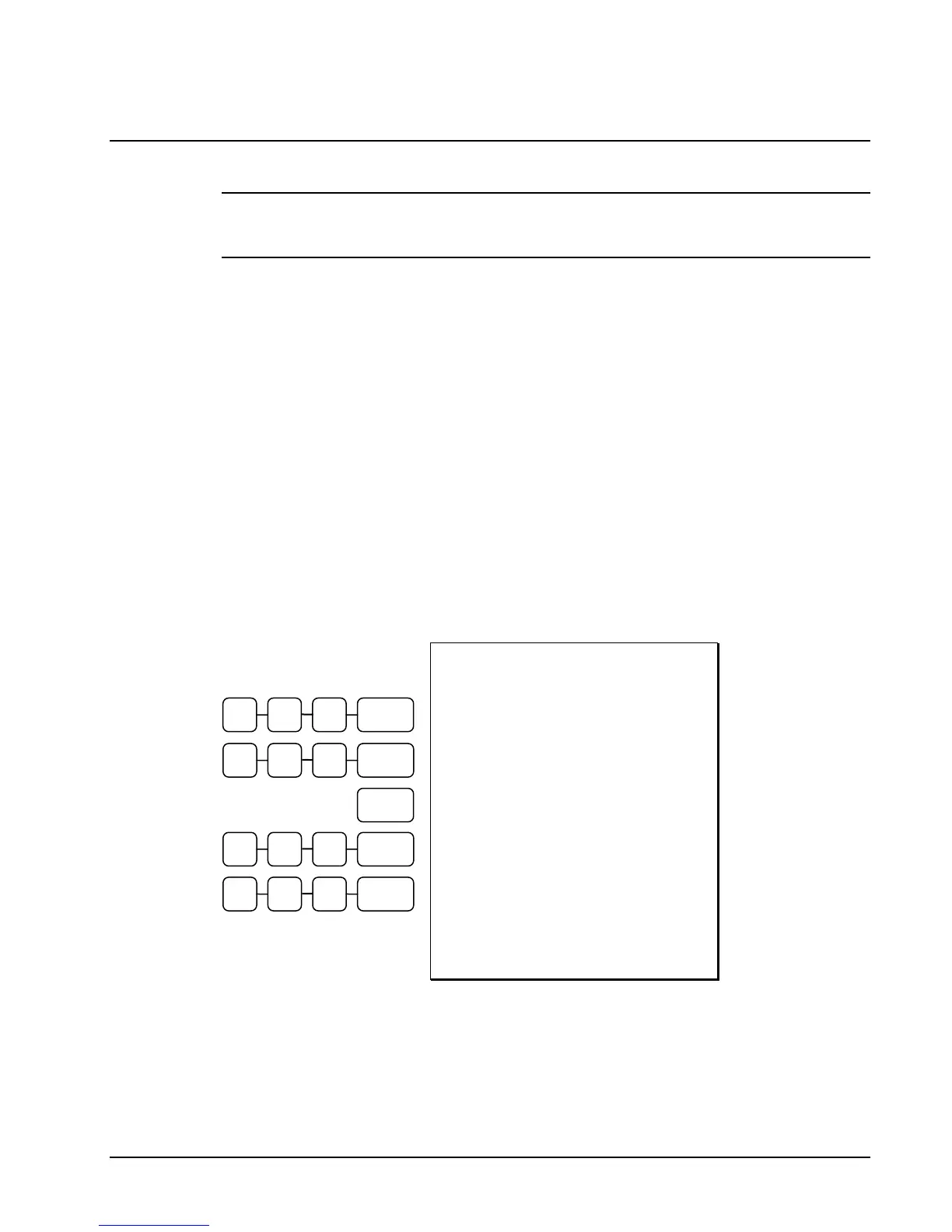
If a customer chooses to pay with food stamps (EBT), press the F/S SUB key to
display a total of food stamp eligible merchandise.
Tender food stamp payments into the F/S TEND key. Since all food stamp
payments are now made by EBT, always tender the exact amount.
DATE 06/14/2011 SUN TIME 03:15
PLU1 F $1.29
PLU4 $1.00
TOTAL $2.29
F/S TOTAL $1.29
F/D TEND 5.00
F/S CRT AMT $0.71
TOTAL $0.29
CASH $1.00
CHANGE $0.71
FD/S CHANGE $3.00
CLERK 1 000001 00001
Food Stamp
Payment
Transaction
1 2 9 PLU #4
1 0 0 PLU #4
F/STAMP
SUBTL
5 0 0
F/STAMP
TEND
1 0 0 CASH



 To Next Page