SAM4s ER-900 Series Operator's & Programming Manual v.1.28 Operations • 57
Eat-In/Take-Out/Drive Thru Operations
In a restaurant, EAT-IN, TAKE-OUT and DRIVE THRU keys can be set up to provide
totals for each type of sale. The EAT-IN, TAKE-OUT and DRIVE THRU keys may also be
set up to remove taxes. For example, if your state charges sales tax for food consumed on the
premises, while not charging sales tax for food taken home, sales tax can be exempted with
the TAKE-OUT key. See "DRIVE THRU / EAT IN / TAKE OUT - Function Key Options"
on page 163 to set up tax status for these keys.
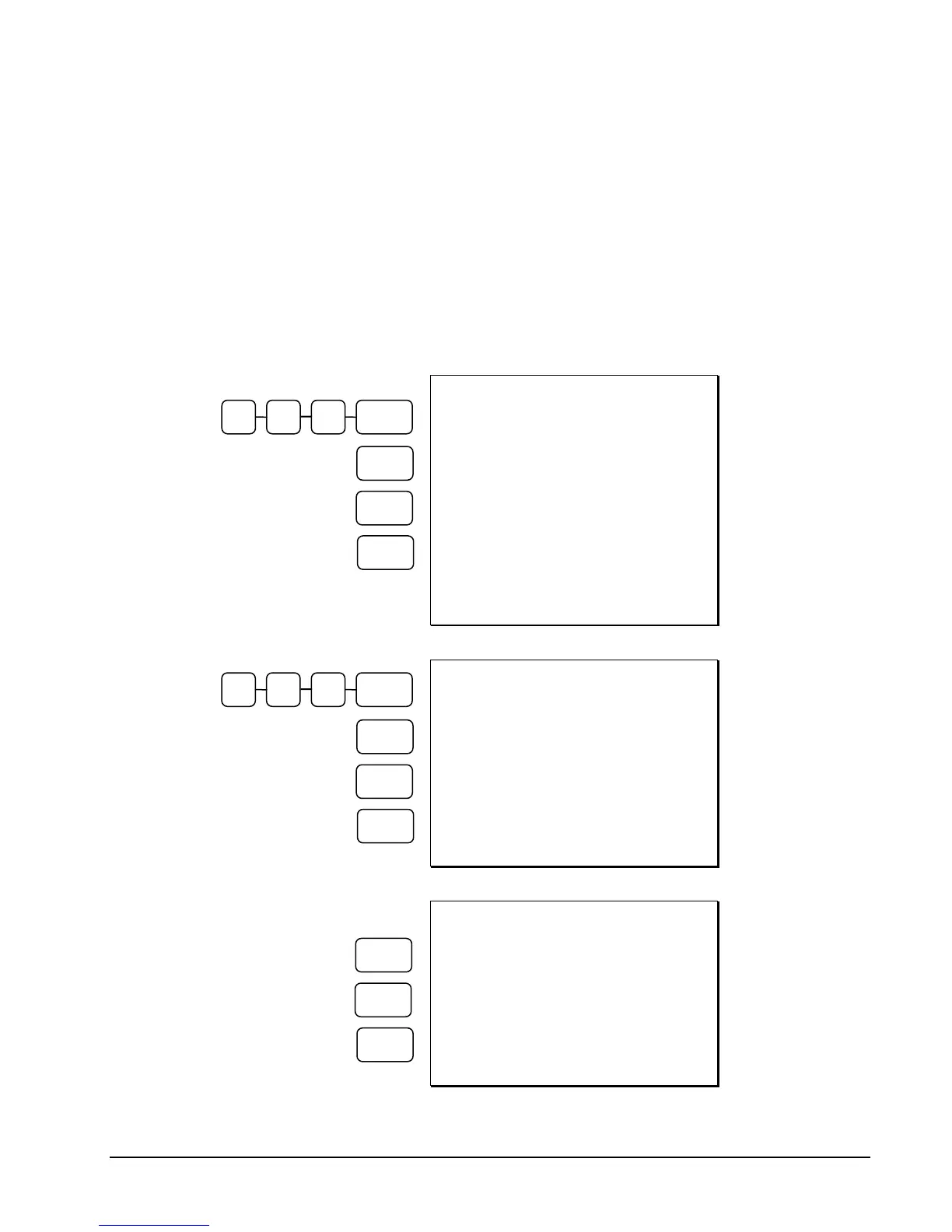
After registering all items, press EAT-IN, TAKE-OUT or DRIVE THRU (as you would use
the Subtotal key), and then finalize the sale as you normally would.
DATE 06/14/2011 SUN TIME 03:15
PLU1 T1 $1.00
PLU3 T12 $3.00
==== EATIN ====
TAX1 $0.20
TAX2 $0.30
TOTAL $4.50
CASH $4.50
CLERK 1 000001 00001
EAT IN
Transaction (Tax
is Charged)
DATE 06/14/2011 SUN TIME 03:15
PLU1 T1 $1.00
PLU3 T12 $3.00
==== TKOUT ====
TOTAL $4.00
CASH $4.00
CLERK 1 000001 00001
TAKE OUT
Transaction (Tax
is Removed from
Taxable Items)
DATE 06/14/2011 SUN TIME 03:15
PLU3 T12 $3.00
==== DVTHR ====
TOTAL $3.00
CASH $3.00
CLERK 1 000001 00001
DRIVE THRU
Transaction (Tax
is Removed from
Taxable Items)
1 0 0 PLU #1
CASH
CASH
PLU #3
EAT IN
1 0 0 PLU #1
CASH
PLU #3
TAKE
OUT
PLU #3
DRIVE
THRU



 To Next Page